ŝ71Ş
ƃ The loading time depends on the image size and quality.
ƃ While the slide show is playing, only the first frame of a MOVIE file is
displayed.
ƃ While the slide show is playing, the voice recording file will not be displayed.
INFORMATION
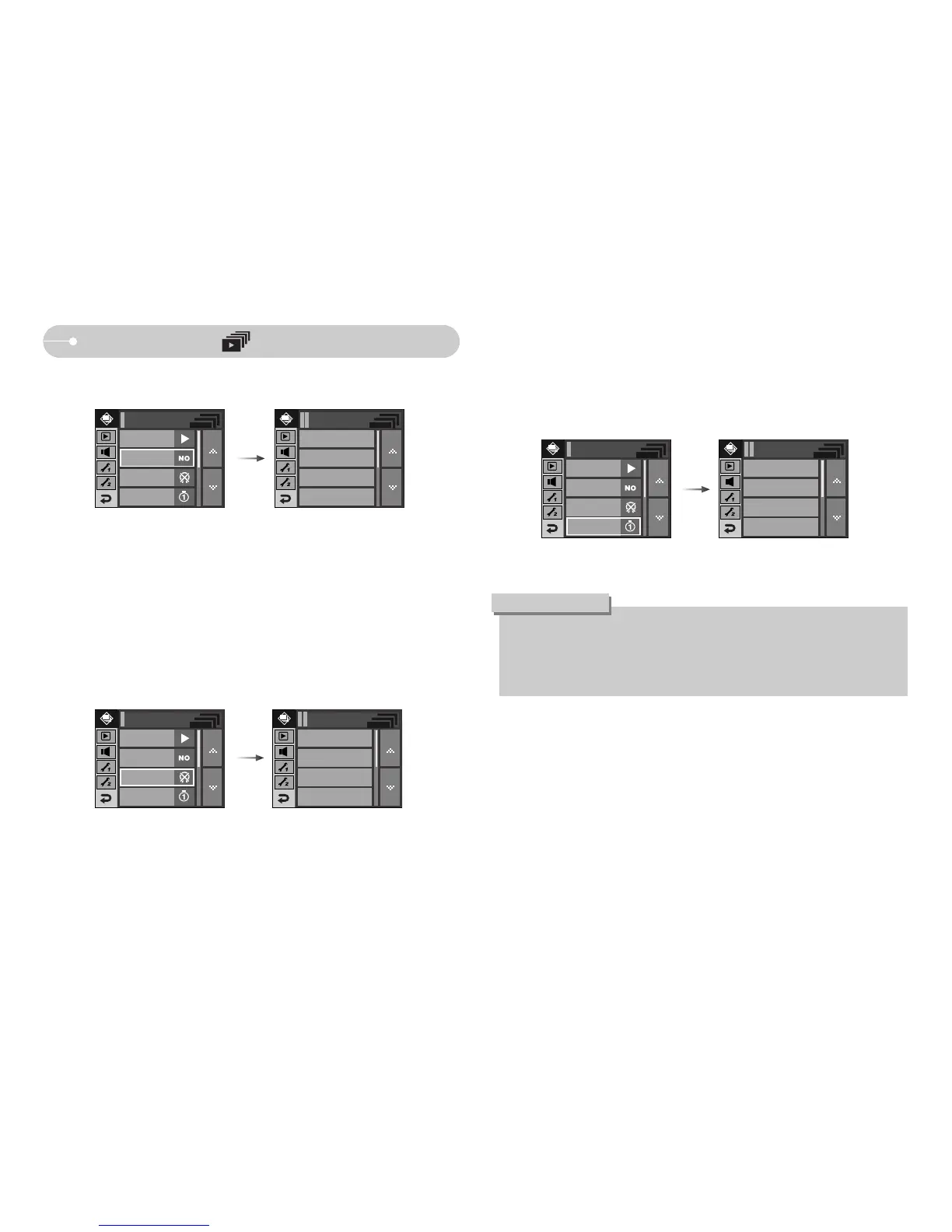
ƃ Setting play interval : Set the slide show play interval.
- [1, 3, 5, 7, 10 sec] : the image is displayed during the set interval.
Slide Show ( )
1 sec
3 sec
5 sec
7 sec
Interval
Show Start
Effect
Music
Slide Show
- [Off] : The B.G.M is not played back.
- [Music 1, 2, 3] : A selected music is played back.
- [My Music] : User selected music is played back.
ƃ Effect : Unique screen effects can be used for the slide show.
ƃ B.G.M : Set the slide show music.
- [Off] : Normal display.
- [Effect1] : Image moves from the top left.
- [Effect2] : Image is displayed slowly from the centre outwards.
- [Effect3] : Image is displayed slowly.
- [Mix] : The image slides irregularly.
Off
Effect 1
Effect 2
Effect 3
Effect
Off
Music 1
Music 2
Music 3
Music
Music
Interval
Slide Show
Show Start
Effect
Interval
Slide Show
Music
Show Start
Effect
Interval



 To Next Page