ŝ84Ş
Setup menu 1
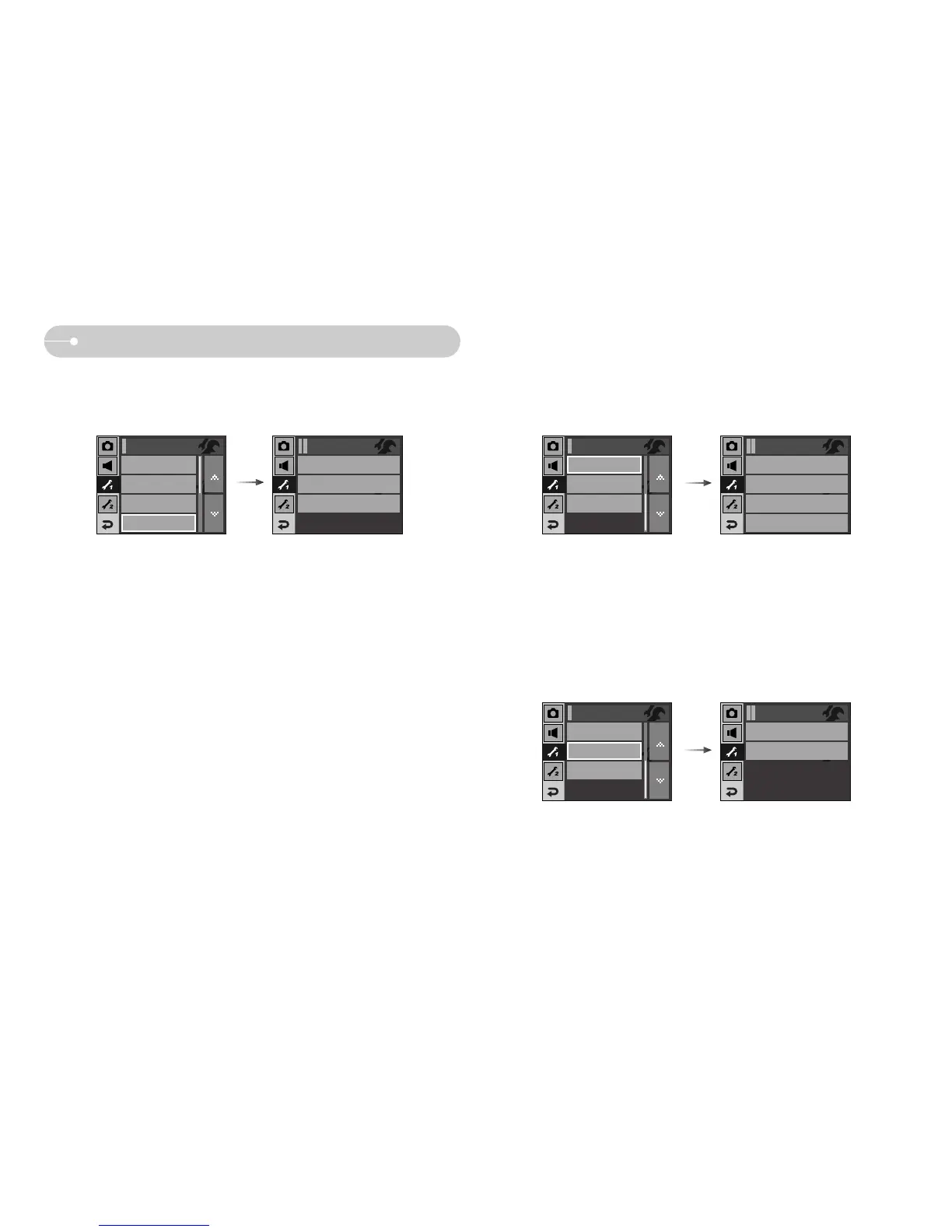
[ Imprinting the recording date ]
ƈ There is an option to include DATE / TIME on still images.
ƃ Sub menus
[Off] : The DATE & TIME will not be imprinted on the image file.
[Date] : Only the DATE will be imprinted
on the image file.
[Date&Time] : The DATE & TIME will be imprinted on the image file.
ſ The Date & Time are imprinted at the bottom right side of the still image.
ſ The imprint function is applied only to still images except for the images taken in
photo frame effect mode.
ſ Depending on the manufacturer and print mode, the date printed on an image
may not be printed correctly.
Off
Date
Date&Time
Imprint
[ LCD brightness ]
ƈ You can adjust the LCD brightness.
ƃ [LCD] sub menu : Dark, Normal, Bright, Auto
[ Auto Focus lamp ]
ƈ You can turn on and off the Auto Focus lamp.
ƃ Sub menus
[Off] : The AF lamp will not light up in a low light condition.
[On] : The AF lamp will light up in a low light condition.
Dark
Normal
Bright
Auto
LCD
AF Lamp
On
Start Image
Off
Setup1
Off
On
AF Lamp
LCD
Normal
Start Image
Off
Setup1
File
Series
LANGUAGE
English
Date&Time
Setup1
LCD
Normal
Imprint
Off
AF Lamp
On



 To Next Page