ŝ70Ş
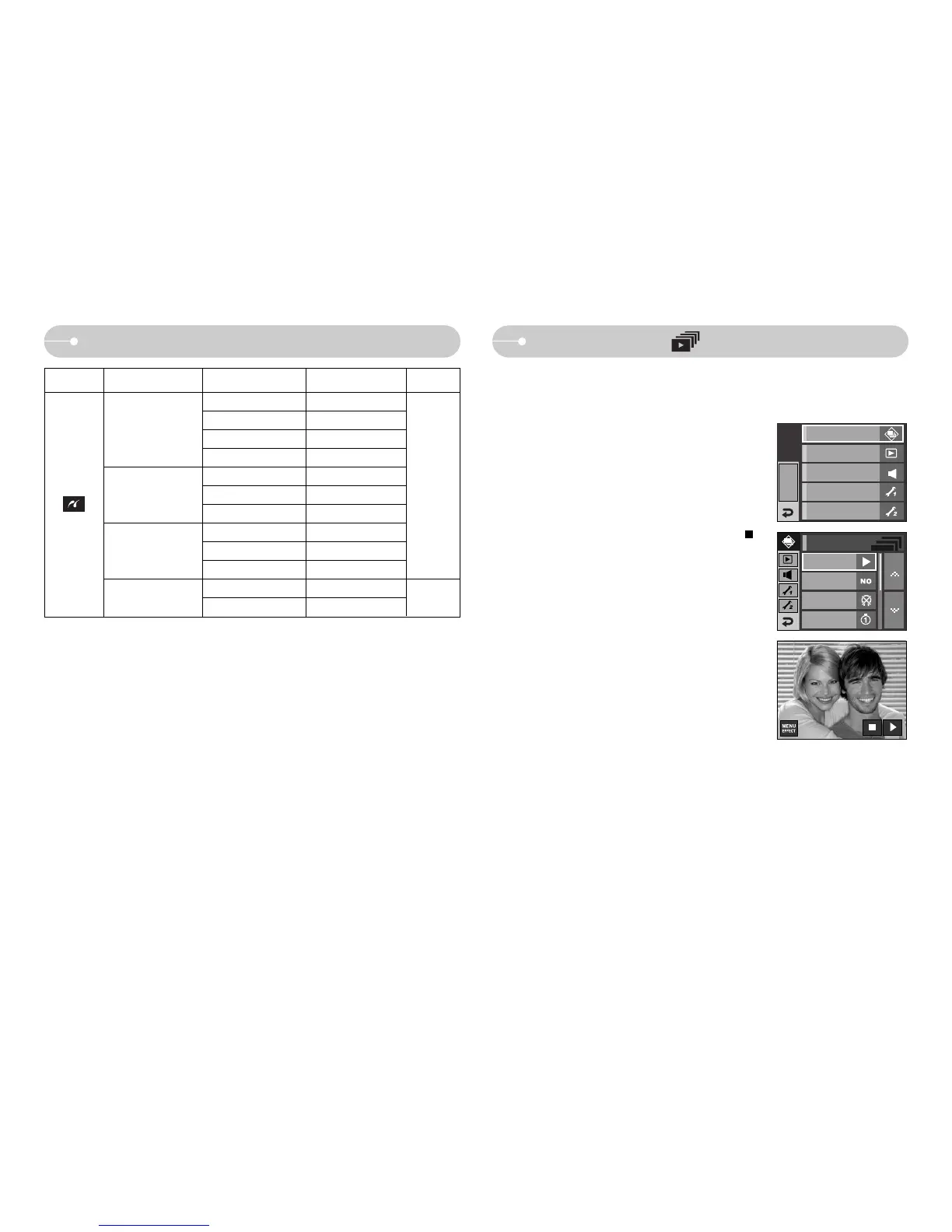
Slide Show ( )
ƈ Images can be displayed continuously at pre-set intervals.
You can view the slide show by connecting the camera to an external monitor.
ƃ Start : The slide shown can be started with the [Start]
menu.
- To pause the slide shown while playing it back,
press the LCD monitor.
- Pressing the Ȟ icon again will cause the slide
show to restart.
- To stop playback of the slide show, press the
icon.
EFFECT MENU
Playback
Sound
Setup 1
Setup 2
Effect
Music
Interval
Slide Show
Setting up the play back function using the LCD monitor
Auto
Draft
Normal
Fine
Auto
Off
On
Auto
Off
On
No
Yes
-
-
-
-
-
-
-
-
-
-
-
-
Menu tab Main menu Sub menu Secondary menu Page
Reset
Quality
ſ Menus are subject to change without prior notice.
p.79
Date
File Name
p.78
Slide Show
Show Start



 To Next Page