ŝ56Ş
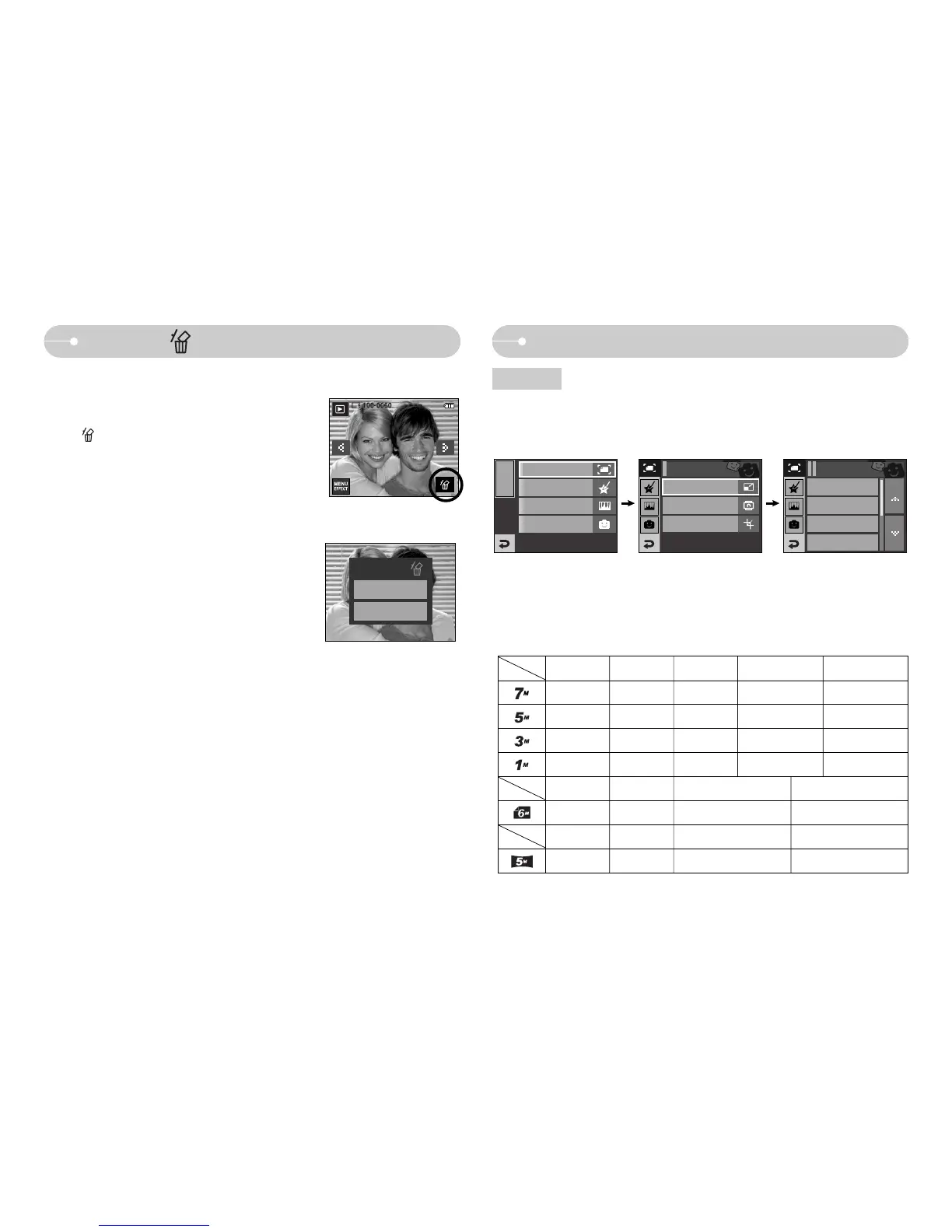
Delete ( ) icon
ƈ This deletes images stored on the memory card.
1. Select an image that you want to delete by
pressing the ȜȞ icon and press the DELETE
( ) icon.
2. Select the submenu values by pressing the Ɗƌ
icon and then press the OK icon.
- If [No] is selected : cancels "Delete Image".
- If [Yes] is selected : deletes the selected
images.
[Single Image]
Delete?
No
Yes
ƈ Change the resolution (size) of pictures taken. Select [Start image], [MP3 Skin]
to save an image as the start-up image, MP3 Skin.
Effect: Image Editing
EFFECT
MENU
Color Effect
Image Adjust
Fun
Rotate
Trimming
Image Edit
5M
3M
1M
Start Image
Resize
Image Edit
Resize
Resize
3M P 1M P User Image MP3 Skin
ƃƃ
2M W 1M W User Image MP3 Skin
ƃƃ
MP3 SkinUser Image5M 3M 1M
ƃƃƃ ƃ ƃ
ƃƃ ƃ ƃ
ƃƃ ƃ
ƃƃ
ƃ Image Resize Types (ƃ : User Selectable)



 To Next Page