ŝ80Ş
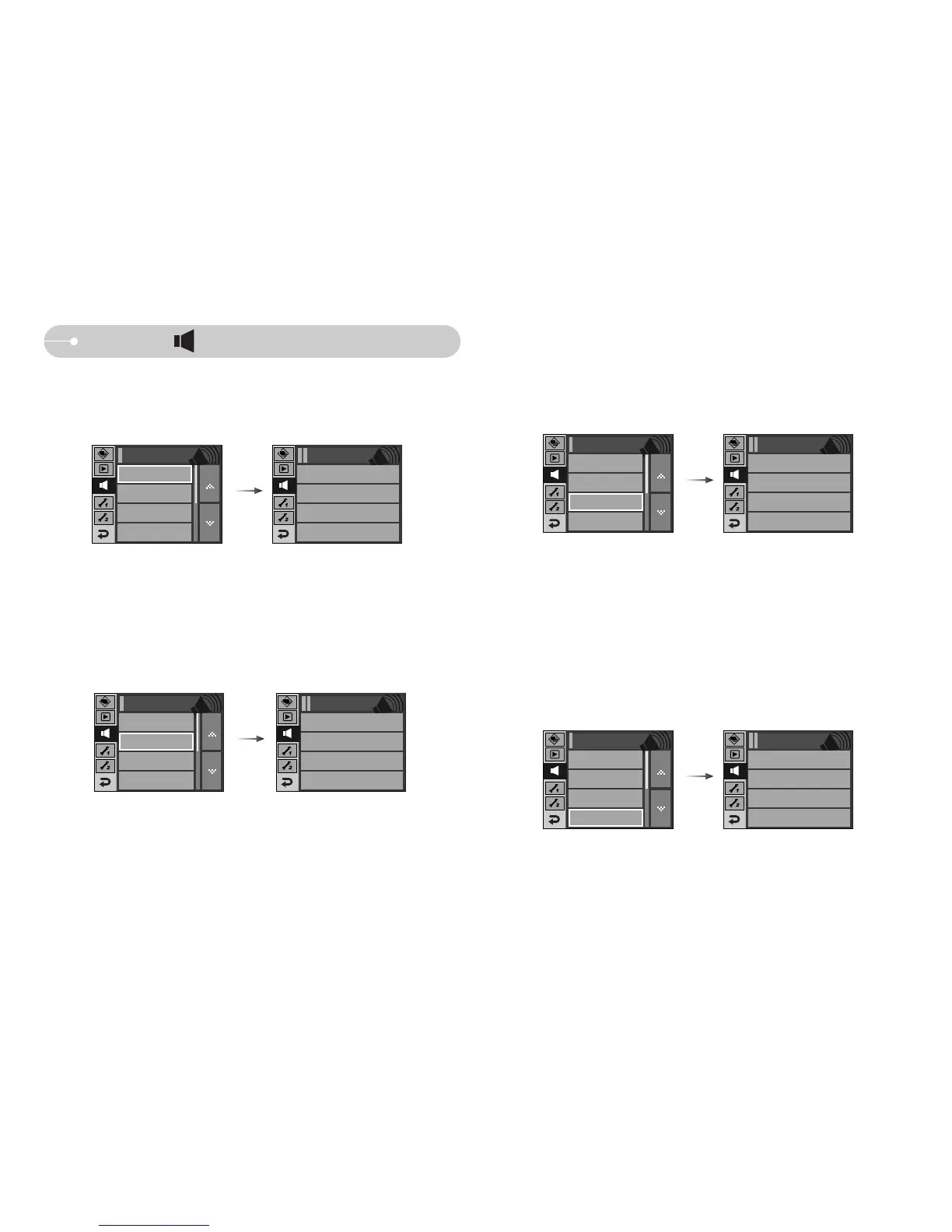
[ Start up sound ]
ƈ You can select the sound that is activated whenever the camera is turned on.
ƃ Start up sound : [Off], [Sound 1], [Sound 2], [Sound 3]
- If the start up image is set to [Off], the start up sound will not activate, even
though you may have set these to on.
Off
Sound 1
Sound 2
Sound 3
Start Sound
Volume
Medium
Shutter Sound
Shutter Sound 1
Beep Sound
Beep Sound 1
Sound
Start Sound
Off
Sound ( )
[ Volume ]
ƈ You can set select a volume of sound, start up sound, shutter sound, warning
sound and AF sound.
ƃ [Volume] sub menu : [Off], [Low], [Medium], [High]
Off
Low
Medium
High
Volume
Start Sound
Off
Shutter Sound
Shutter Sound 1
Beep Sound
Beep Sound 1
Sound
Volume
Medium
[ Beep Sound ]
ƈ If you set sound to ON, various sounds will be activated for camera startup,
when buttons are pressed, so that you can be aware of the camera operation
status.
ƃ [Sound] sub menu : [Off], [Sound 1, 2, 3]
[ Shutter sound ]
ƈ You can select the shutter sound.
ƃ Shutter sound : [Off], [Sound 1], [Sound 2], [Sound 3]
Off
Sound 1
Sound 2
Sound 3
Shutter SoundSound
Off
Sound 1
Soundd 2
Sound 3
Beep SoundSound
Shutter Sound
Shutter Sound 1
Start Sound
Off
Volume
Medium
Beep Sound
Beep Sound 1
Shutter Sound
Shutter Sound 1
Start Sound
Off
Volume
Medium
Beep Sound
Beep Sound 1



 To Next Page