ŝ41Ş
Effect : Colour Effect
Colour mask
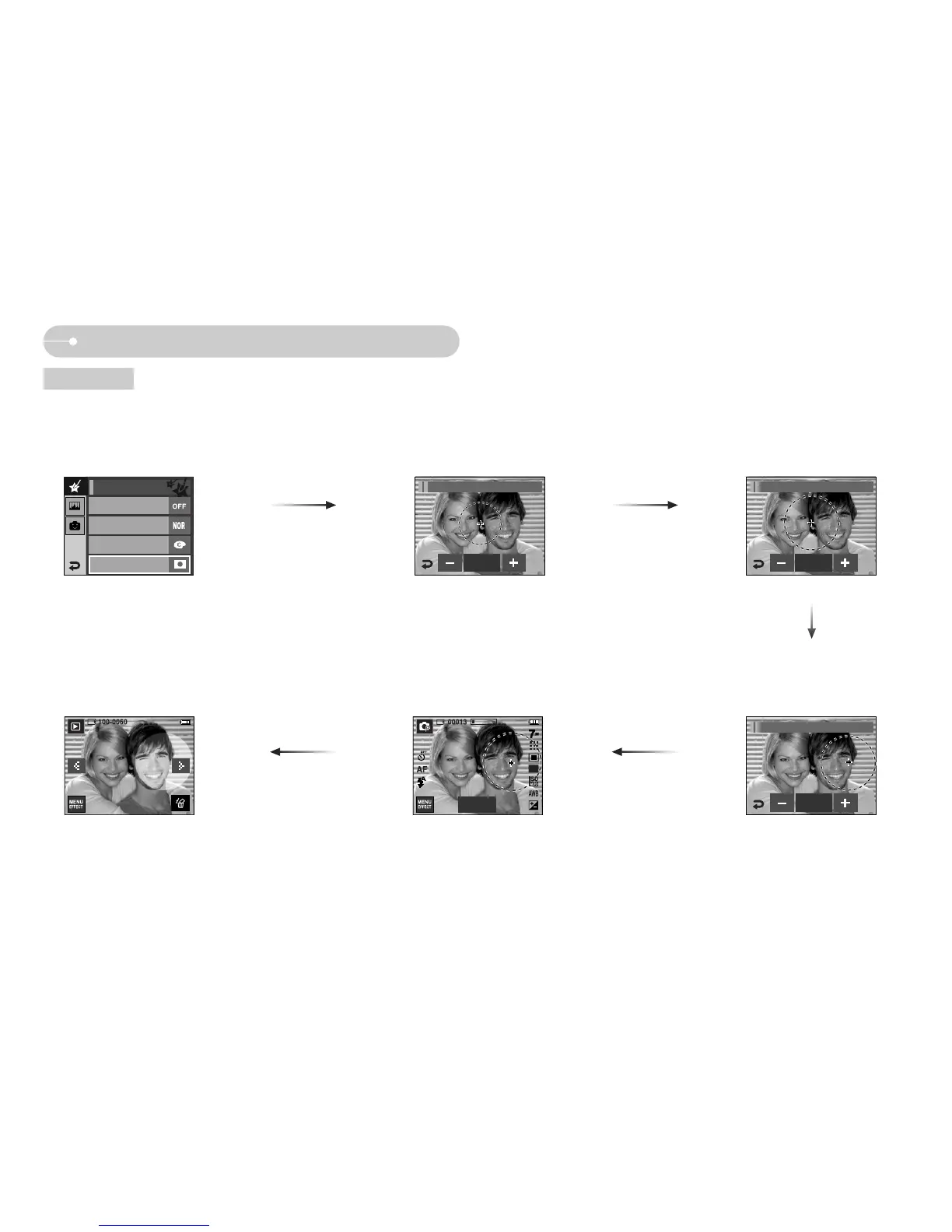
ƈ With this menu, you can select a part you want to highlight. The rest of the image will be black & white.
ƃ Press the Effect menu in an available recording mode. (p.39)
Press the OK icon and the Mask mark will
display on the LCD monitor
Press the Shutter button and the mask
added image is taken
Pressing the + icon : Move the
mask to the + position
[Mask added image]
+, - icon: Changing the Mask size
Pressing the OK icon
You can change the size and position with
the Edit icon
OK
Color Effect/Color Mask Color Effect/Color Mask
Color Effect/Color Mask
[Final image]
Off
Color
Normal
Custom Color
Color Effect
Edit
Color Mask
OK
OK


 To Next Page
 Loading...








