ŝ63Ş
Effect: Fun
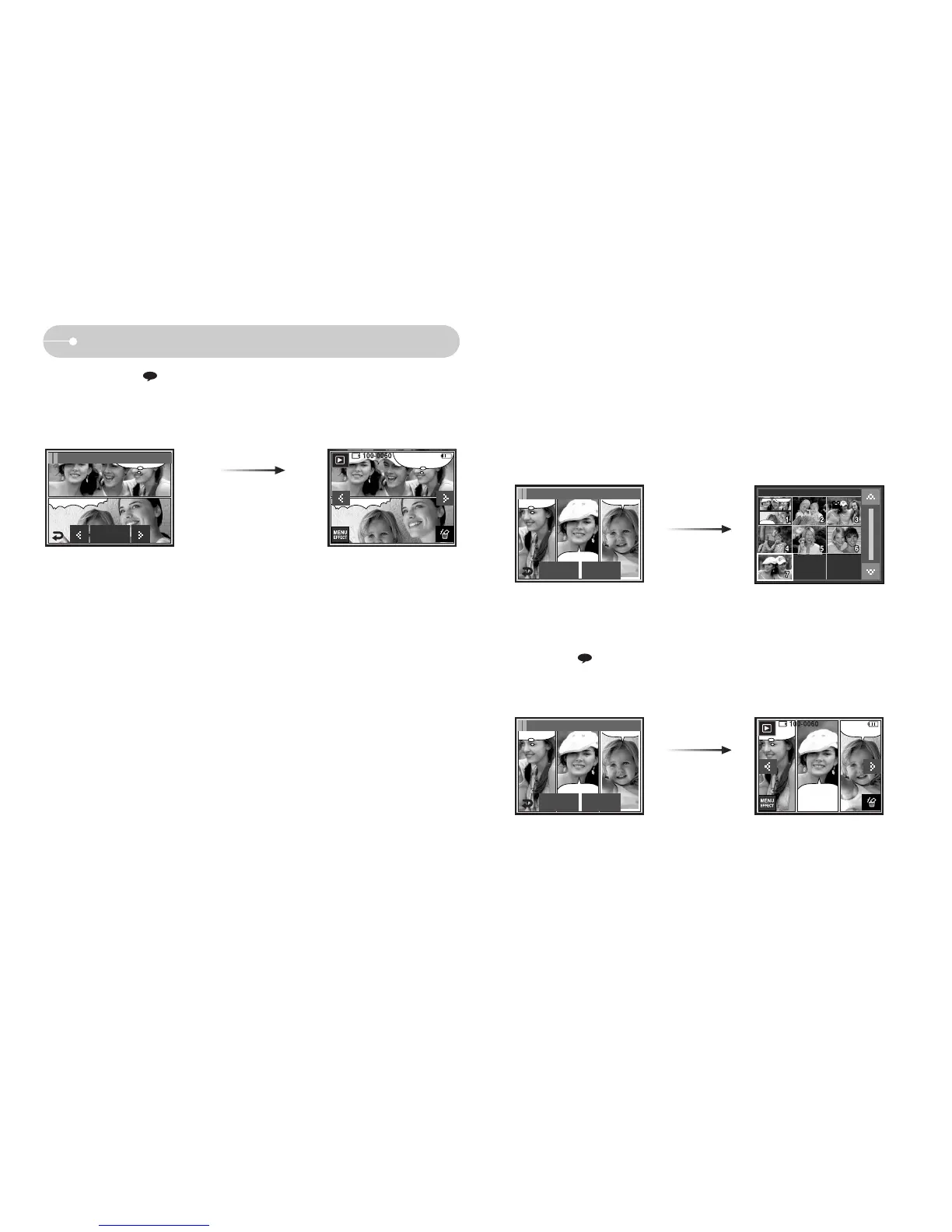
ƃ Before saving the cartoon image, you can change the selected image.
1. Press the NewImage icon and the selected image is deleted. (A window for
selecting the other image will appear)
2. Select a desired image.
3. Press the ( ) icon to select the type and location of the text box and press
the Set icon.
SAVE icon
After pressing the ( ) icon, you can change the type and location of the text box
by pressing the ȜȞ icon.
Press the Set icon and press the
SAVE icon. The image is saved
as a new file name.
Set
FUN / Cartoon 2
New Image Save
FUN / Cartoon 3
New Image Save
FUN / Cartoon 3



 To Next Page