Applications
79
2
Select a security type
→
OK
.
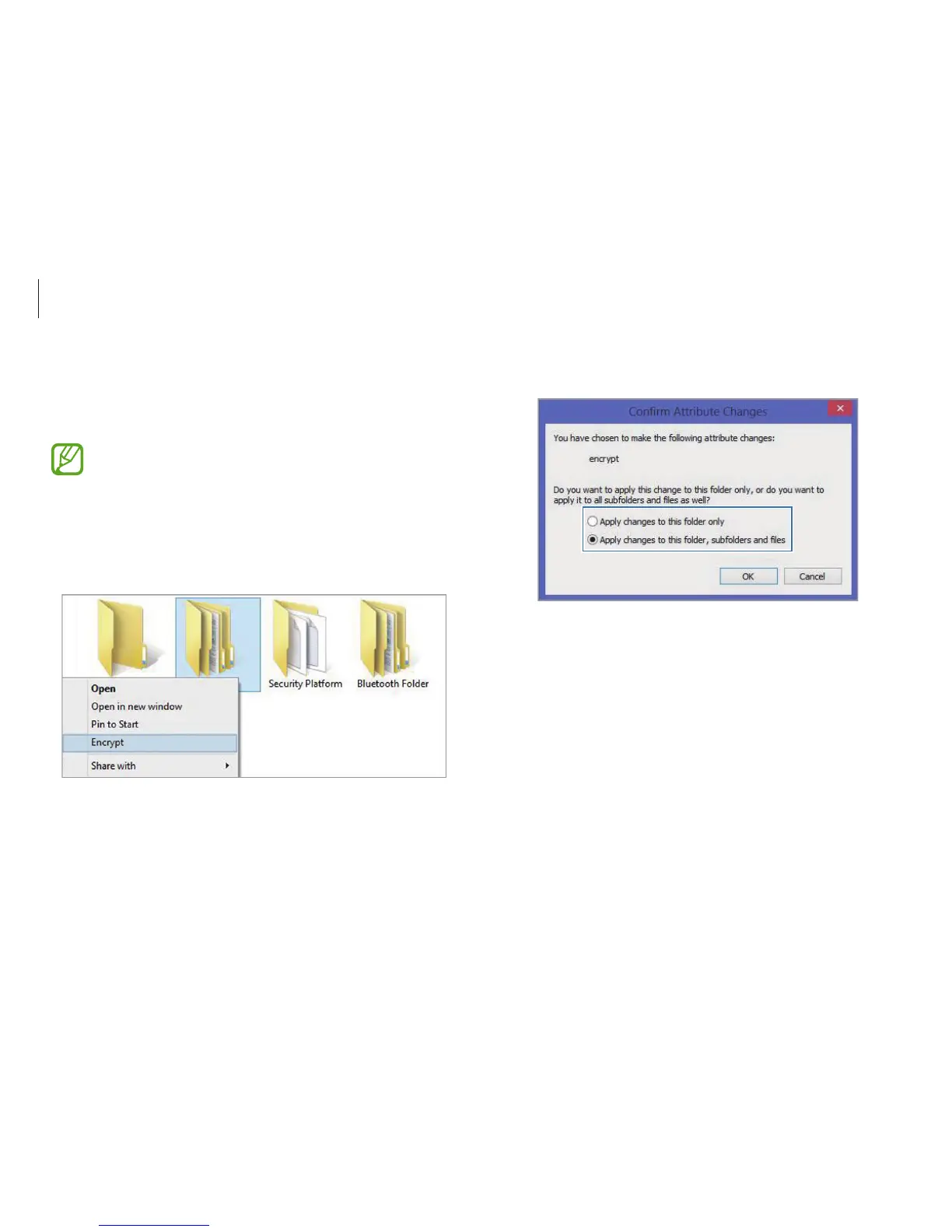
Encrypting folders and files
Encrypt folders and files with the Encrypt Files System (EFS). EFS is
available for the following operating systems:
•
Windows 7 Professional / Windows 7 Enterprise /
Windows 7 Ultimate
•
Windows 8 Pro / Windows 8 Enterprise
•
Windows 8.1
1
Right-click a folder or file and then select
Encrypt
.












 To Next Page