Troubleshooting
94
2
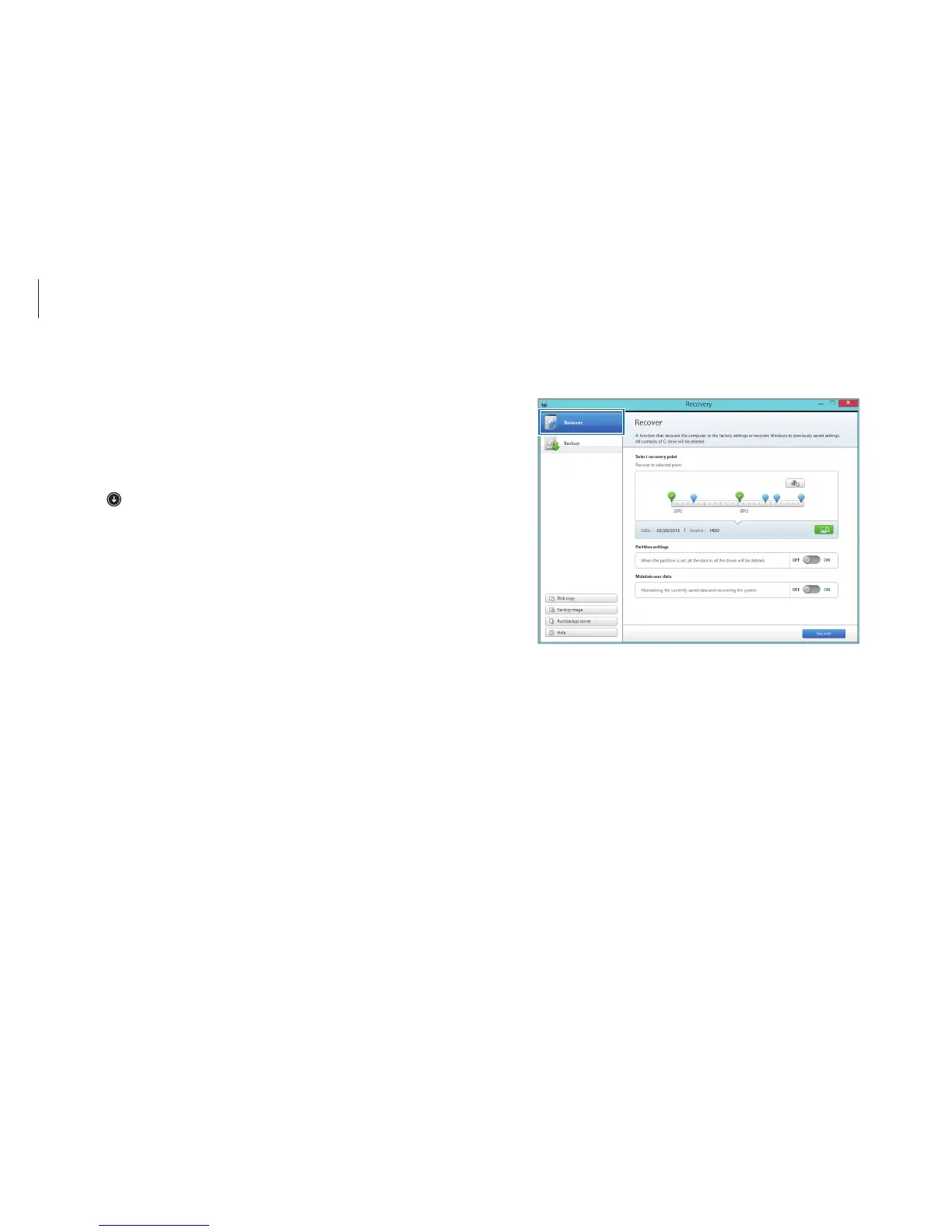
Select
Recover
.
Recovering to factory default
Recover the computer to factory default settings. If necessary,
back up important data to an external storage device before
restoring the system. See Backing up the current system.
1
When the computer starts Windows
: On the
Start
screen,
click
at the lower-left edge, and select
Recovery
.
When the computer does not start Windows
: Turn on the
computer and press the
F4
key several times before the
Samsung logo appears.












 To Next Page