Troubleshooting
95
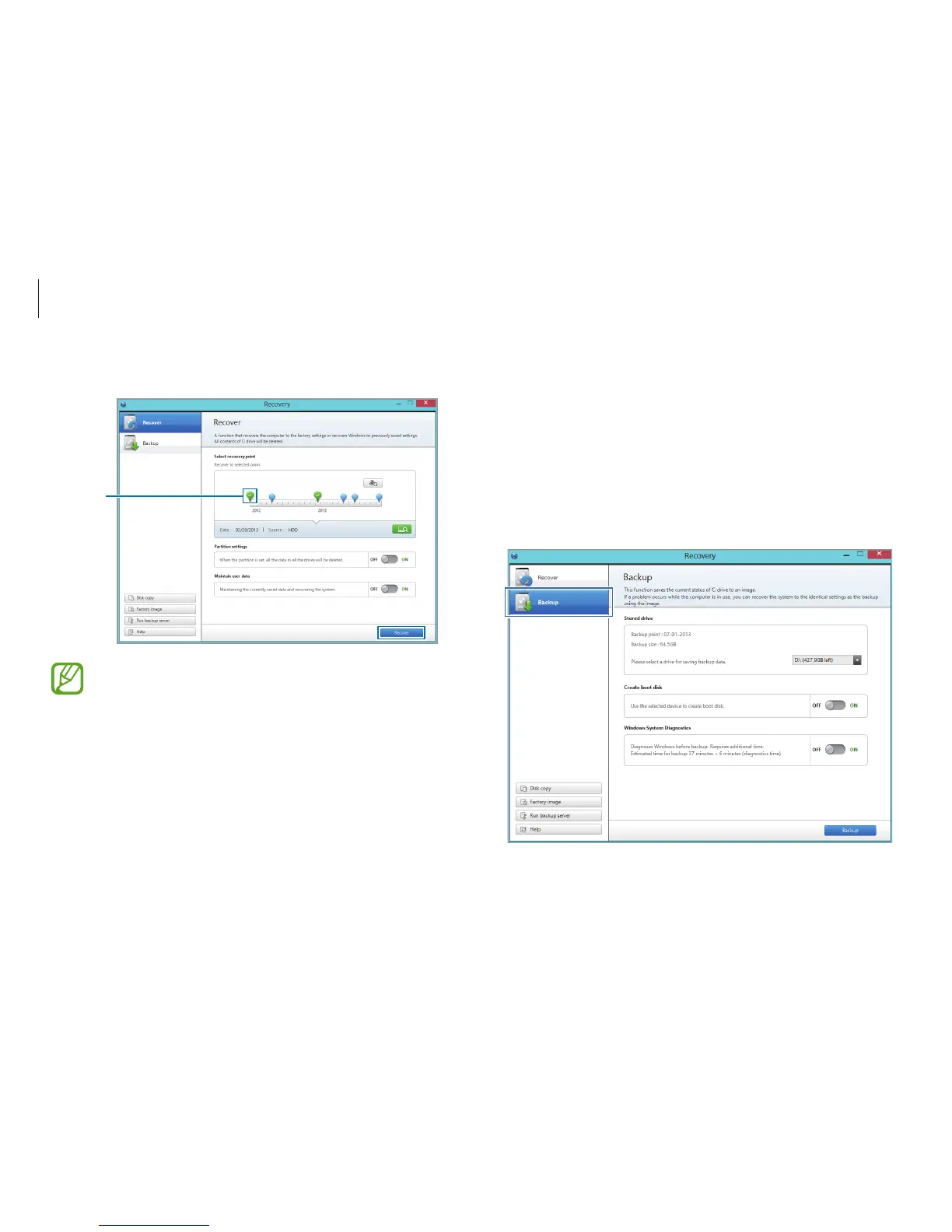
Backing up the current system
Back up important data to an alternate internal drive or an
external storage device regularly to prevent data loss.
1
When backing up to an external storage device, connect the
device to the computer.
2
On the initial Recovery screen, select
Backup
.
3
Select the first point
→
Recover
.
Factory
default
point
Set
Maintain user data
to
ON
to recover the computer
while maintaining the current user data.
4
Follow the on-screen instructions to complete the recovery.












 To Next Page