Troubleshooting
96
Recovering after a backup
Select a backup point saved on an alternate internal drive or an
external storage device to recover the computer to the point.
1
When backing up to an external storage device, connect the
device to the computer.
2
On the
Start
screen, click at the lower-left edge, and select
Recovery
.
3
Select
Recover
.
3
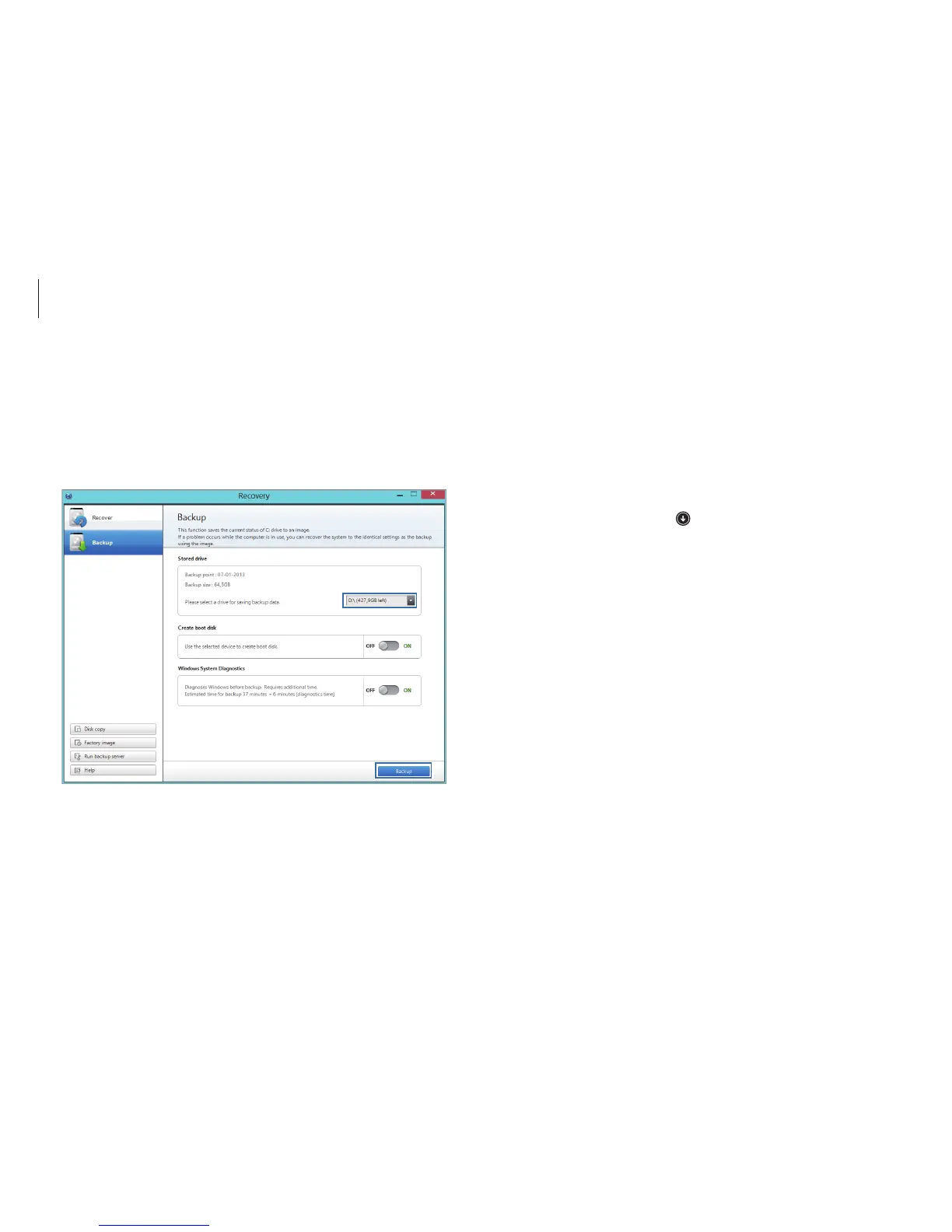
Select a drive under
Stored drive
→
Backup
.
•
When backing up to an external storage device, connect
the device to the computer and then select the external
drive.
•
CD/DVD drive cannot be selected.
4
Follow the on-screen instructions to complete the backup.












 To Next Page