OfficeServ 7200-S INSTALLATION
TECHNICAL MANUAL PART 3 MAY 2010
3.10
3.3 INTERFACE BOARDS/CARDS
This section describes how to set jumpers and switches of an interface board, how to install
optional daughterboards on an interface board, and how to install interface boards into
cabinet slots.
3.3.1 Installing Interface Boards/Cards
Interface boards may be installed in slot 1 through slot 5 of the cabinet with some restrictions.
The following table describes the slot locations for interface board type. The locations of slot
0 through slot 5 of the cabinet are described in Section 3.1 ‘Cabinet Configuration’.
Table 3.5 Types of Interface Board and Applicable Slots
Category Interface Board Applicable Slot
Trunk Cards TEPRI/TEPRIa Slot 3 through slot 5 of the cabinet
8TRK/8TRK2,16TRK Slot 1 through slot 5 of the cabinet
Station Cards 8DLI, 8SLI/8SLI2, 16SLI2,
16DLI2,
8COMBO/8COMBO2,
16MWSLI
Slot 1 through slot 5 of the cabinet
VoIP, Wireless
and Data
Modules
PLIM/PLIM2/LIM Slot 1 through slot 5 of the cabinet*
OAS Slot 3 through slot 5 of the cabinet
GPLIMT Slot 1 through slot 5 of the cabinet*
One per system.
UNI Slot 1 through slot 5 of the cabinet
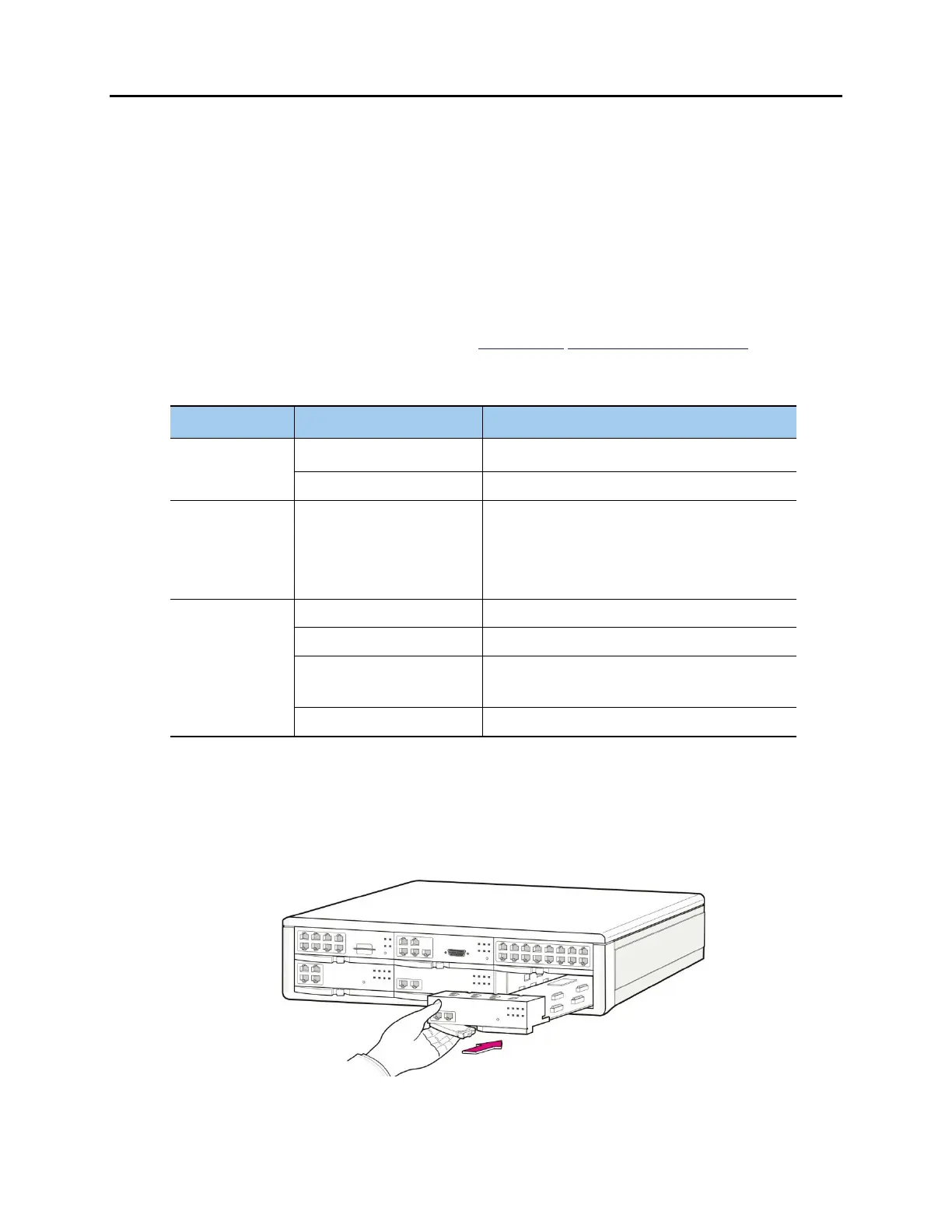
The procedure for installing the interface board to each slot is as follows:
1) Check the exterior of the interface board for any damage.
2) Align each interface board to the guardrails of the universal slot of the OfficeServ 7200-S
main cabinet, and slide the interface board into the slot.
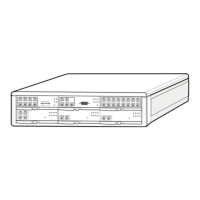
Figure 3.11 Installing Interface Board into Slot







 To Next Page