OfficeServ 7200-S INSTALLATION
TECHNICAL MANUAL PART 7 MAY 2010
7.9
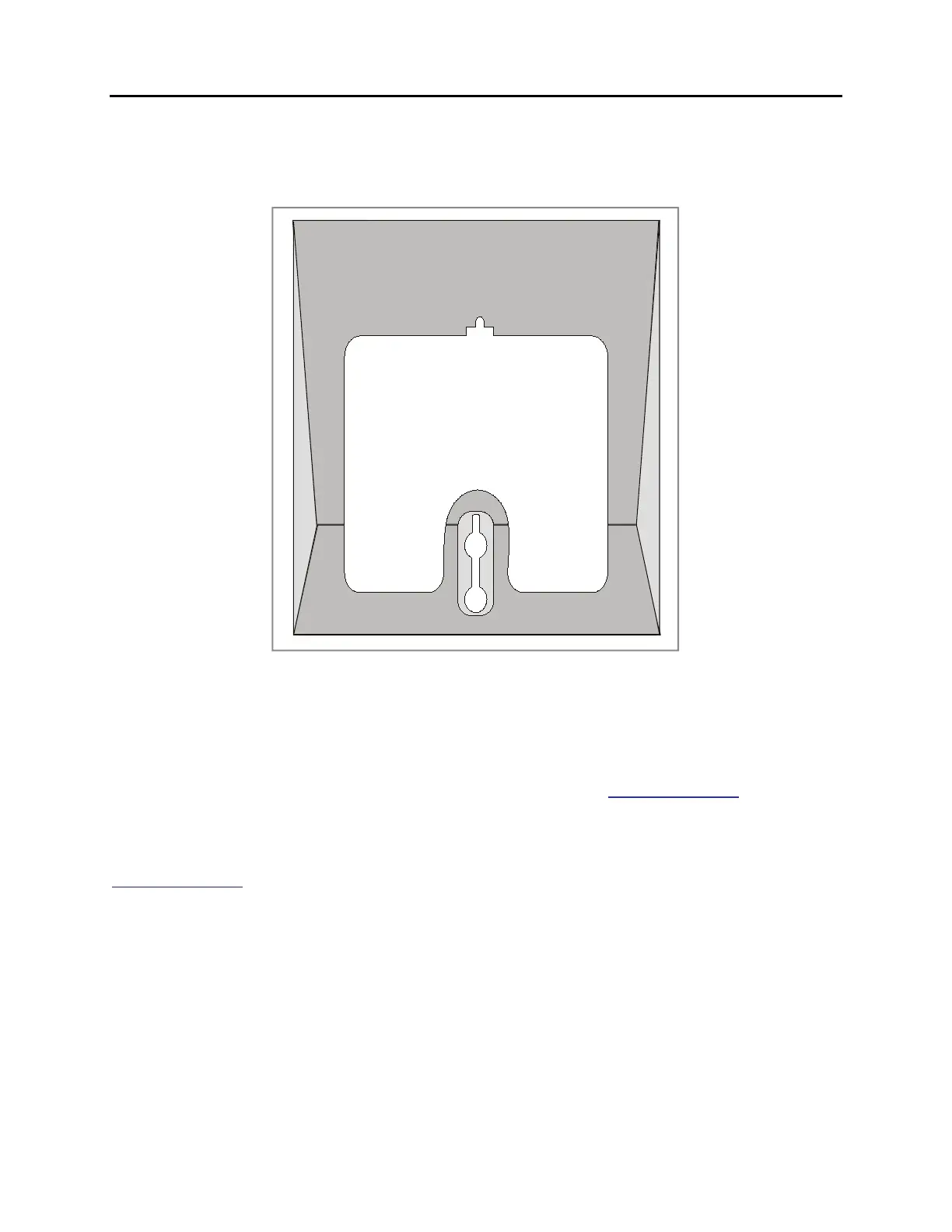
Use screw holes 1 and 3 to attach to a standard telephone wall-mount plate with locking pins.
This method can cause the keyset to wobble as the keyset feet do not fit securely to the
mounting surface.
Figure 7.11 Wall-Mounting an iDCS Keyset
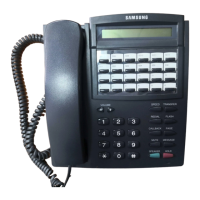
WALL-MOUNTING DS, ITP-5121D and ITP-5107S KEYSETS
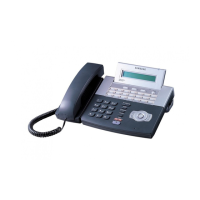
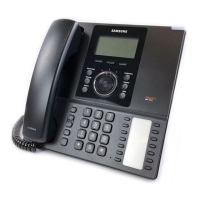
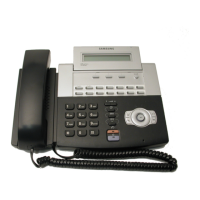
DS, ITP 5121D and ITP 5107S keysets come equipped with a reversible base stand. To wall-
mount a keyset, remove the base stand, reverse it, and attach stand in the bottom slots of the
keyset. Use screw holes 1 and 2 to attach the keysets to the wall (see Figure 7.12).
To secure the handset once you have wall-mounted your keyset you must remove the
handset retaining clip and reverse it such that the extended clip is facing the top of the phone
(see Figure 7.12).





 To Next Page