38
Using "PCoIP"?
2
2 Using "PCoIP"?
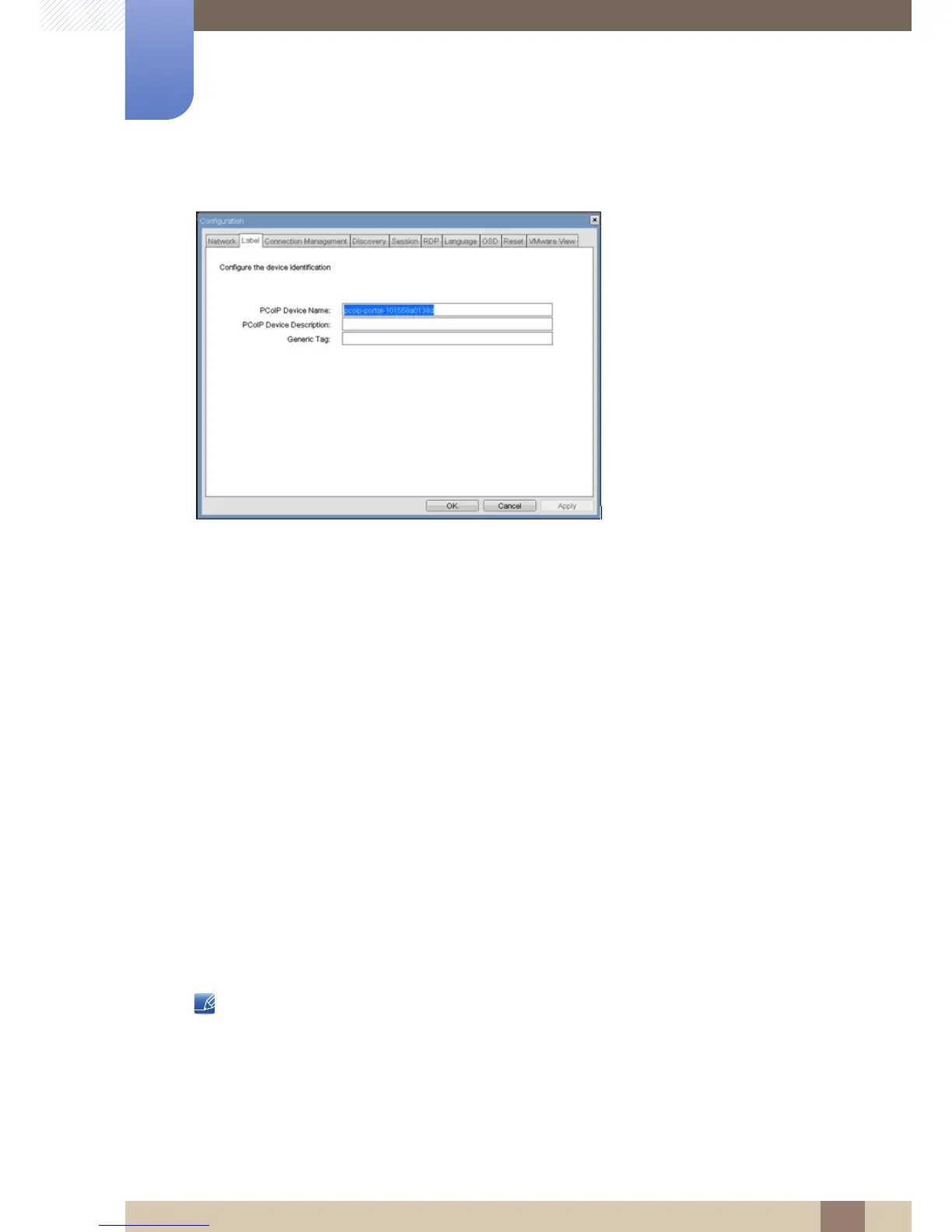
Figure 2-5: <Label> Configuration
z <PCoIP Device Name>
If the <PCoIP Device Name> allows the administrator to give the Host or Portal a logical name. The
default is pcoip-host-MAC or pcoip-portal-MAC where MAC is the Host or Portal’s MAC address.
z <PCoIP Device Description>
The <PCoIP Device Description> allows the administrator to give the Host or Portal a description
or more information, e.g. location of endpoint, etc.
z <Generic Tag>
The <Generic Tag> allows the administrator to give the Host or Portal a generic tag information.
<Connection Management> Tab
The <Connection Management> tab allows enabling or disabling connection management, and to
specify the IP address of the connection manager.
In a managed connection, an external <Connection Managerment> Server communicates with and can
remotely control and configure the device. Additionally, the connection manager can locate an
appropriate peer for the device to connect to and initiate the connection. <Connection management>
can greatly simplify the administration effort for a large, complex system.
The Connection Management parameters can also be configured using the Webpage Administration
Interface.














 To Next Page