40
Using "PCoIP"?
2
2 Using "PCoIP"?
<Discovery> Tab
The <Discovery> configuration tab allows the use of features that ease the discovery of Portals in a
PCoIP system.
The Discovery parameters can also be configured using the Webpage Administration Interface.
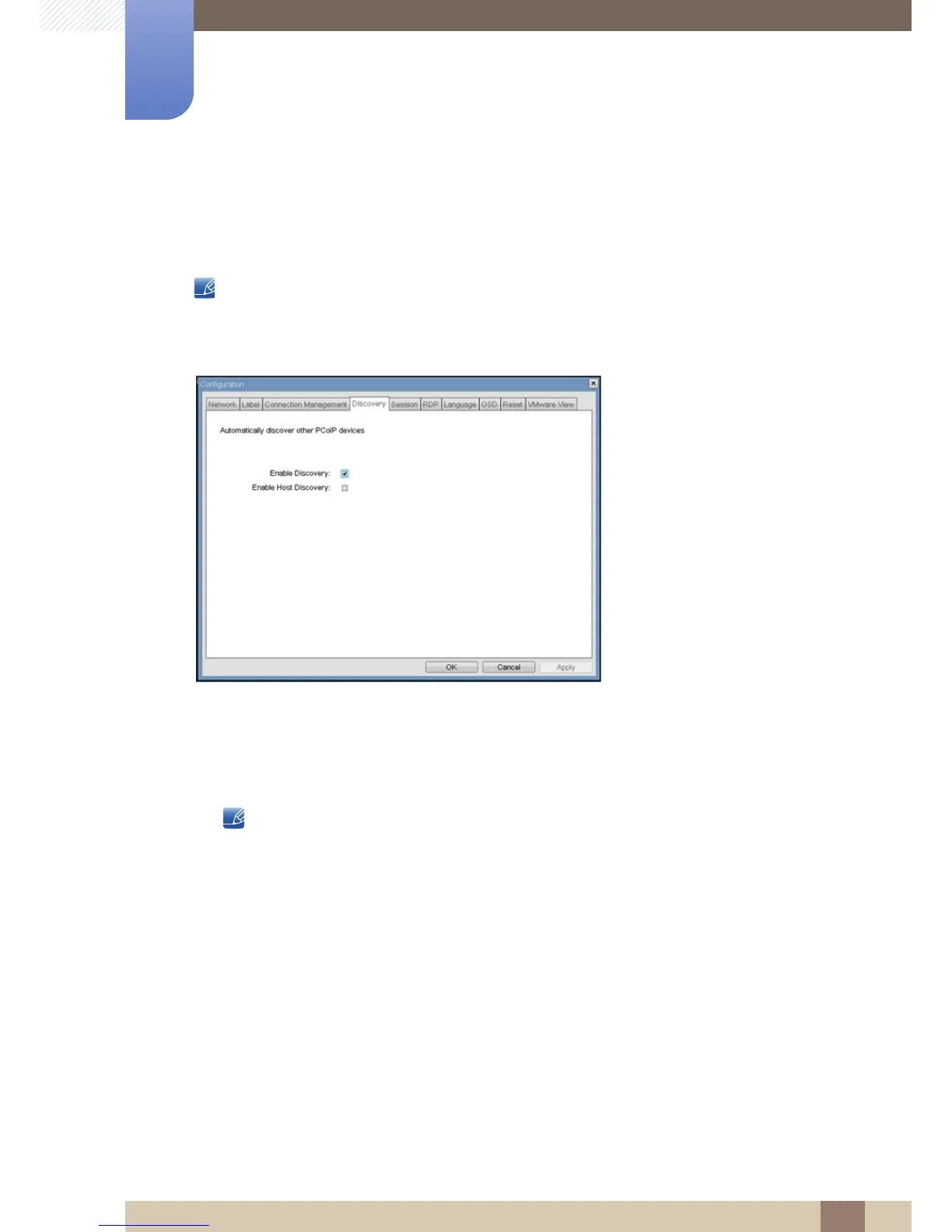
Figure 2-7: <Discovery> Configuration
z <Enable Discovery>
If the <Enable Discovery> option is enabled, the device will dynamically discover peer devices
using SLP Discovery, without requiring prior knowledge of their locations in the network. This can
dramatically reduce configuration and maintenance effort for complex systems.
SLP discovery requires routers configured to allow multicast, and therefore DNS-SRV Discovery is
the recommended discovery mechanism.
z <Enable Host Discovery>
The <Enable Host Discovery>feature allows the Portal to discover Hosts that are not in a PCoIP
session. When enabled, the Portal is able to display up to 10 available hosts in order of being
discovered. It is expected that the <Enable Host Discovery> feature will be used with small
numbers of Hosts.














 To Next Page