Installation and Operation Manual
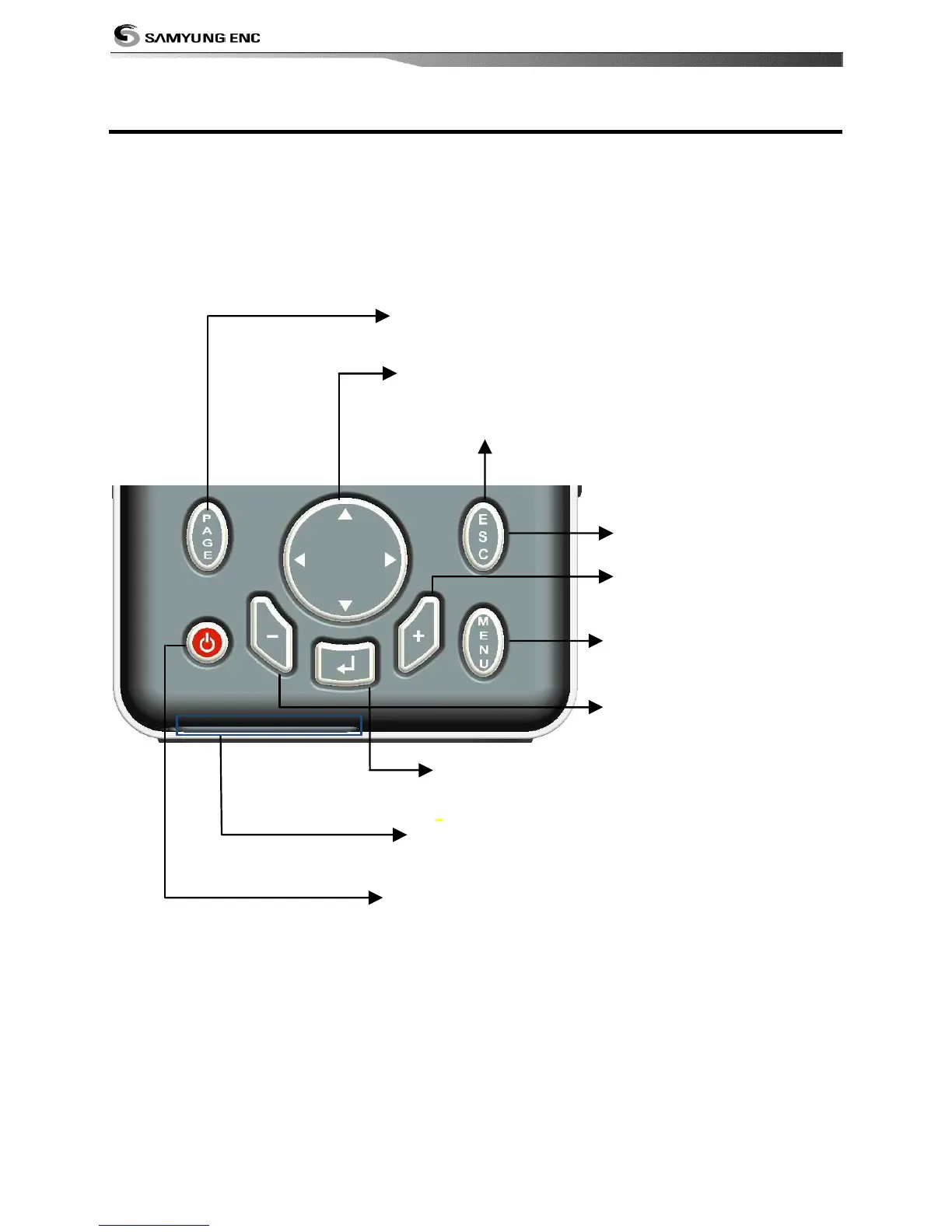
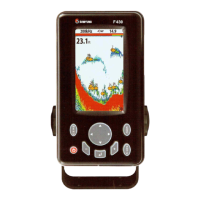
ESC – Exit from menu and return to previous
menu or window. In chart window, it
places own ship at center.
PAGE – Show main windows and allow you to
setup displays as you like.
.
CURSOR – Moves the cursor on the display screen.
- – Decrease water depth
range.
POWER – Exit from menu and return to
previous menu or window. In chart
window, it places own ship at center.
SD Card – Open the cover to install SD card.
(SD 2GB is not available.))
MENU – Show available
options of current
window.
ENT – Select the desired option or to
(Press and hold from sonar screen, will display Gain)
menu)
+ - Increase water
depth range.


 To Next Page