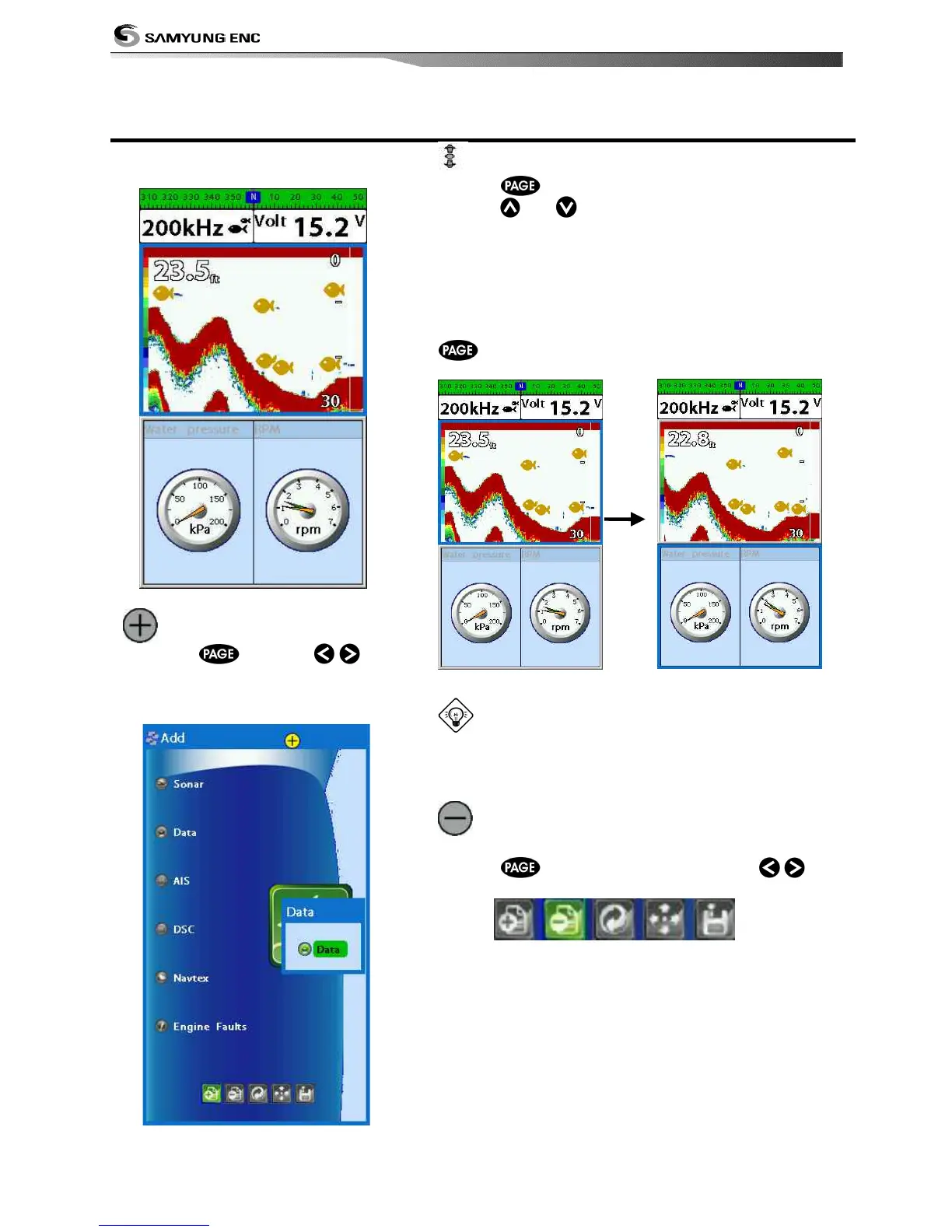
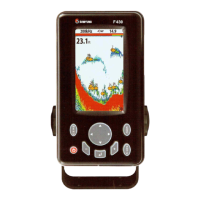
Fish finder can display up to two
windows at the same time.
Adding a window
1 1 Press and use ,
select Add icon.
2 At fish finder screen, you may select
data screen, and vice versa.
Changing window size
1 Press and select Split icon on bottom.
2 Press
or to change the height of the
windows if there is only two windows.
Active Window
When the screen is divided into two windows, an blue
border indicates the active window. To change the
active window to the next window, press and hold
.
It is important to notice which screen is on due
to the multi screens which can be used each screen’s
function.
Deleting a window
1 Select the window you wish to delete.
2 Press
and select Remove icon with
, .


 To Next Page