Installation and Operation Manual
To go to the memory settings:
1 Press and hold .
2 Select the Memory icon.
A user card is an option SD card which you need to purchase additionally.
Before you use a user card it must be formatted. Note that formatting a user card erases all
saved data.
.
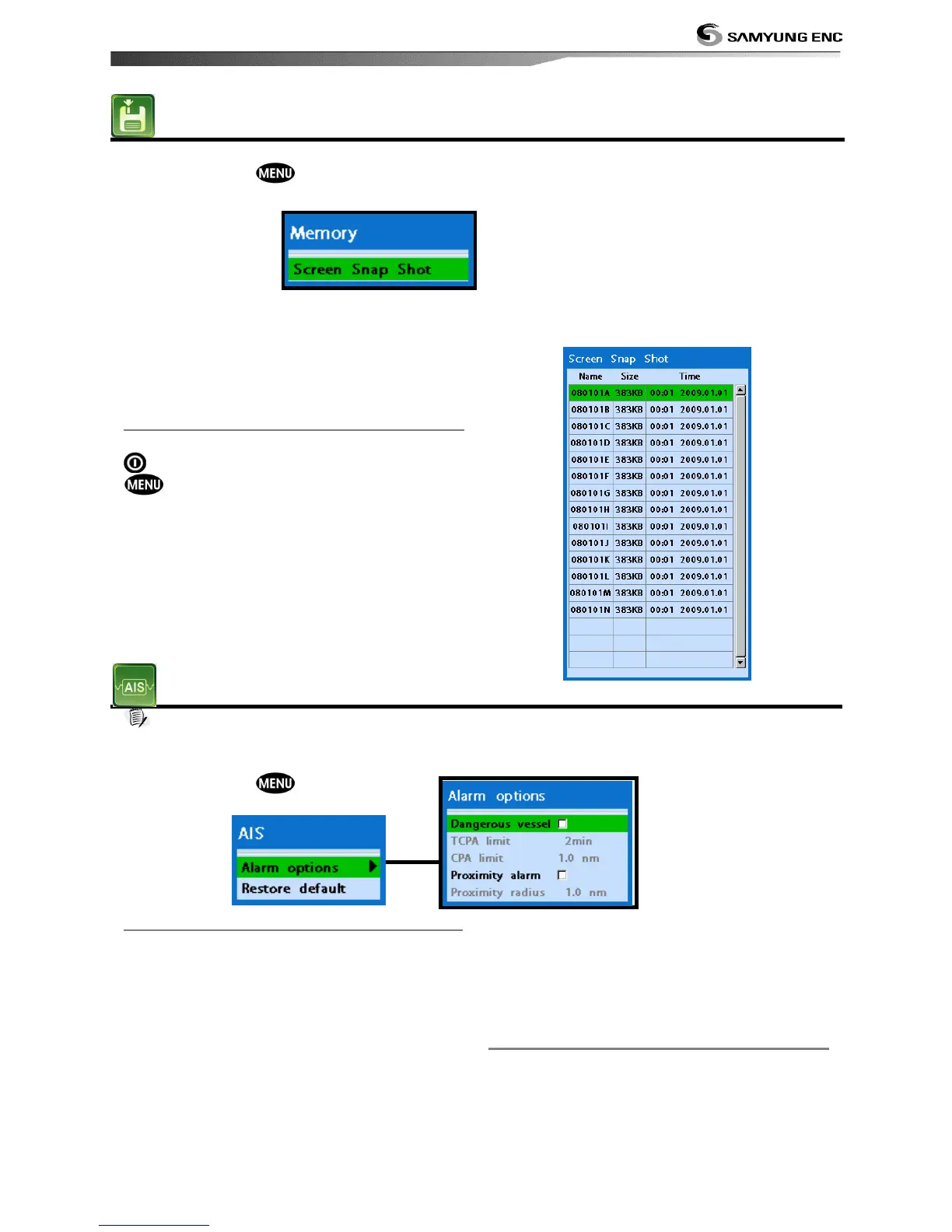
4-3-1 Screen Snap Shot
To take the snap shot of current screen, press
twice. To save the captured image, press
and select Save or Save all to save
the captured images on the user card.
Note
AIS feature require an optional AIS receiver.
To go to the AIS settings:
1 Press and hold .
2 Select the AIS Icon.
4-4-1 Alarm Option
Dangerous Vessel Alarm : When this
option is selected an alarm will activate. Even
this option is not selected; dangerous vessels
will still be on the chart.
TCPA Limit : Set the Time of Closet Point of
Approach limit.
CPA Limit : Set the Closet Point of Approach
limit.
Proximity alarm : Trigger an alarm when
any AIS equipped vessel is within a set
proximity radius.
Proximity radius : Set a radius for
proximity alarm.
4-4-2 Restore Default
Returns every AIS setting to default.


 To Next Page