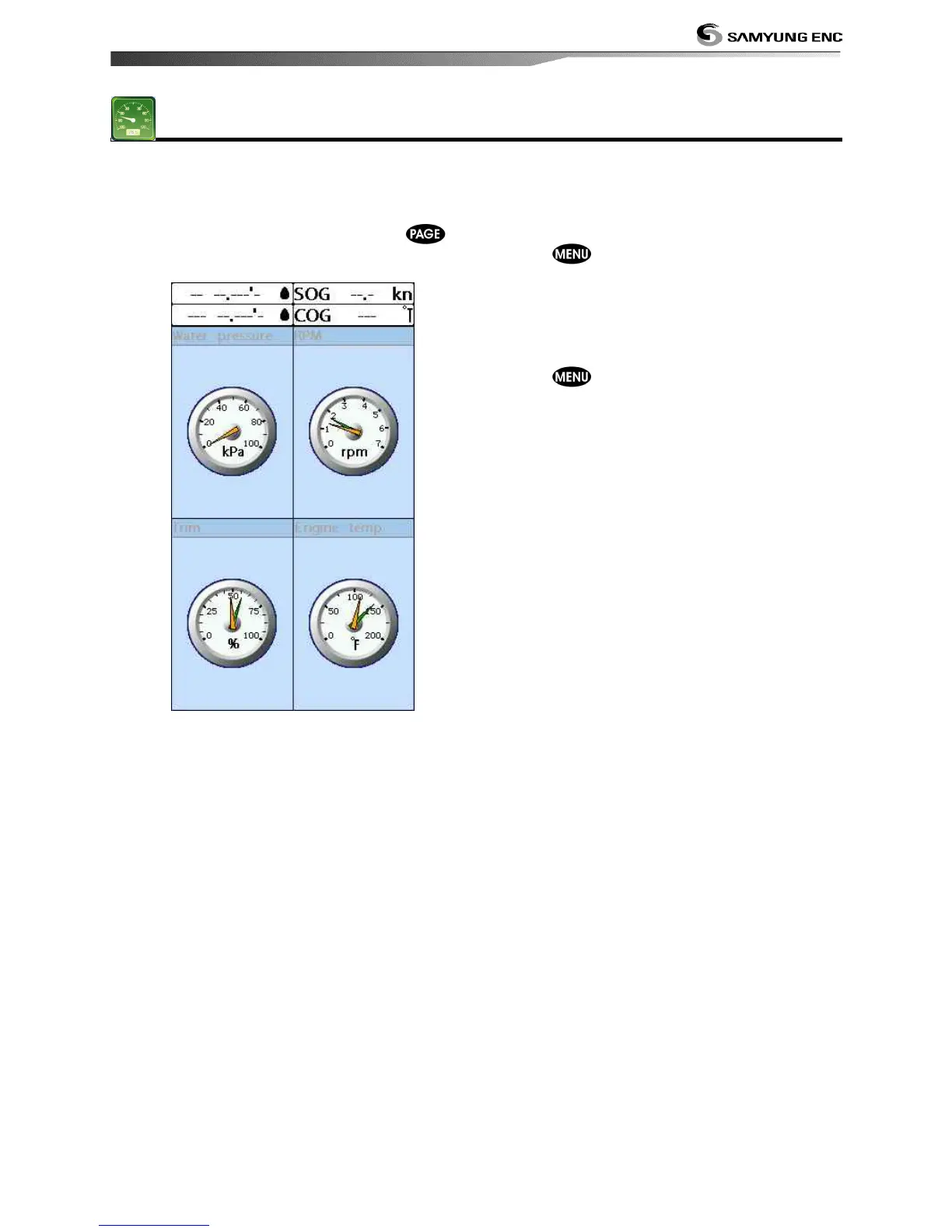
The Gauges window displays all the
information you need during navigation such
as water, engine, fuel related information,
etc.
To select the Gauges window, press
and select Data icon.
Selecting a Gauges layout
Data bar may show one of the 6 gauge
layouts.
To select a layout from the Gauges window:
1 Press
and select Gauge Layout.
2 Select one layout.
Changing a gauge in one selected
To change a gauge displayed in a layout in
Data display.
1 Press and select Gauge Setup then
the upper left side gauge will be
highlighted.
2 Select a gauge you want to change and
select Gauge type.
3 Select a data type you want to display.


 To Next Page