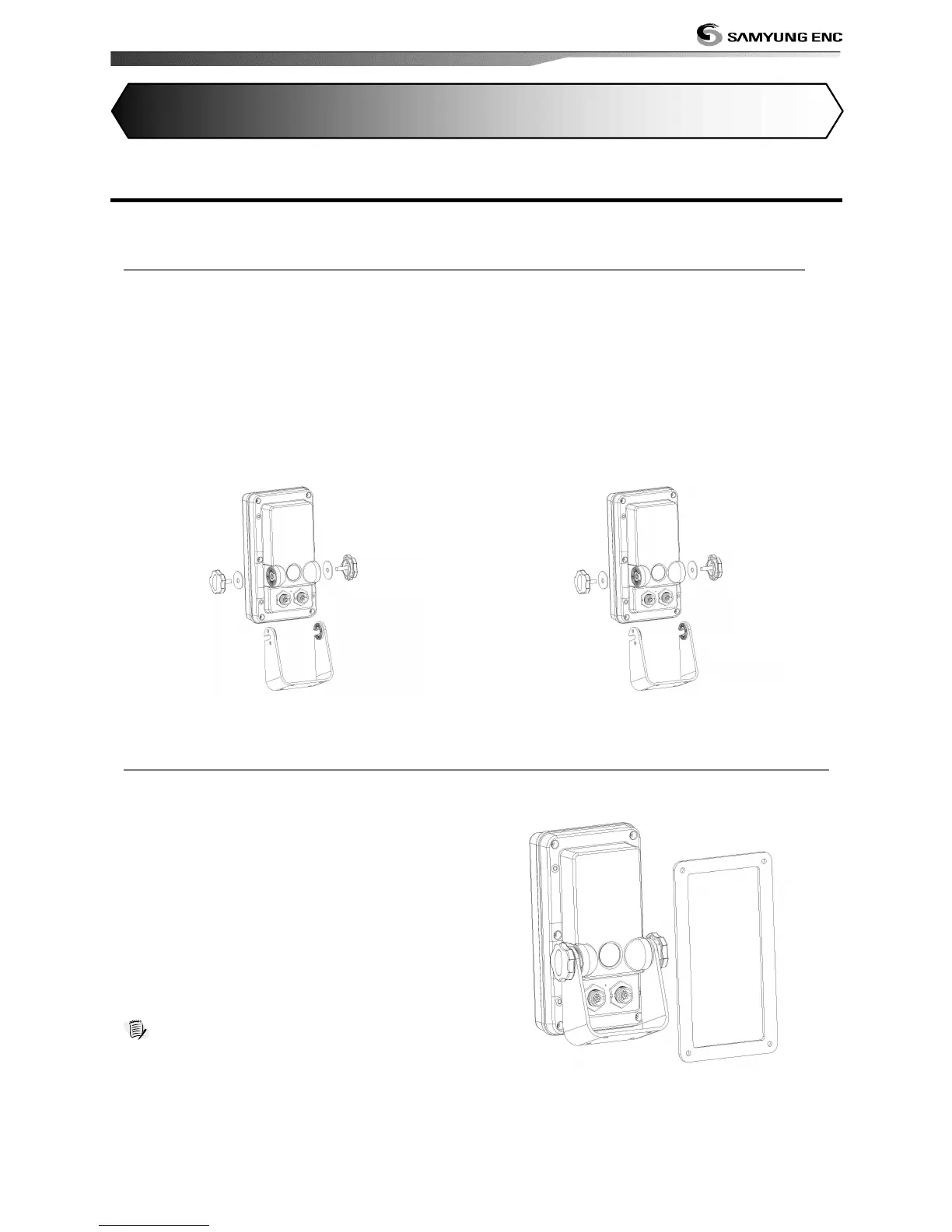
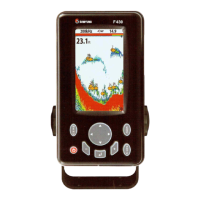
Fish finder is supplied with bracket and flush mounting kit. You can choose a method of
installation according to your preference.
Before installing ensure the area the bracket is mounted to is strong enough to support the
weight of the Fish finder. After the location is found, attach the mounting base to the area
using the supplied hardware.
Mounting the display Unit:
1 Find grooves on the both side of display
unit.
2 Align groove of bracket to the display
groove.
3 Turn the knob to lock.
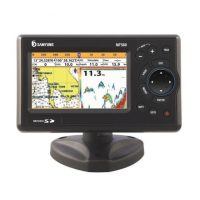
Removing the display unit:
1 Find grooves on the both side of display
unit.
2 Align groove of bracket to the display
groove.
3 Turn the knob to lock.
1 Find a location for flush mounting.
2 Drill a hole in the area of the cutout area
for the blade of jig saw.
3 insert and cut out the area on the panel
using the jig saw
4 Drill four holes for mounting studs.
5 Install the mounting studs on the chart
plotter and insert them into the mounting
hole.
6 Attach the chart plotter to the mounting
location by attaching the supplied
hardware to the mounting studs.
Note
1 If you flush mount, you need the optional external
GPS antenna.
2 Before Drilling holes make sure there is enough
space to mount the chart plotter there is no
obstructions.


 To Next Page