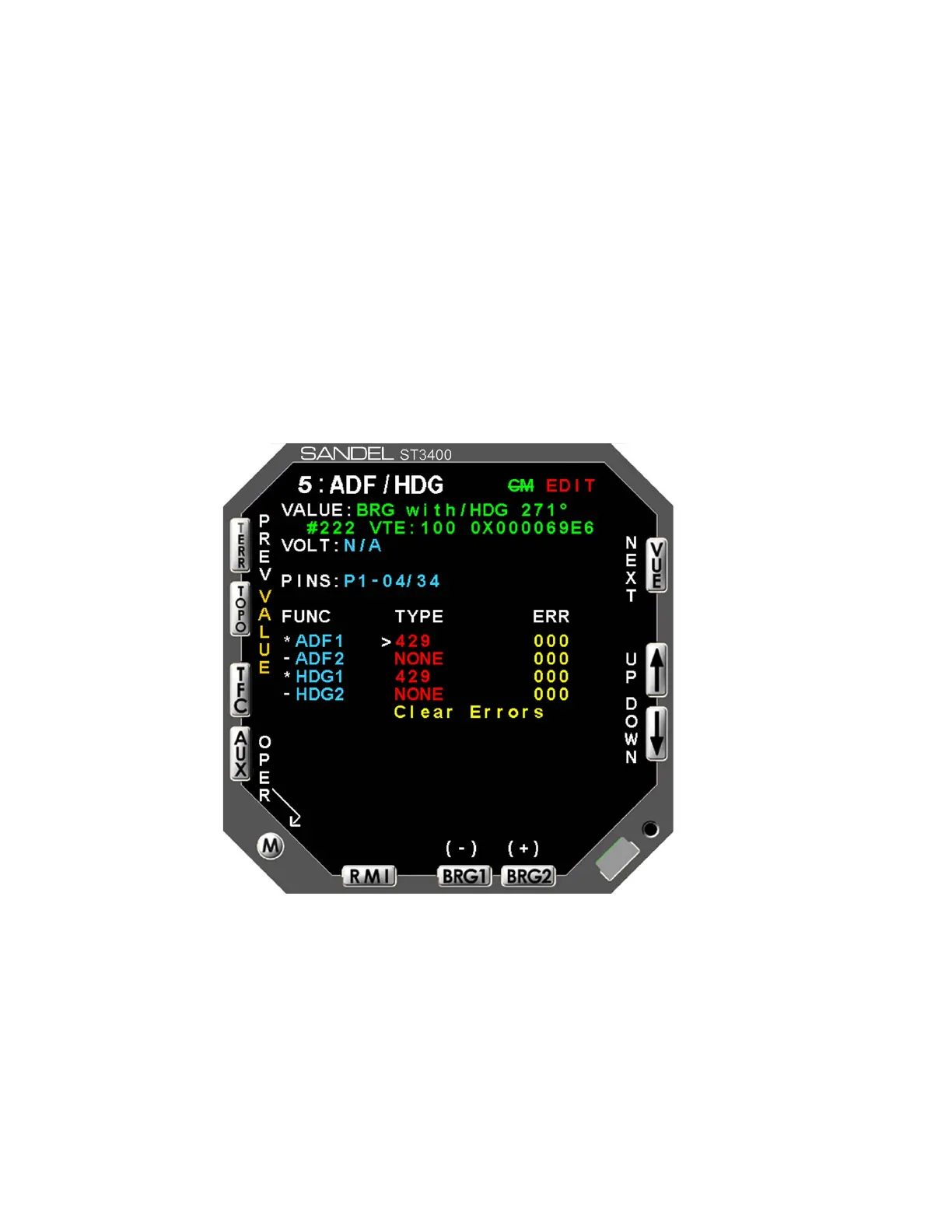
6.3.3 ADF & HDG Page
The ADF & HDG page (see Figure 6-4) contains the setup information for the #1
and #2 ADF receivers (for RMI use) and #1 and #2 HDG systems. Use the [UP]
or [DOWN] Softkeys to select a setup item. This will move the Cursor to the
appropriate line and display the current input data value, input voltage (if
applicable) and pin-pairs of the selected signal.
ADF: ADF receiver
HDG: HDG system
When selecting analog inputs, a VALID select will be present. If no valid signal
is available for the interconnected equipment, set this to NONE which will treat
the signal inputs as always valid. If a VALID signal is available, set appropriately
to VALID HIGH or VALID LOW. The effect of these settings will be
immediately shown at a VALID or INVALID data value at the top of the screen
Figure 6-4: ADF & HDG
6-8 ST3400 INSTALLATION MANUAL 82002-IM-L



 To Next Page