nova250 Touch Panel
Applications
7001064003 T1 Sauter Systems 13
3 Applications
3.1 Application list
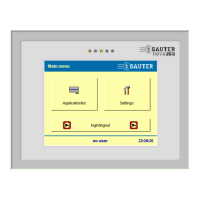
Touch the Application list button on the start screen to view a list of all automation
stations or plants that respond via the EY3600 system bus (novaNet) and that meet the
conditions for a filter, if one has been set (see section 5.8).
Note:
This list can have a maximum of 100 entries.
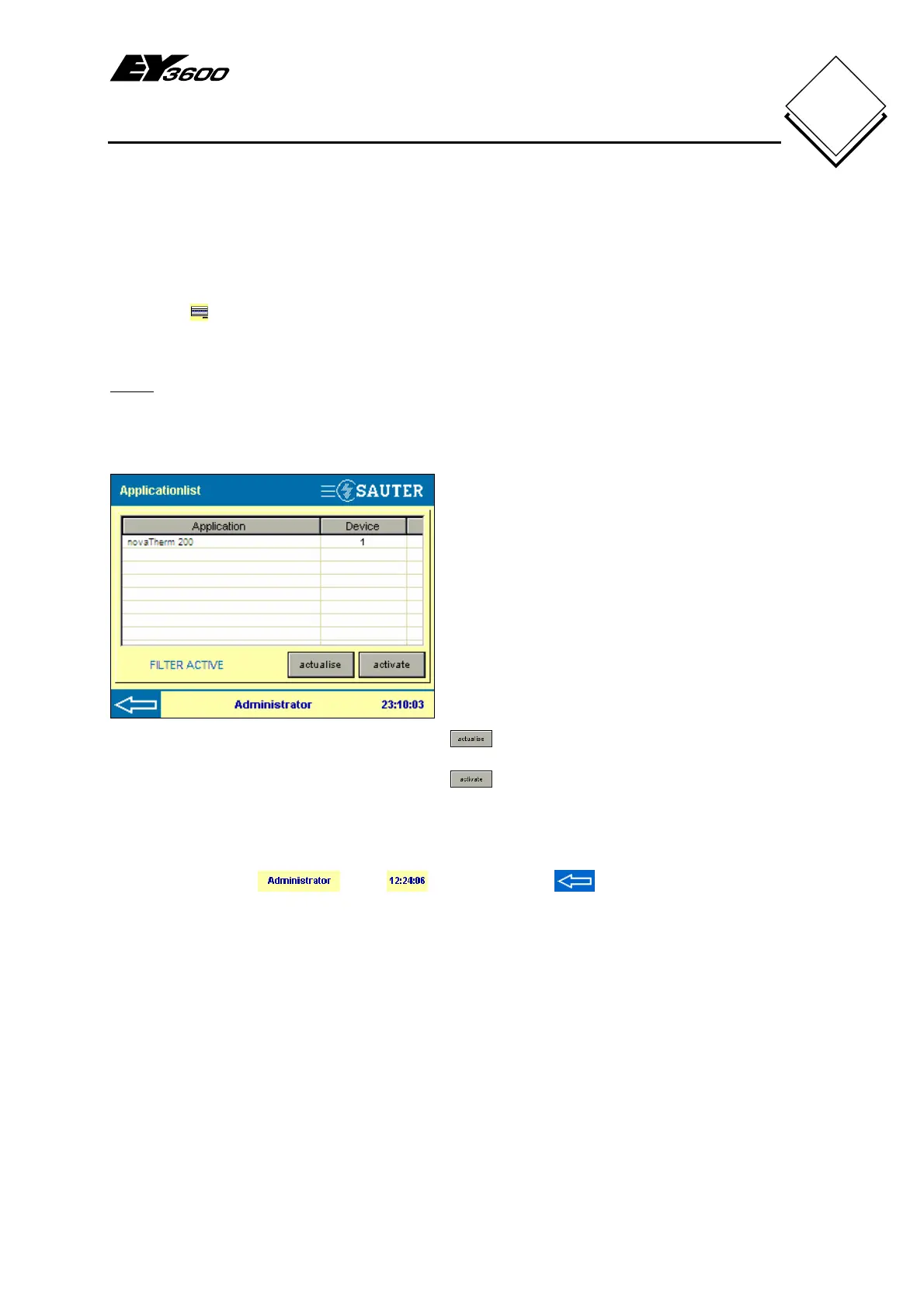
Fig. 3-1: Application List
The Application column shows which
applications have responded.
Depending on the definition in CASE FBD,
this column shows the house address or, if
no definition is available, the default name
(device with AS address, e.g. device-220)
is shown.
The AS address column shows the group
address of the AS. If an application is
distributed over several AS, an * is shown.
Press on the Application column header or
AS address to sort the lines in ascending
or descending alphanumeric order.
All data are read again in the AS.
The data are read in the touch-
panel's memory.
If a filter is active, a FILTER ACTIVE message is shown. See also section 5.8.
The logged-in user
, time and back arrow for the main menu are
also shown in the status bar.


 To Next Page