nova250 Touch Panel
Settings
7001064003 T1 Sauter Systems 37
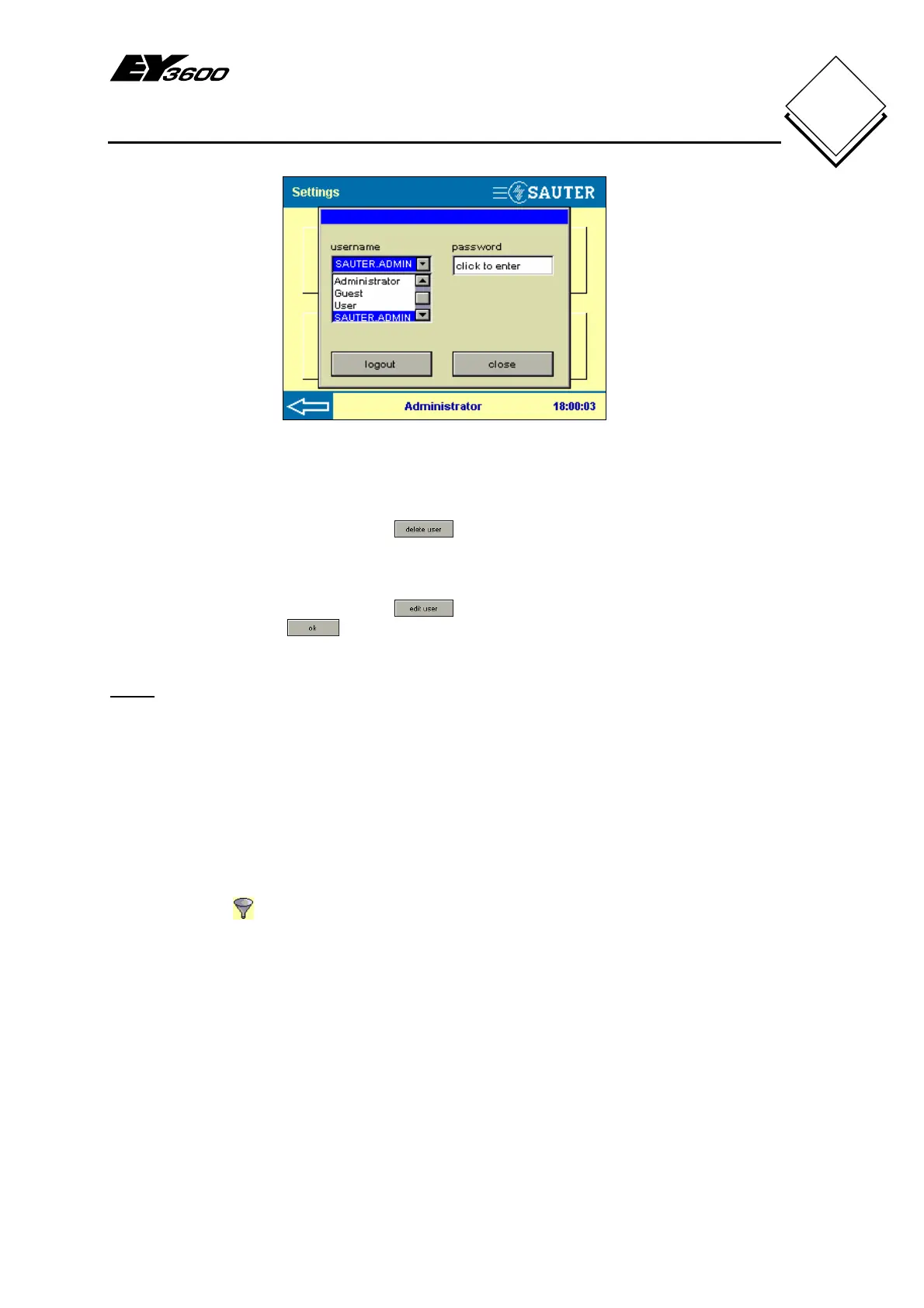
Fig. 5-18: New User List
5.7.3 Delete or edit user profile
If you want to delete a user profile, you must select the relevant user from the user list
as shown in Fig. 5-11 and then press
. You will see a request to enter the
password for the logged-in administrator. If this is successful, the user profile is deleted.
If you want to change a user profile, you must select the relevant user from the user list
as shown in Fig. 5-11 and then press
. You can change the password and user
group and confirm with
. You will also see a request to enter the password for the
logged-in administrator. If this is successful, the user profile is changed.
Notes
a) Editing a user profile can be useful if a user has forgotten his password.
b) A user name cannot be changed. To change the user name, the profile has to be
deleted and a new one must be created from scratch.
5.8 Filters
Filter definitions can be made with CASE TPC and loaded into the touch-panel. Filter
definitions allow you to limit the touch-panel to a restricted range in the EY3600 system,
with filters for automation stations or applications.
Press the Filter
button to show Fig. 5-19. In this illustration, there are no defined
filters which can be enabled or disabled.


 To Next Page