IR SHADING WHITE ‘NG’
1) White – In case Maximum value is more than ‘650’ or Minimum value is less than ‘250’
2) Black – In case Maximum value is more than ’55’ or Minimum value is less than ‘0’
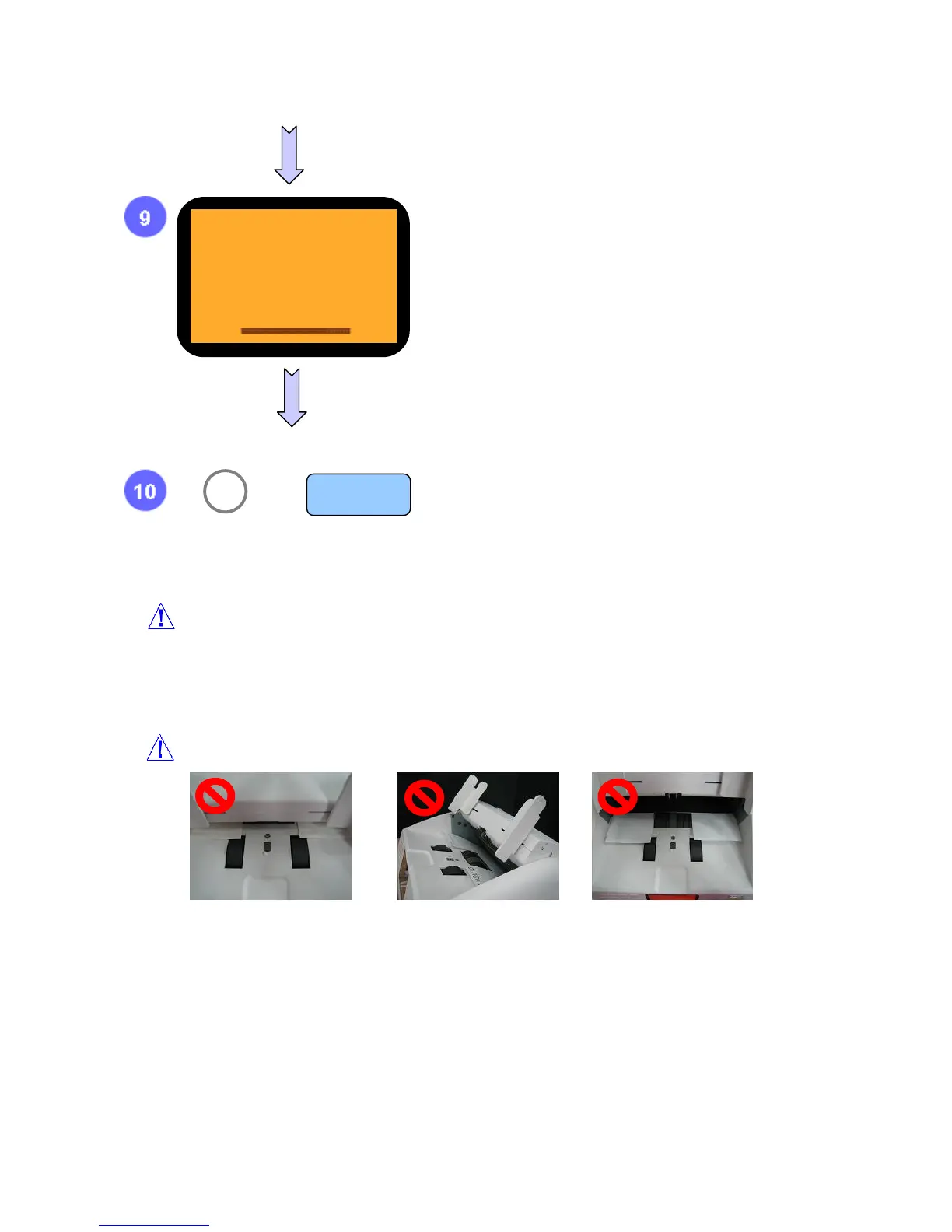
Note while having IR shading
This shows BLACK LEVEL.
To return to first display, press ‘▼’.
After check shading result, press clear button.
If you want to move previous Level, press ‘9’.
BLACK
500 -
9 MENU
C



 To Next Page