EasyManua.ls Logo

SBM SB-7 - Page 41

SBM SB-7
81 pages
Print Icon
To Next Page IconTo Next Page
To Previous Page IconTo Previous Page
Loading...
CURRENCY DISCRIMINATION COUNTER SB-7 (SB-1050) SERVICE MANUAL
- 41 -
Reference on IR SHADING DARK ‘NG’
1) Dark – If Maximum value is more than ‘301’ or Minimum value is less than ’30’
2) Black – If Maximum value is more than ’55’ or Minimum value is less than ‘0’
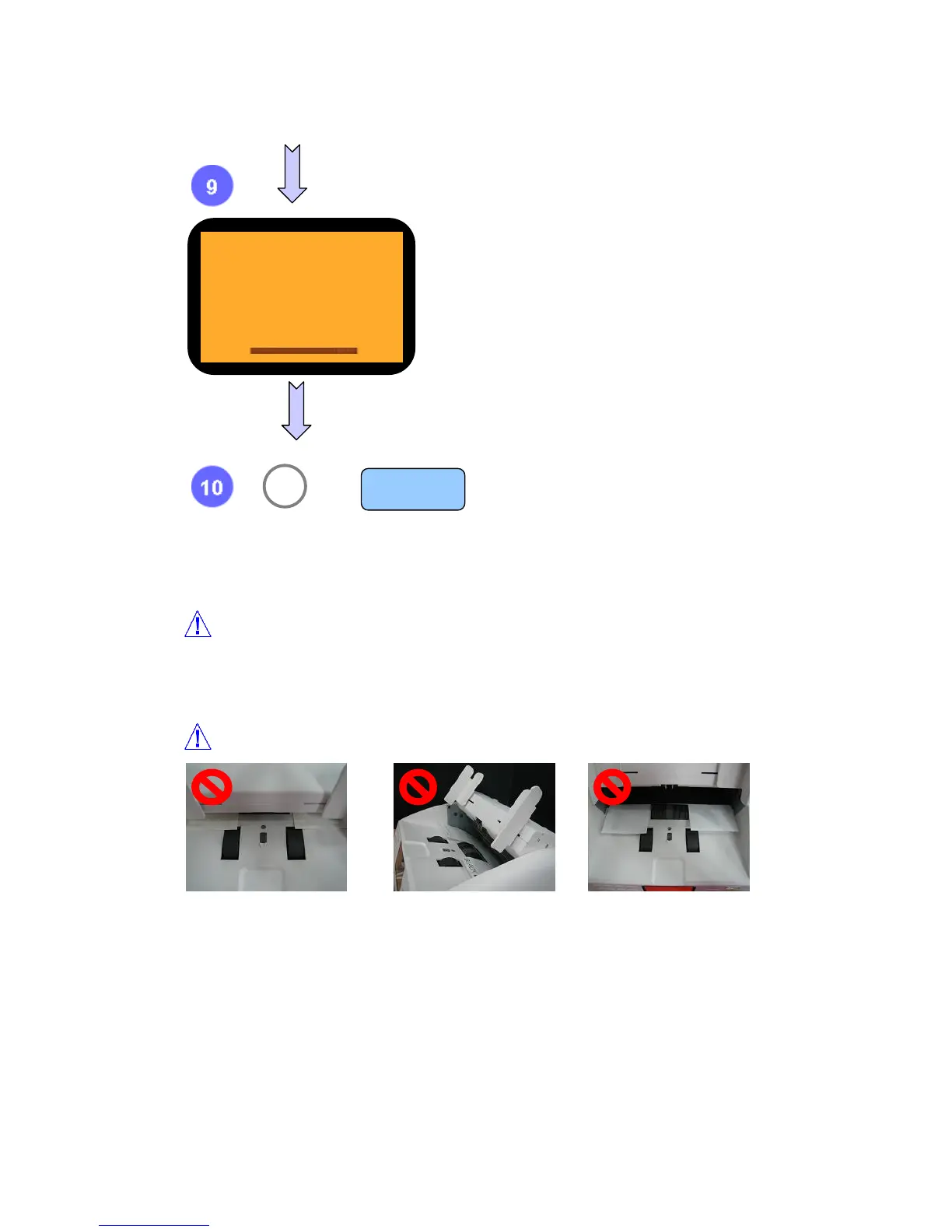
Note while having IR shading
After check shading result, press clear button.
If you want to move previous Level, press ‘9’.
9 MENU

C
or
This shows BLACK LEVEL.
To return to first display showing ‘shading menu’, press ‘▼’
BLACK
500 -
Place shading sheet
correctly.
Do not have a shading
opening front cover.
Do not place sheet wrong
and do not have a
shading opening front
cover.

Related product manuals