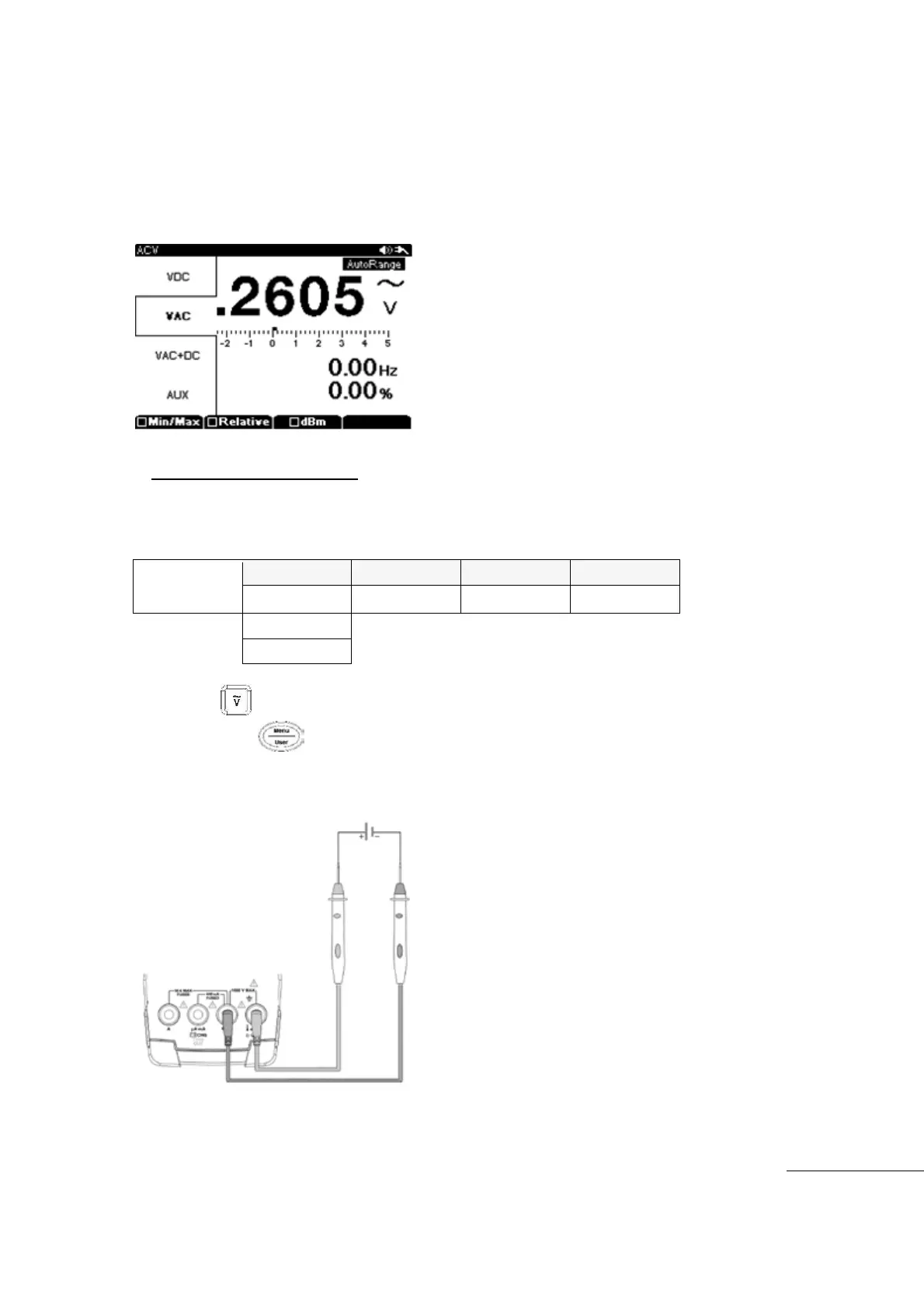
Bar-Graph changes depending on the level of the value from the “0” point.
The Sub Menu allows for: Min/Max, Relative, ㏈m measurements.
[Safety Note]
Before measurement, ensure the Test Leads/Probes are correctly inserted into the correct Input
terminals. For safety, do not test circuits that exceed the Voltage Ratings marked on the meter.
DC Voltage Measurement
The Bar-Graph of the Display starts from the “O” point. Negative (-) voltage is displayed
to the left of Center “O”. Positive (+) voltage is displayed to the right of Center “O”.
Press the main function key.
Next press the Menu key and select “VDC" among VAC, VDC, VAC+DC
Insert Black (-)Test Lead to COM input terminal and insert Red (+)Test Lead into “V” input
terminal
Start measurement
[DC Voltage Measurement]



 To Next Page