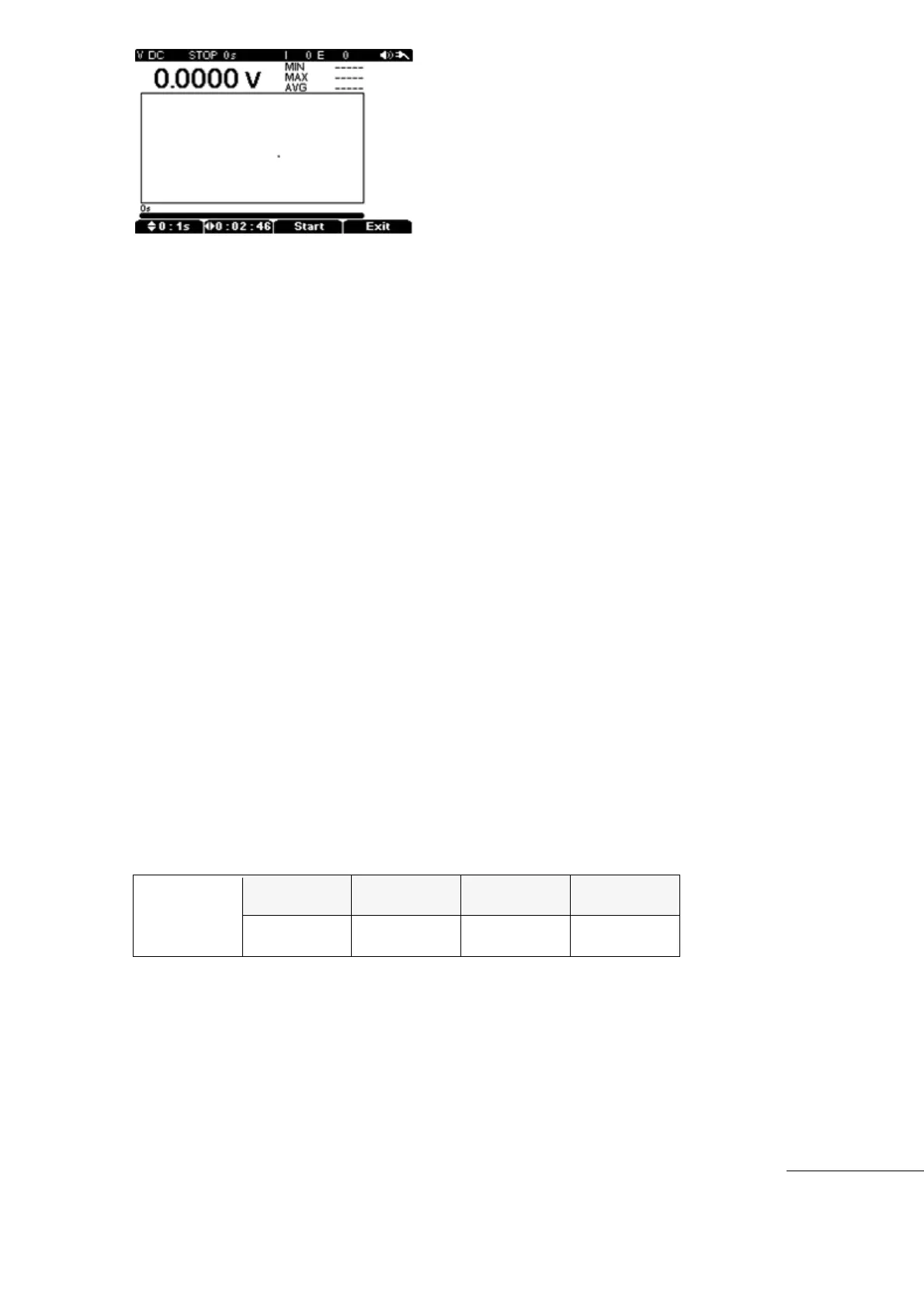
Sampling Time (Logging Interval Time) :
The Sub Menu to set up data Logging consists of “F1”(sampling), “F2”(Run Time), “F3”(start),
“F4”(Exit) as above.
Press the “F1” (sampling) key and adjust the value with the up with Up/Down directional keys.
The Internal Memory size is fixed. Adjustment of the (Sampling) and (Run Time) settings
will determine the maximum number or recorded data’s that will fit in the memory. Priority
for Sampling or Run Time is determined by which setting is programmed first.
Sampling Time (Logging Interval Time) : can be variable 1s ~ 60s
Sampling Quantity : Interval (Max 10,000), Event(Max5,000)
Run Time :
Data Logging Total Running Time can be set up to a maximum of 10,000 data sampling
points due to the limit of the internal memory capacity.
Press “F1” Key to set SAMPLING TIME, then Maximum Sampling time can automatically
be calculated.
Press “F2” key to reduce Maximum Sampling Time with Up/Down keys. Maximum
Sampling Reduction is available but Maximum Sampling Increase is not available.
2) Logging Start
After parameters are set, press the “F3” (Start) key to begin data logging. While Data
Logging is active, all sub menus disappeared except “F4” (Stop) and All sub Menu keys are
inactive except the “F4” (Stop) key.



 To Next Page