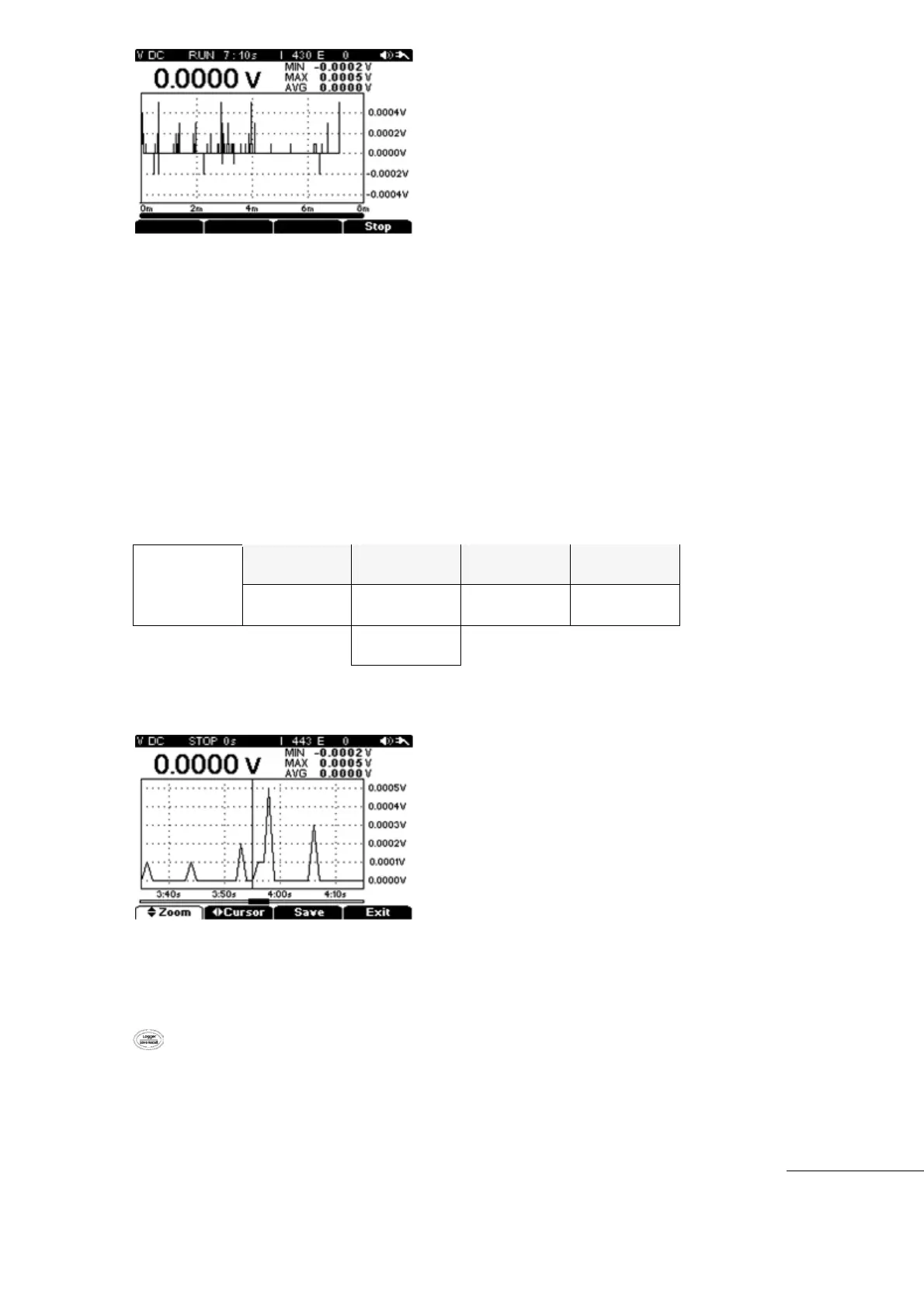
3) Logging Stop
Data Logging ends when the Sampling Time setting is reached, the battery is completely
discharged, or when the “F4” (STOP) key is pressed.
After Logging is completed, the data can be reviewed or saved. Or Logging can be exited.
During Data Logging, if the “F4” (Stop) key is pressed, Sub-menu ZOOM or SAVE is
displayed.
To save Data Logging Data, press “F3” (Save). The meter then switches to the save menu
and results can be saved in order in a separate Memory Area.
If any key is pressed without saving the Data, A warning message appears to prompt
whether to SAVE or NOT. If the user still does not press “F3” (Save), the data will be lost.
To restart Data Logging after the Save function, press “F4” (Start) key again.
[Stop Menu]
4) Recalling Saved Data
Saved Data is saved in regular intervals which displays as a Strip Chart Recorder.
To recall Data when Data Logging is stopped or from any other function in progress, Hold the
key longer than 2 seconds. Recall is not available while actively Data Logging.



 To Next Page