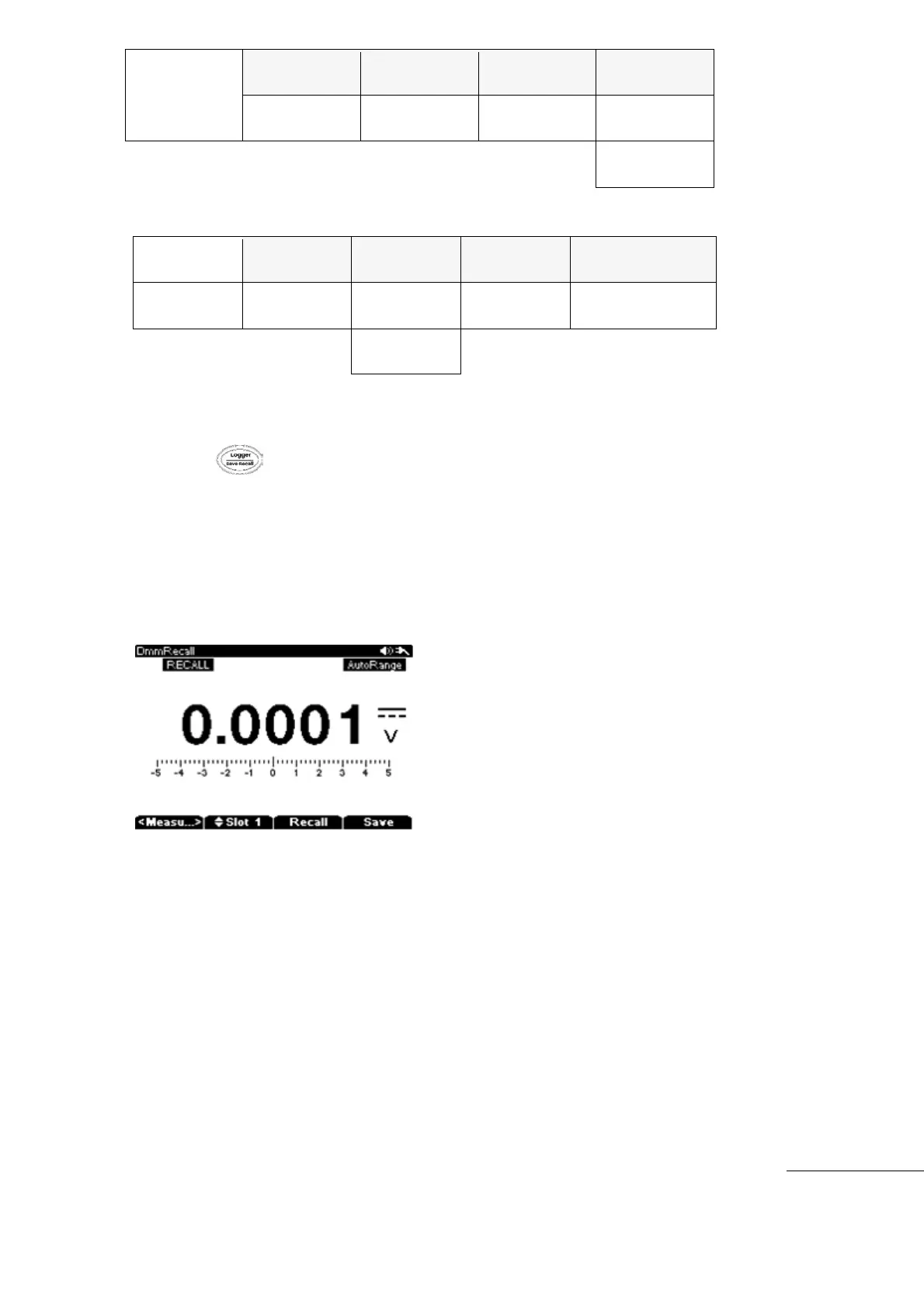
[Save, Recall Initial Menu]
[Save, Recall Review Menu]
Hold the key longer than 2 seconds to see “F1” (Mode), “F2” (Slot) initial recall
menu.
Press “F3” (Recall) key, to open the Data Log (Recall) mode, and show Saved Location
slots.
Select the data to recall using the Up/Down keys.
When the data is selected, press the “F3” Recall Key. The selected data is shown on the
Display.
Pressing “F3” Recall Key again will change the menu to the Zoom menu



 To Next Page