[Recall Menu]
[How to operate]- From the Recall mode
At Initial Save/Recall screen, select the address to Recall and press the “F3” (Recall) key.
Press Recall key to see the Recall sub- menu as in above.
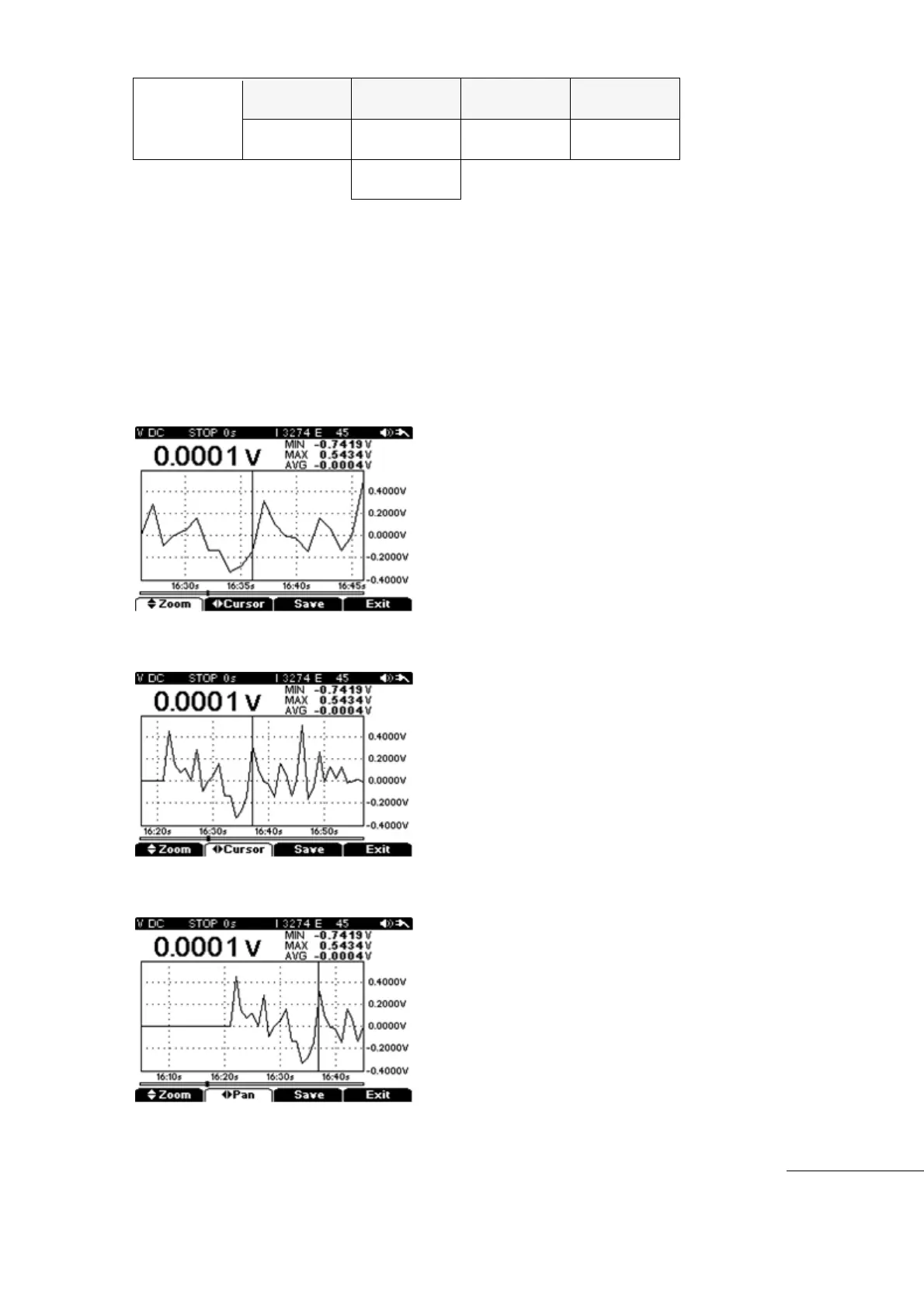
Press “F2” (Cursor) key and select zoom area to observe with Left/Right key.
Press “F1” (Zoom) key to set Zoom Ratio with Up/Down keys.
To review the specific area again, press “F2” (PAN) key and select the area to review again
with Left/Right directional keys.
[ZOOM]
[Cursor]
[PAN]



 To Next Page