OPM 100 en-GB 64
© Scania CV AB 2023, Sweden
Lubrication system
Renewing the oil filter
Tool
1. Unscrew the filter cover using the socket.
Do not use an adjustable spanner or other open
tool, as there is a risk of damaging the filter cov-
er.
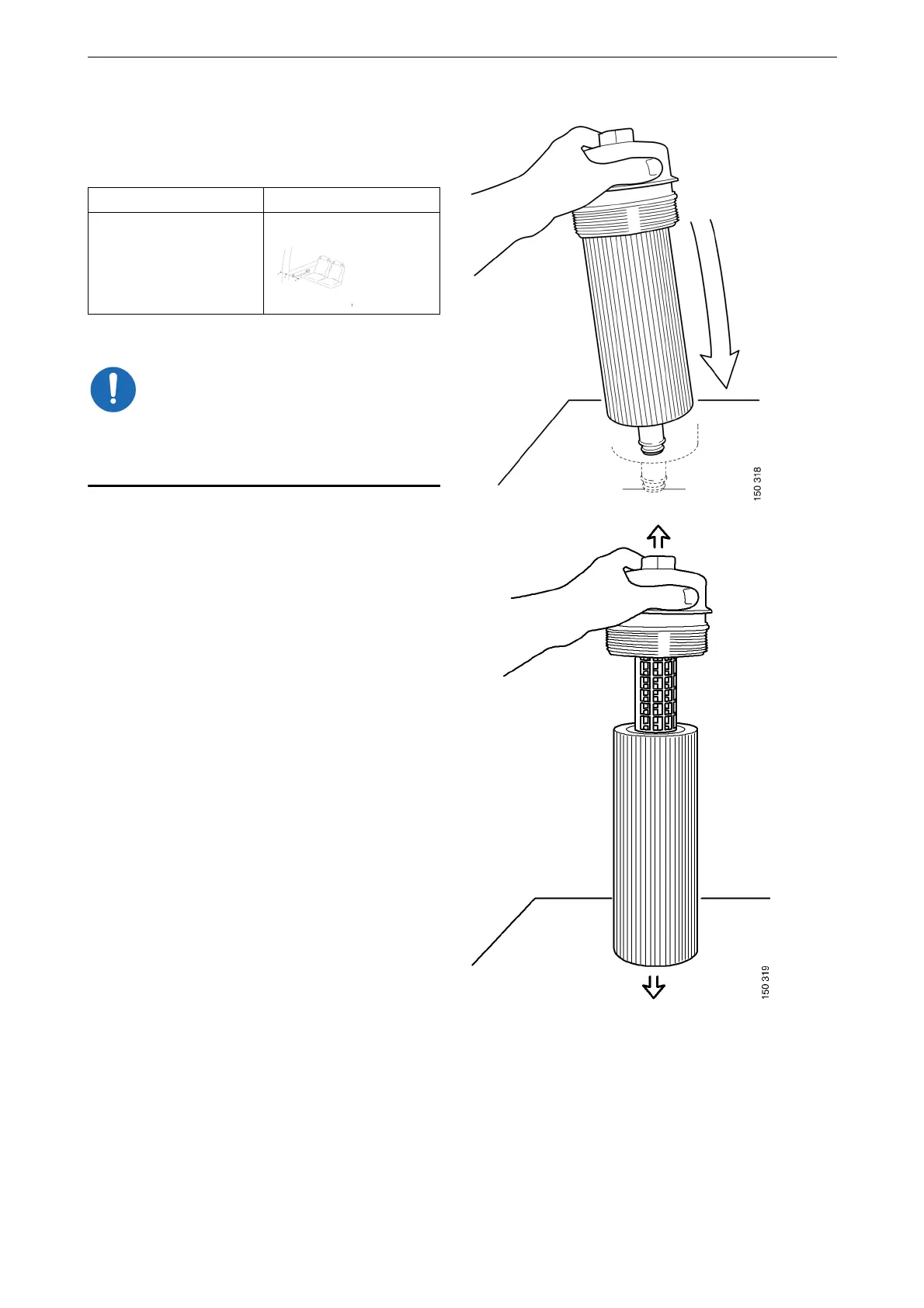
2. Lift out the filter housing cover with filter el-
ement. The filter housing will drain automat-
ically once the filter has been removed.
3. Detach the old filter from the cover by hold-
ing the cover and carefully tapping the entire
filter element against something hard. Re-
member that there will be oil splashes.
4. Fit the new filter and tighten the filter cover
to 25 Nm (18 lb/ft).
Designation Illustration
Hexagon socket, drive
1/2", 36 mm



 To Next Page