Fuel system
OPM 100 en-GB 84
© Scania CV AB 2023, Sweden
4.
Wait at least 2 minutes to ensure the filter
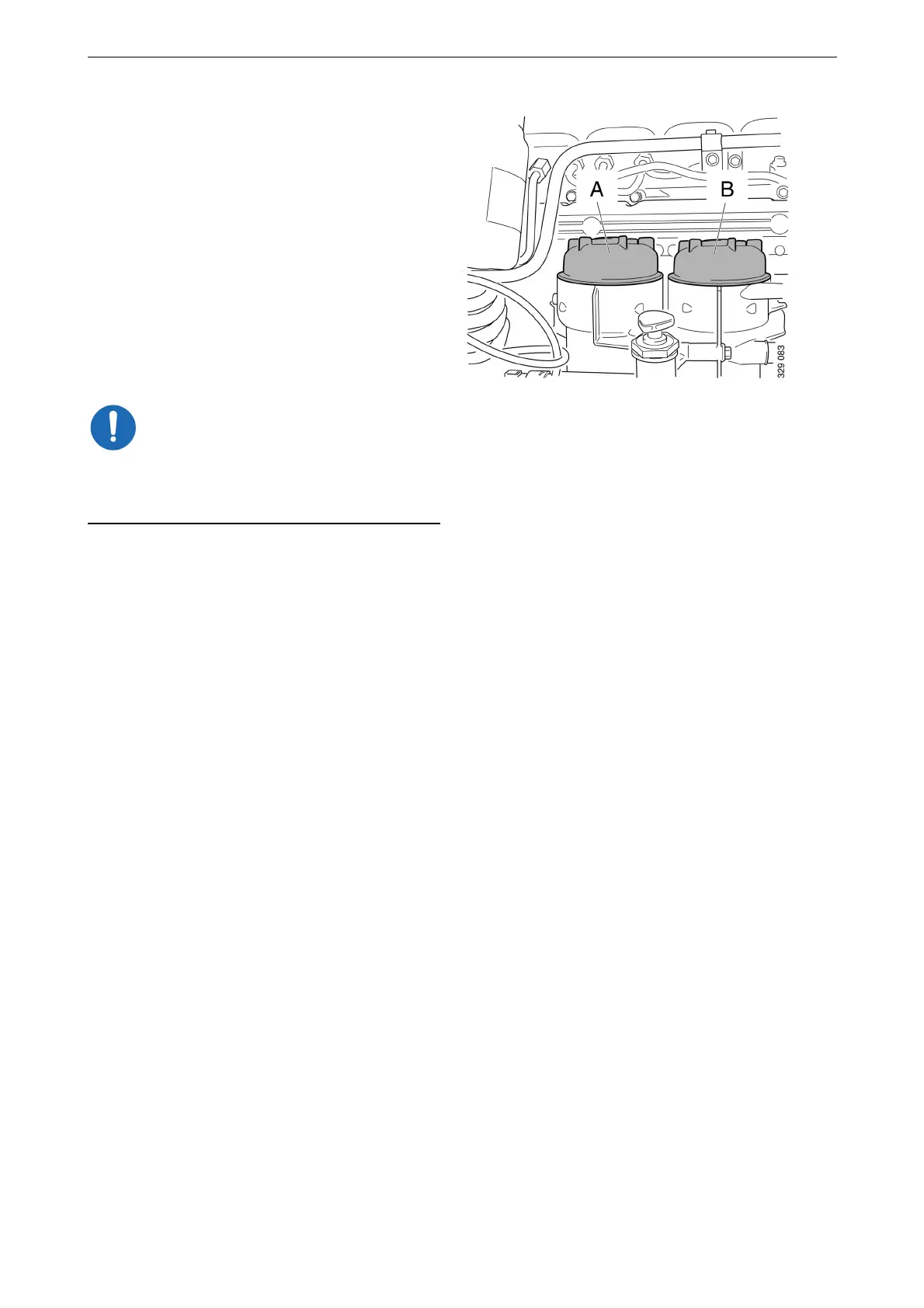
housings have drained properly.
5. On the main filter: Unscrew the filter cover
and lift it up slowly with the filter element.
6. On the water separating prefilter: Unscrew
the filter cover and lift it up slowly with the
filter element.
The remaining fuel will drain out of fuel fil-
ter housing automatically once the filter ele-
ment has been removed.
7. Check that no fuel or particles remain in the
bottom of the filter housings. Draw off re-
maining fuel and any particles.
It is important to remove remaining fuel and par-
ticles from the filter housings to prevent fuel sys-
tem contamination.
8. Undo the old filter elements from the covers
by carefully bending them to one side.
9. Close the draining nipple.
A. Water separating prefilter
B. Main filter



 To Next Page