Avoid spillage and use a suitable container. Used
coolant must be disposed of as specified in na-
tional and international law.
Draining coolant
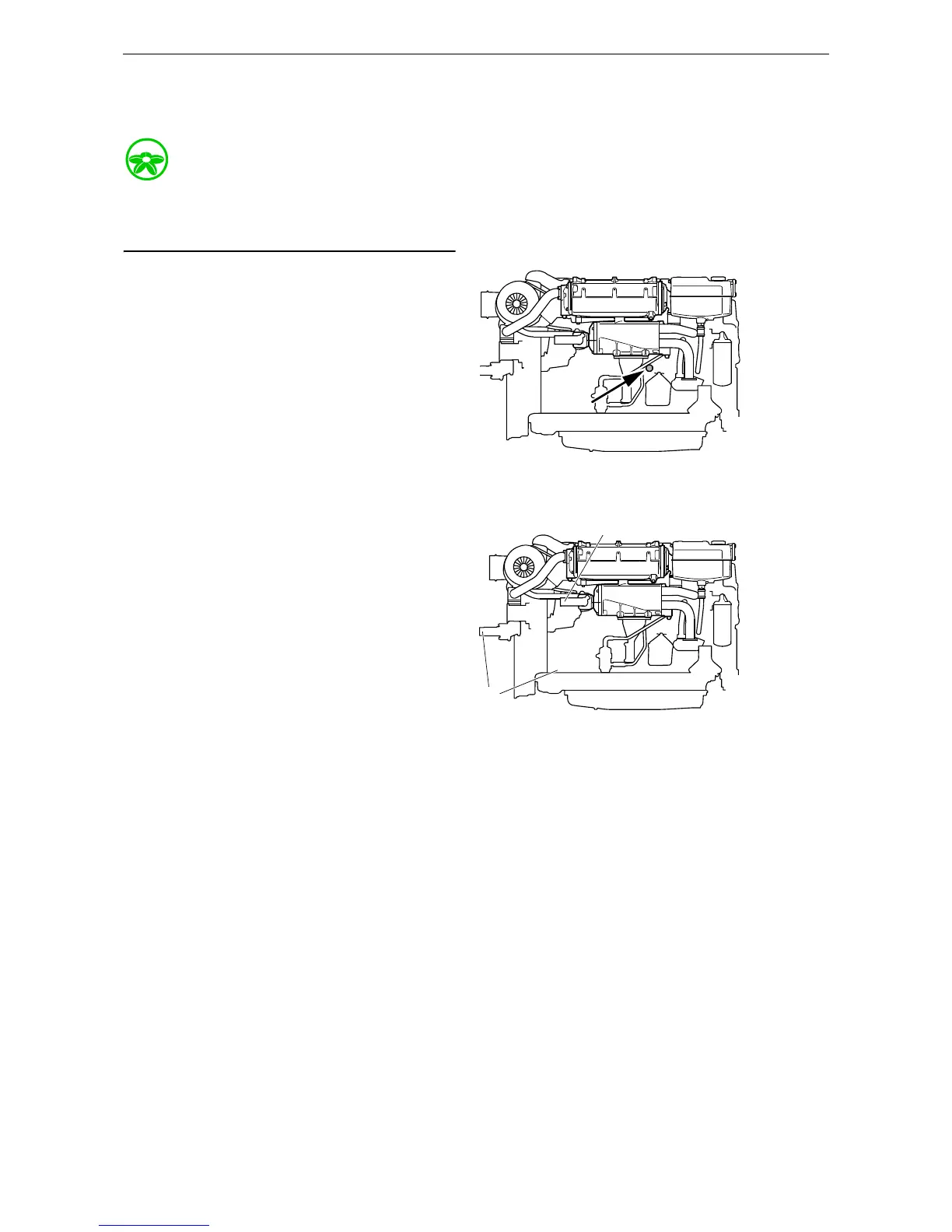
• Drain coolant from the engine by opening the
expansion tank filler cap. Detach the drain tap
located on the right-hand side below the heat
exchanger.
• It is also possible to drain the coolant from the
lowest point in the engine and the cooling
system.
Draining the sea water circuit
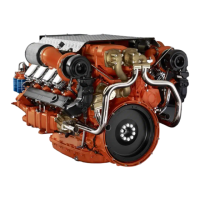
• Drain the sea water circuit by first closing the
sea cock of the vessel and then removing the
connection pipe from the heat exchanger out-
let (1).
• Also remove the cover from the sea water
pump (2) to completely drain the pump.


 To Next Page