2Introduction
2.5 Main Components of the Device
Page 18
BR-102 plus / BR-102 plus PWA
Art. no.: 2.511076 Rev.: g
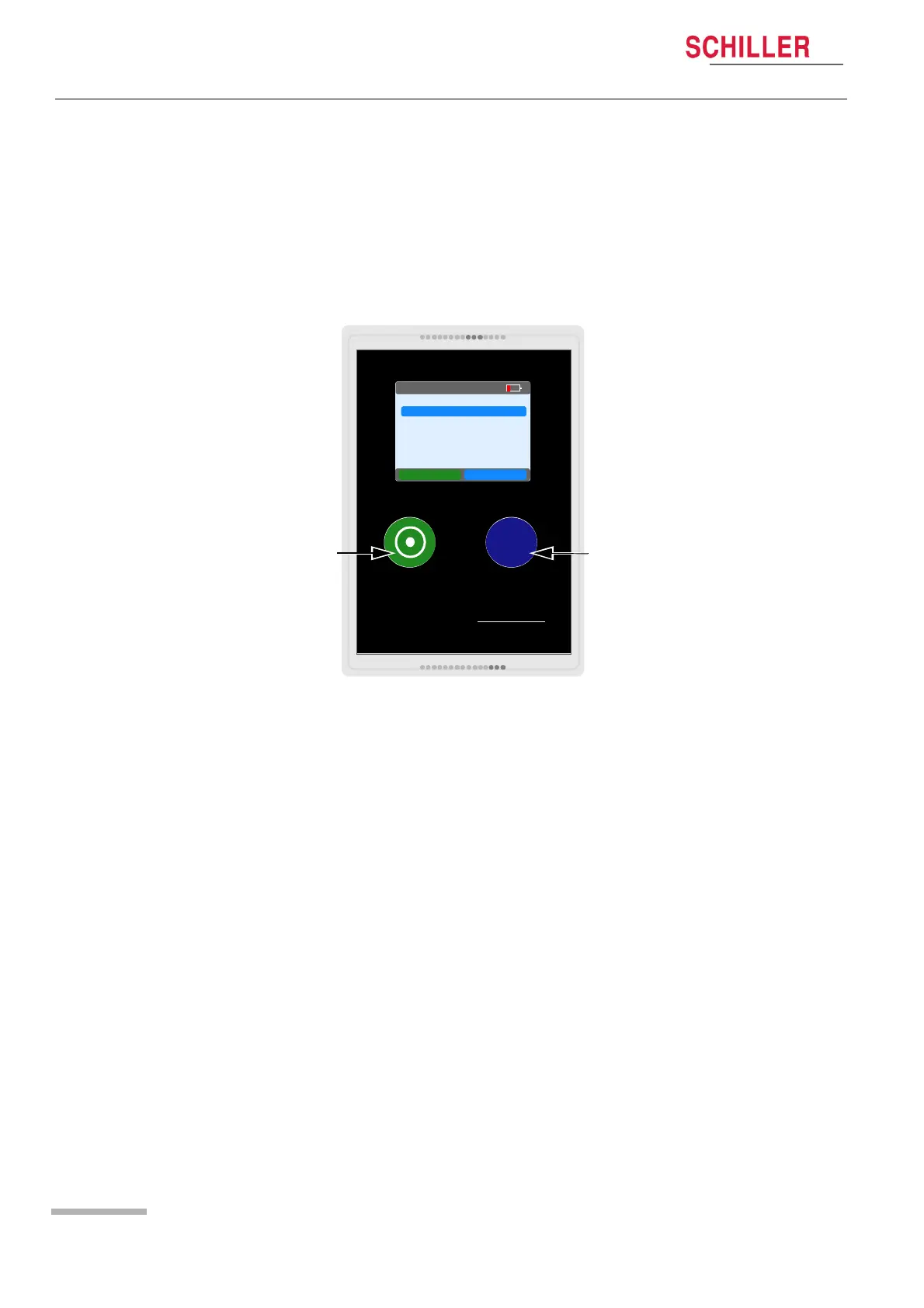
2.5.1 Operating and Display Elements
Menu option selection and control of the BR-102 plus / BR-102 plus
PWA is with two function keys. The green and blue function
information boxes at the bottom of the screen indicate the function
that will be carried out when the green and blue function keys are
pressed:
2.5.2 Switching on
Press the green ON/OFF key. The display shows an introduction
screen and copyright message for a few seconds and then the main
menu is displayed.
If an unformatted micro SD card is installed, you
are prompted to format the card when the recorder is switched on, and
again when a recording is started.
NEW RECORD
LAST RECORD
SINGLE MEAS.
SYSTEM
NEXT OK
05:16PM
SCHILLER
BR-102plus
Right Blue Key Functions:
OK: (confirm menu selection)
Change: (toggle through
options)
Yes: (confirm selection)
Meas: initiate a measurement
(during the recording)
Start: Starts the acoustic
record of the patient ID
Stop: Stops a recording in
progress
Left Green Key Functions:
ON/OFF: (Switch-Off from main
menu only)
Next: (next menu item)
No: (do not confirm selection)
Meas: initiate a measurement
(during the recording)
Holding the key stops the recording
Break: Halts an ongoing
measurement
Stop: Stops a recording in progress
Back: Back to last menu














 To Next Page