Page 19
Art. no.: 2.511076 Rev.: g
Introduction 2
User Guide Main Components of the Device 2.5
BR-102 plus / BR-102 plus PWA
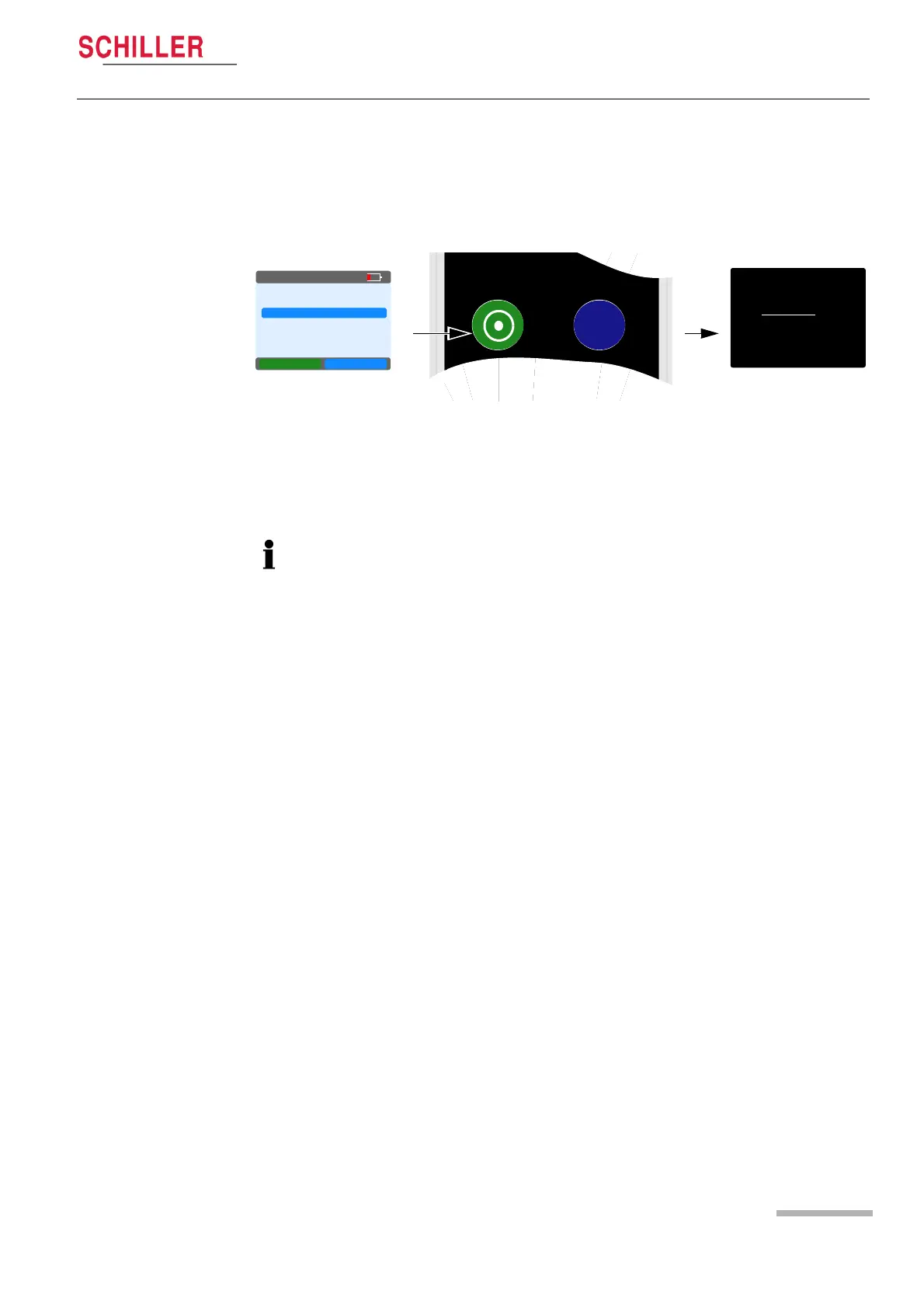
2.5.3 Switching Off
With the main menu displayed and the cursor at any position, press
and hold the Green control button for 4 seconds. When the button
is released, the device is switched off.
If a recording is running, first stop the recording by holding the Green
control button for 4 seconds and confirming that the recording will
be stopped (see Stopping the Recording, page 39). Then enter the
main menu and switch off as described above. Any recorded data is
saved when the recorder is switched off
.
SCHILLER
15.12.2013
SCHILLER
BR-102plus
. . exit
NEW RECORD
LAST RECORD
SINGLE MEAS.
SYSTEM
NEXT OK
05:16PM
When no recording is running, the recorder switches off automatically
after 5 minutes if no keys are pressed.














 To Next Page