Page 21
Art. no.: 2.511076 Rev.: g
Introduction 2
User Guide Main Components of the Device 2.5
BR-102 plus / BR-102 plus PWA
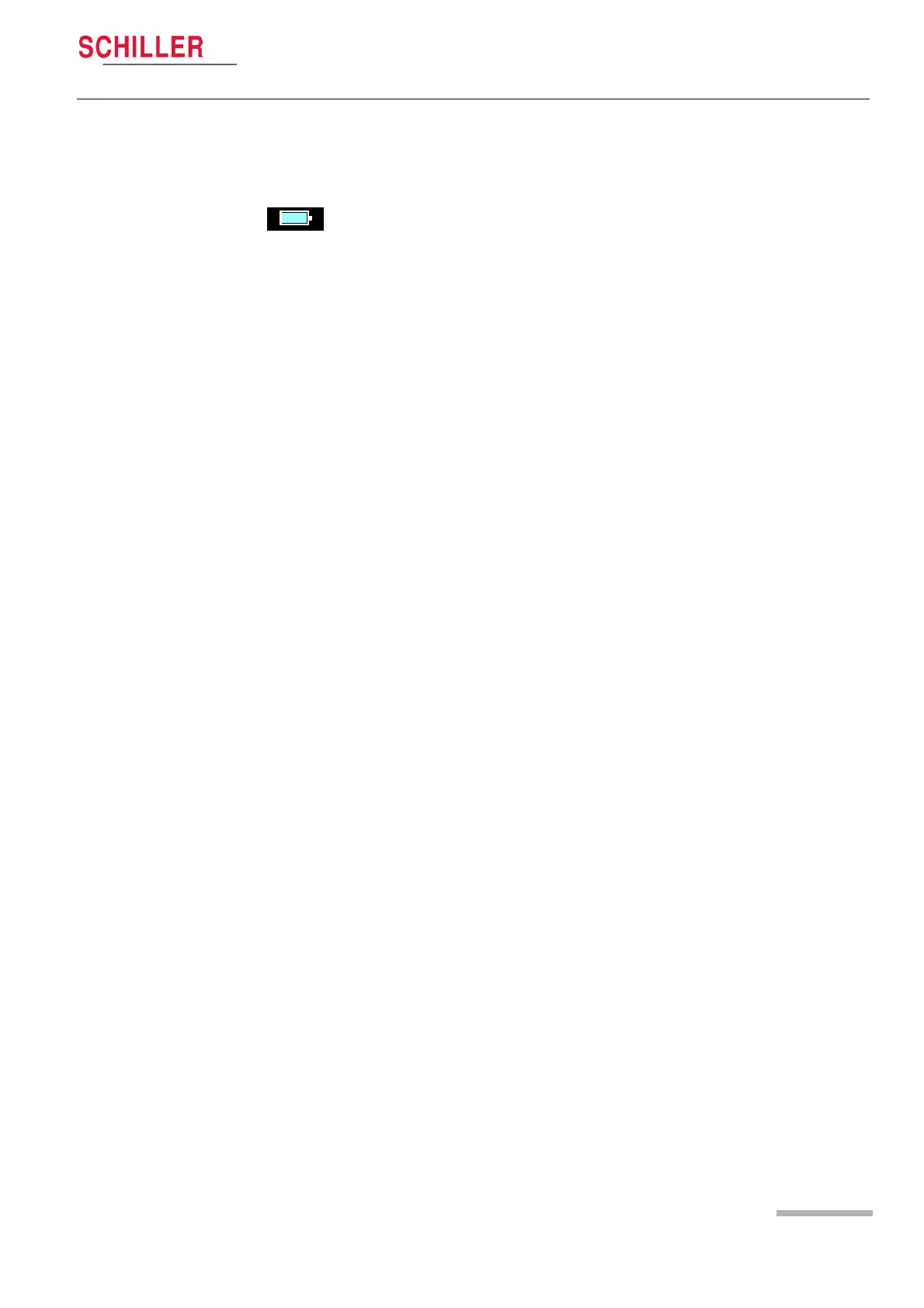
2.5.5 Battery Display for Energizer Ultimate Lithium Bat-
tery
2.5.6 Time Display
The current time is displayed in the top line of the display. The format
of the time display can be set to 24 hour or 12 hour display (am/pm
displayed) - this setting is defined in System setup (see DATE /TIME,
page 25).
If Energizer Ultimate Lithium batteries are used, the battery status
display is shown blue and always ‘full’. This is because the voltage
hysteresis curve for these types of battery is not linear and the device
cannot accurately determine battery capacity. When battery capacity
is very limited the change battery messages (shown above) are still
displayed but the time interval between the messages is reduced.














 To Next Page