2Introduction
2.6 Menu Structure
Page 22
BR-102 plus / BR-102 plus PWA
Art. no.: 2.511076 Rev.: g
2.6 Menu Structure
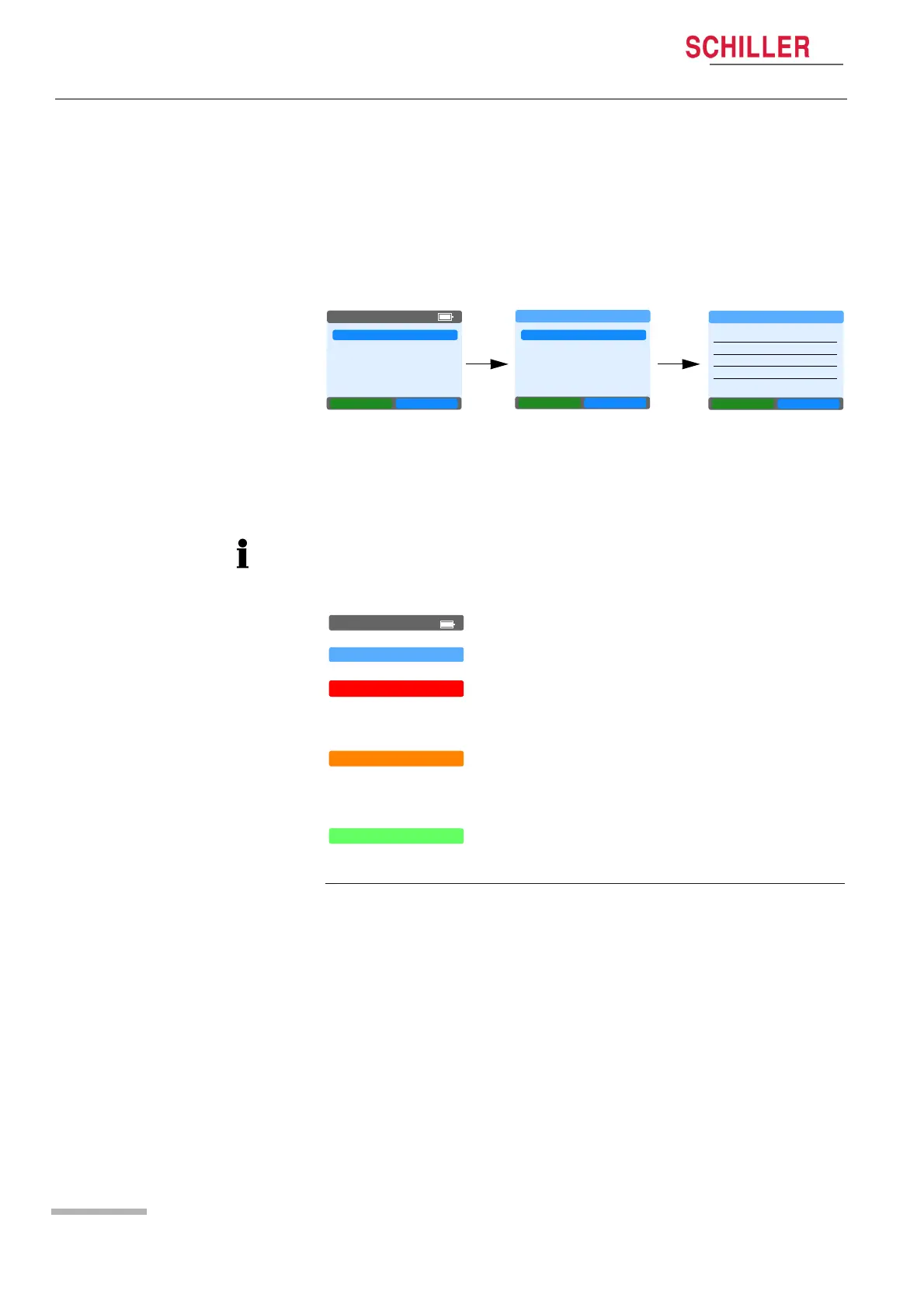
The menus are selected with the green function key (Next). A
selected menu is opened with the blue function key (OK) and values
selected with the blue function key (Change). Depending on the
selected menu, the button functions will change.
The position in the menu is indicated on the top line as shown in the
example above for new record. Select the item with the green button
and confirm with the blue key.
NEW RECORD
LAST RECORD
SINGLE MEAS.
SYSTEM
NEXT OK
05:16PM
RECORD SETUP
PROGRAM
PATIENT ID
START
BACK
NEXT OK
NEW RECORD
PatGrp ADULT
RecDur 24 hr
DefSpd 5 mmHg/s
DispResult ON
BACK
NEXT OK
RECORD SETUP
In all displays, the top line is colour coded to give an indication of the
type of message that is displayed as follows:
ERROR
WARNING
05:16PM
RECORD SETUP
Grey: Main Menu
Light Blue: Information or setup screen.
Red: Error message (for example, battery
capacity limited, no data available when
requested, etc.).
Orange: Warning message or question (for
example, battery capacity critical, Format SD
card).
CONFIRMATION
Green: Confirmation message (for example, SD
card formatted successfully).














 To Next Page