PAGE 61
© 2022. All rights reserved. Used under license by Schlüter-Systems KG.
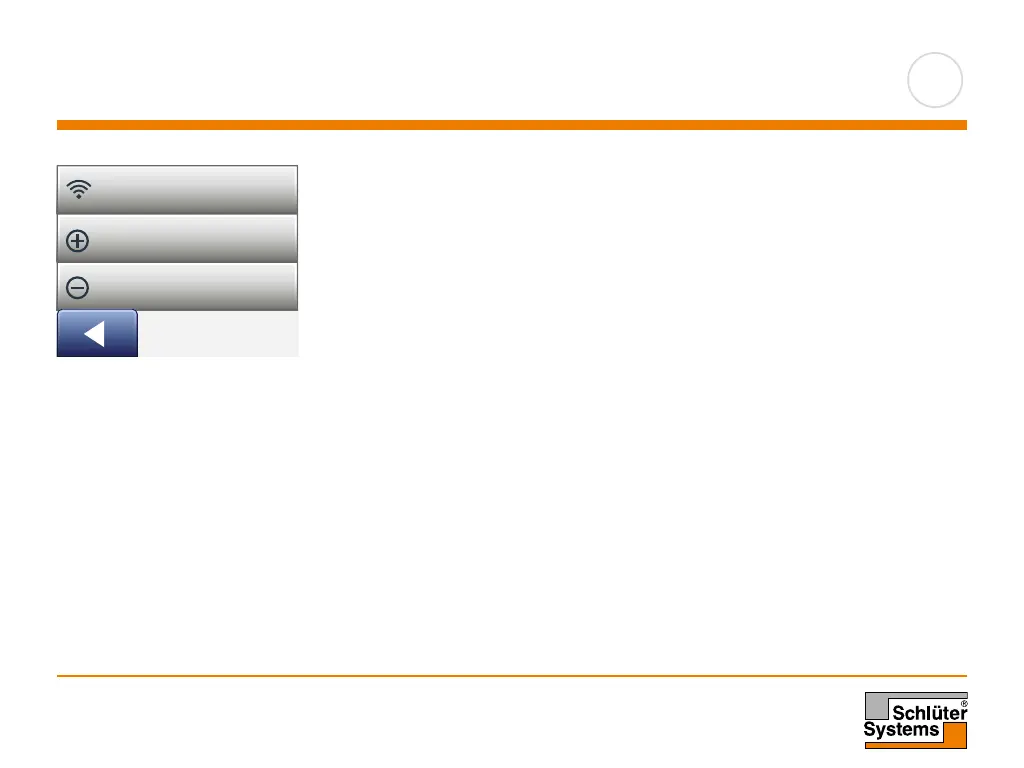
Connect to App*
Install the Schlüter-HEAT-CONTROL app on your smart device.
1. When you have successfully set up a WiFi connection on your thermostat, you
can connect it to Schlüter-HEAT-CONTROL app in the following way:
2. Tap the “Menu” button on the home screen.
3. Then tap the “App Control” button to access the app setup options.
4. Tap the “Connect to App” button to connect to your app.
5. Choose how to connect to your app:
• Tap “QR Code” to display a QR code that you can scan with your mobile
phone.
• Tap “Thermostat ID” to display the thermostat ID that you can enter in your
app.
6. Confirm with “√”.
Wi-Fi Connection
Connect to App
Remove from App
WiFi Connection
Connect to app
Remove from app
*
)
Only available for the DHERT6/BW Smart (WiFi & Voice Control) thermostat



 To Next Page