EasyManua.ls Logo

Sealife ReefMaster Mini - User Manual

Sealife ReefMaster Mini
82 pages
Print Icon
To Next Page IconTo Next Page
Loading...
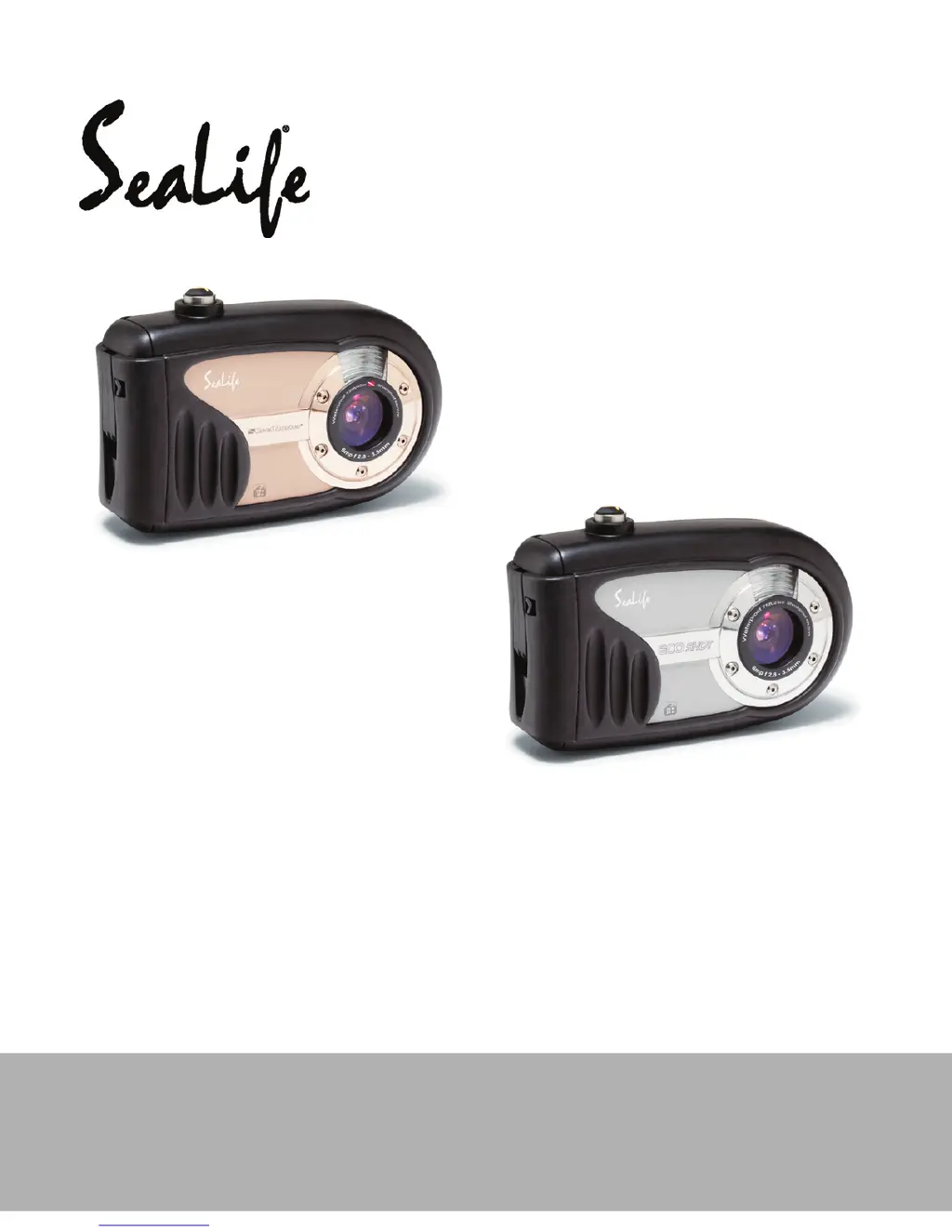
Waterproof / Shockproof
Digital Sports Camera
ReefMaster Mini / SL320
ECOshot / SL321
English
Instruction Manual
Go to www.sealife-cameras.com/service/manuals.html for
ENGLISH, FRANCAIS, DEUTSCH, ITALIANO and ESPANOL versions

Table of Contents

Questions and Answers

  • K
    kathleenarmstrongSep 8, 2025
    Why can't I replay the contents of the memory card on my Sealife ReefMaster Mini?
    • R
      Ricky ThompsonSep 8, 2025
      If you cannot replay the contents of the memory card, it might be because you're trying to play back a memory card that wasn't formatted by this device. Load a card that was formatted and stored on by this device.
  • R
    rroseSep 10, 2025
    Why are my Sealife Digital Camera images dark even when the flash fires?
    • M
      Michelle PerkinsSep 10, 2025
      If your Sealife Digital Camera images are dark even when the flash fires, it could be because the distance to the subject is greater than the flash's effective range. Try getting closer to your subject before taking the shot.
  • J
    johnsmithSep 12, 2025
    How to fix 'cannot format memory card' error on Sealife Digital Camera?
    • S
      Suzanne HallSep 12, 2025
      If you cannot format a memory card on your Sealife Digital Camera, check if the memory card is write-protected and remove the write-protection. Alternatively, the memory card might be at the end of its life, so try loading a new memory card.
  • M
    Mary SerranoSep 13, 2025
    What to do if my Sealife Digital Camera power does not go off?
    • M
      Micheal RodriguezSep 13, 2025
      If the power on your Sealife Digital Camera does not turn off, it could be due to a camera malfunction. Try reloading the batteries.
  • D
    Daniel MyersSep 15, 2025
    How to fix images lacking natural color on my Sealife Digital Camera?
    • D
      Denise KennedySep 15, 2025
      If your Sealife Digital Camera images lack natural color, particularly in land shots, it may be because the image was captured in conditions that are hard for Auto White Balance to adjust to. Try manually selecting the white balance.
  • S
    Sharon SmithSep 18, 2025
    Why do images not appear on the LCD monitor of my Sealife ReefMaster Mini?
    • M
      mcollinsSep 18, 2025
      If images do not appear on the LCD monitor of your Sealife Digital Camera, ensure that the power is turned on.

Summary

Getting Started and Safety

Safety Instructions

Essential safety guidelines to prevent camera damage and user injury.

Camera Overview and Preparation

Covers camera parts, initial setup, and basic configuration.

Camera Modes and Operation

Photography Mode Features

Covers shooting basics, image settings, exposure, and scene modes.

Video and Playback Modes

Recording/playing videos and basic image playback.

Advanced Playback and Printing

File management, DPOF, and printer connectivity.

Underwater Use and Computer Connectivity

Underwater Photography and Maintenance

Tips for underwater shots and maintaining waterproof seal.

File Transfer and PC Camera Usage

Connecting to PC, transferring files, and using as webcam.

Menu Options, Specifications, and Troubleshooting

Camera Menu Settings

Detailed explanation of all menu options.

Specifications and Troubleshooting

Technical specs and problem-solving guide.

Sealife ReefMaster Mini Specifications

General IconGeneral
Maximum frame rate30 fps
Video formats supportedAVI
Maximum video resolution640 x 480 pixels
Photo modeYes
Sensor typeCMOS
Total megapixels9 MP
Image formats supportedJPG
Maximum image resolution3472 x 2604 pixels
Display diagonal2.4 \
Digital zoom3 x
Internal memory28 GB
Compatible memory cardsSD, SDHC
GPS (satellite)No
Product colorBlack, Red
Protection featuresWater resistant
Languages supportCHI (SIMPL), CHI (TR), DEU, DUT, ENG, ESP, FRE, ITA, POR, RUS, TUR
Fastest camera shutter speed1/2000 s
Slowest camera shutter speed1 s
Battery typeAAA
Battery life (max)- h
Battery technologyAlkaline
Weight and Dimensions IconWeight and Dimensions
Depth46 mm
Width114 mm
Height76 mm
Weight286 g

Related product manuals