M4200 - User manual
Revision: 07.03.2017 Page 15
Dip switches - operational principle
There are 16 dip switches spread on 2 rows with 8 in each row. Each dip switch has 2 positions; ON and
OFF (2 functions per dip switch).
The functions of each dip switch depend on the position of the rotary. This means that 2 × 16 (on/off)
different settings are available on each of the 9 positions on the rotary switch (no programming facilities are
available when the rotary switch is in position 0, operational mode).
When the rotary switch is in position 1 – 8, each dip switch has the same functions because the same
functions are needed on each input channel.
Factory default - dip switches
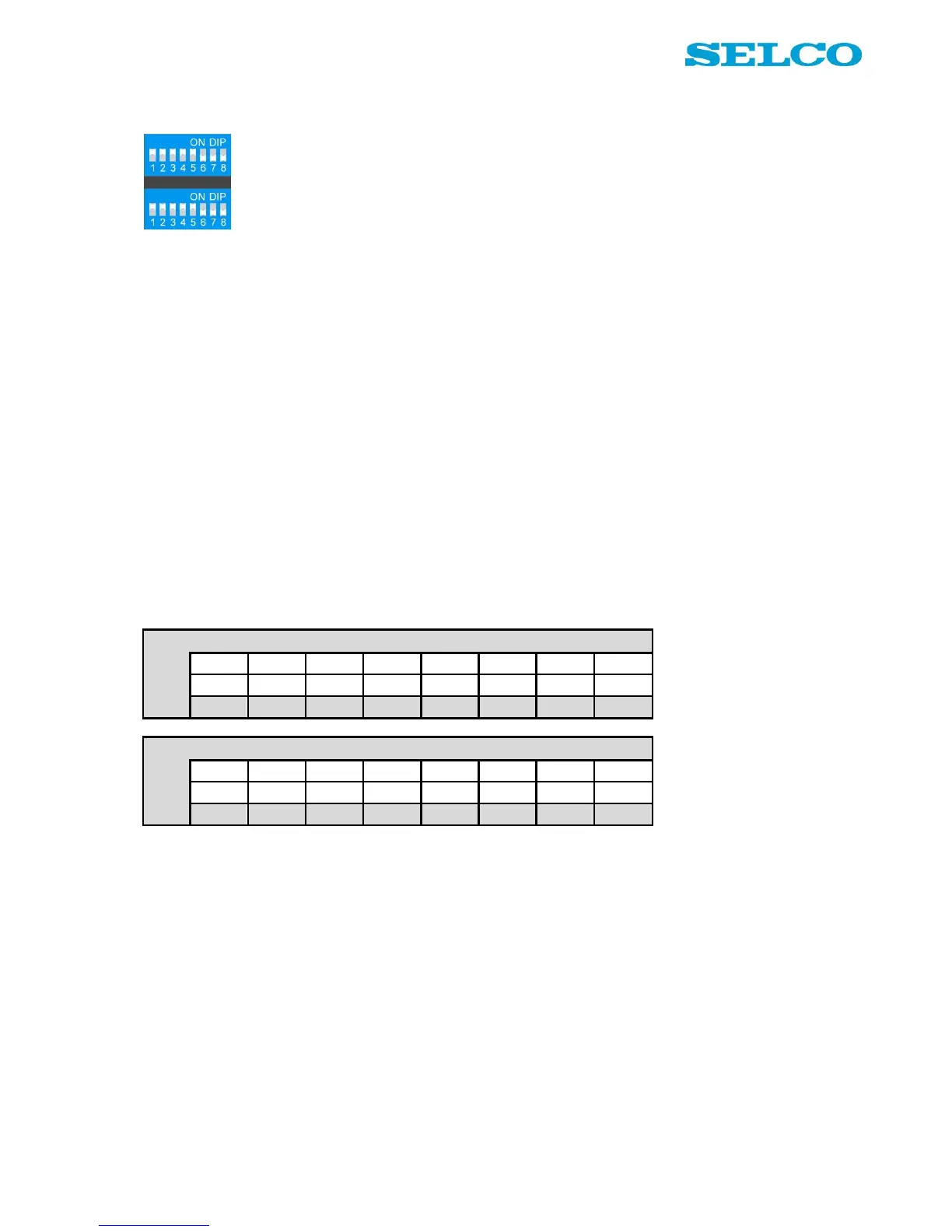
Figure 11 shows how all the dip switches are set, when the alarm monitor leaves the SELCO factory. Before
starting any programming session on the alarm monitor, it is recommended to set all dip switches as shown
in Figure 11.
The reason is that when saving is done by the set button, all settings will be saved even though only a few
dip switch positions have been changed.
Figure 11. Dip switch settings (factory default).
Factory default – all settings
It is possible to return all settings on the alarm monitor into factory default by 1 operating cycle:
1. Set the rotary switch in position 0.
2. Press the button “Set” (the colour of the “Ack” LED changes into red light).
3. Hold “Set” button down in 5 seconds.
4. The colour of the “Ack” LED changes into green light.
5. Release the “Set” button.
Now all settings are returned to factory default. It is still necessary to set up all dip switch contacts manually
(please refer to the previous section in this manual).


 To Next Page