SELECT GATE SG-1A V1.X
SELECT ENGINEERED SYSTEMS 11/01 7
MOUNT SELECT GATE
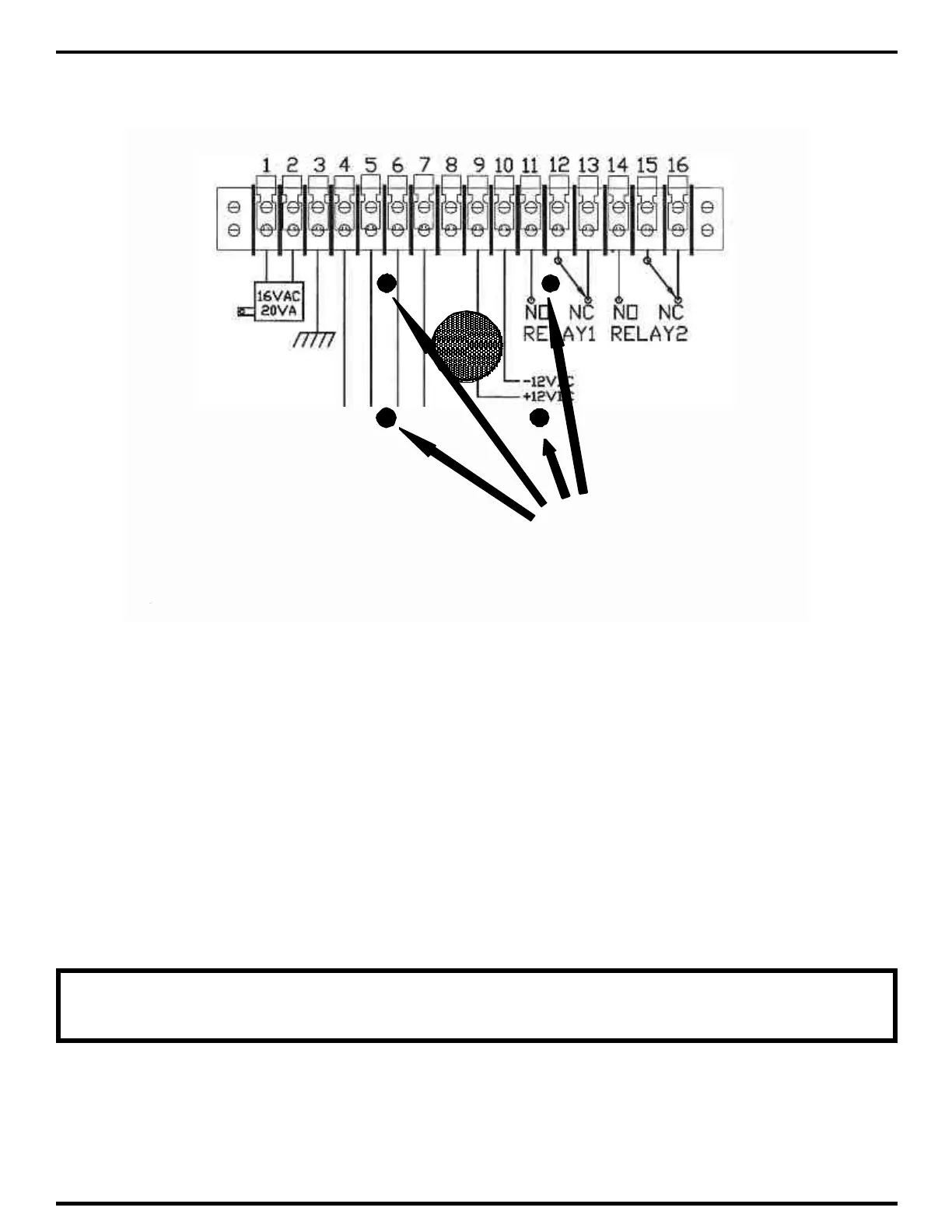
USING THESE HOLES
3.1 INSTALLATION PROCEDURE
3.1.1 MOUNTING SELECT GATE
1) The Select Gate should be mounted approximately 48 - 52 inches above finished floor to the
center of the Select Gate. For drive up applications, Select Gate should be mounted approximately
48" above finished flooring to the center of Select Gate. Optional hand set units should be mounted
46" above finished floor.
2) To surface mount the Select Gate, mount the back-box using the four ¼" holes provided. Bring all
wiring through the 1" diameter hole centered between the mounting holes.
3) For pedestal mounting, pedestals (both curb (PST236) and street (PST242)) are available from
SES. Mounting holes on Select Gate back box match these mounts. For other enclosures, holes
may be added as required. For pedestals with bottom mount, holes must be chosen with care, so
as not to interfere with the electronics, and the face plate mounting.
NOTE: ALL METAL PARTICLES FROM DRILLING MUST BE REMOVED,
BEFORE ELECTRONICS ARE INSTALLED IN SELECT GATE.
4) All wire openings, or any penetration of the Select Gate enclosure should be sealed with a
good grade of RTV silicon sealant.



 To Next Page