SELECT GATE SG-1A V1.X INSTALLATION AND USER GUIDE
30
E
PUSH
TO
CALL
Select
Engineered
Systems, Inc.
Hialeah, FL33016
1(800)343-5737
5.2 SELECT GATE CALLING HOUSE WHEN PHONE IN USE
If you are using the phone when someone calls from the
Select Gate, you can transfer from the outside line call and the
Select Gate call. You will hear a beep pattern in the background.
This will be 1 of 4 combinations depending on how your Select
Gate is programmed.
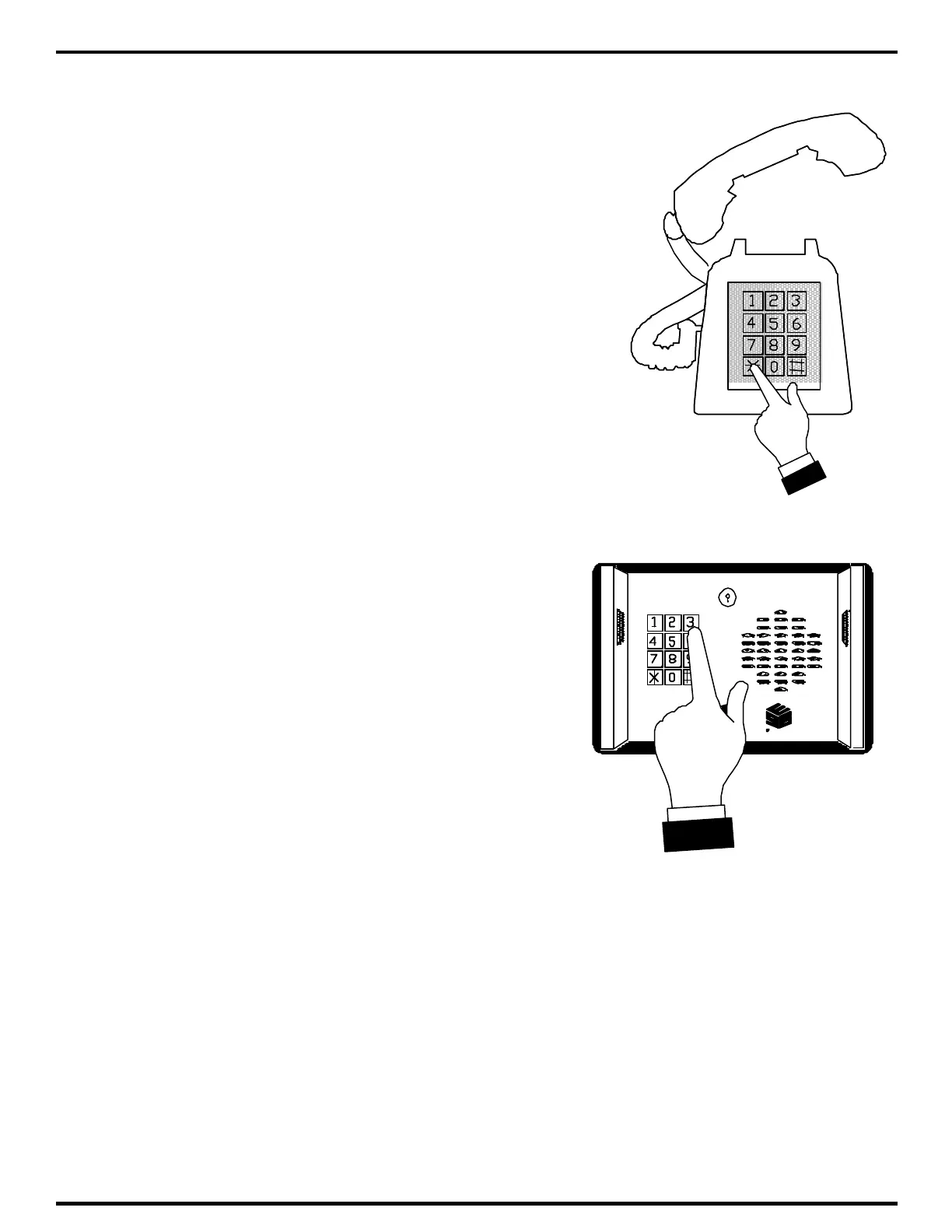
When you hear that beep, tell whoever you were talking to, to
hold for a moment and press the "*" or “#” key as shown at right.
This will transfer your house phone to the Select Gate.
Open the Select Gate as in the previous section by pressing
"6" on your phone. The Select Gate will open and you will be
immediately transferred back to your original call.
5.3 SELECT GATE CALLING OUTSIDE PHONE
Select Gate can call up to 10 different phone
numbers. These numbers must be previously
programmed into Select Gate. These phone numbers
are referenced by a code number. This code number is
1 digit.
After Select Gate has placed the call, the called
party may press a Touch-Tone™ "6". This will open the
entrance, just as if the house had pressed a "6".
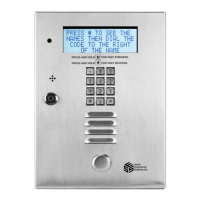
In the example at right, pressing a "3" (assuming a
code length of 1) will dial whatever phone number was
programmed into code number 3. This phone number
may be up to 14 digits in length. This makes it possible
to dial long distance phone numbers.



 To Next Page