SELECT GATE SG-1A V1.X INSTALLATION AND USER GUIDE
16
3.1.8 ADJUSTING MICROPHONE SENSITIVITY
To adjust the microphone sensitivity, move the white nylon wheel in the desired direction.
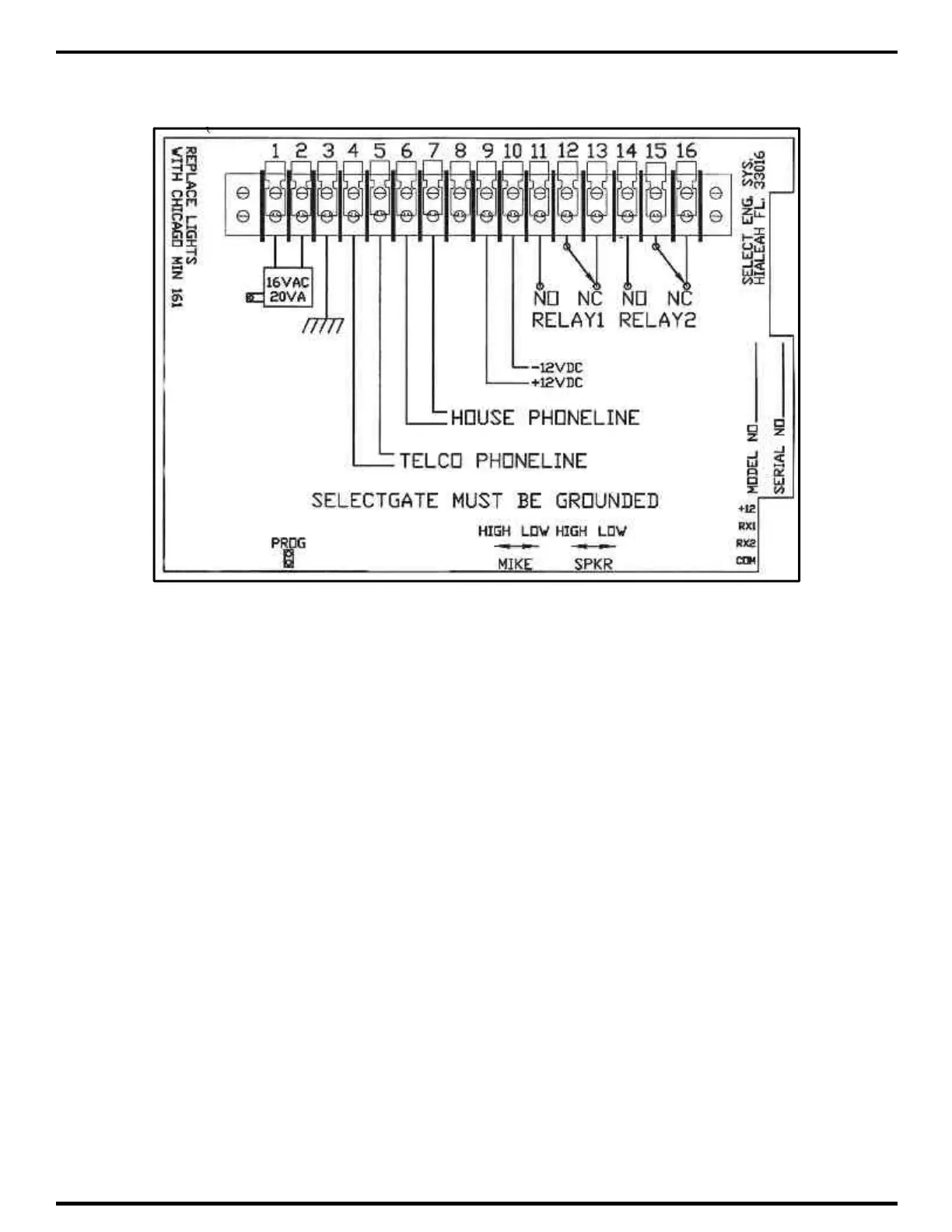
See diagram above. The microphone sensitivity adjusts the point at which Select Gate switches
from speaker to microphone. It also adjusts the microphone volume within a more narrow range
than the speaker adjustment control. For this reason, care must be taken to avoid extremes of
adjustment. Otherwise, either the microphone or the speaker may be unable to switch on until the
controls are more balanced.
To get into the general range of adjustment, call the house from Select Gate. Have
someone in the house count from 1 to 10 while brushing your fingertip back and forth over the
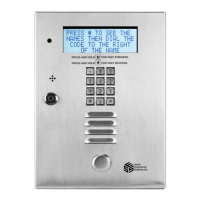
microphone hole. This is to the left of the call button. When you hear some of the syllables begin
to miss (because the microphone circuit is cutting off the speaker), you have the microphone
adjusted. Fine tune the adjustment by conversing back and forth normally and making any further
adjustments as required.



 To Next Page