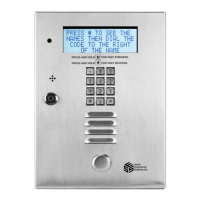
SELECT GATE SG-1A V1.X INSTALLATION AND USER GUIDE
20
5 3
24
1
6
1 1
0
7
92 Clear All Pins
94 Preset Relays
96 Set Call Forward
99 Preset All Memory
NOTE: ALL SELECTIONS IN SECTION 4.2 ASSUME SELECT GATE IS
ALREADY IN PROGRAMMING MODE.
4.2.1 PIN CODES (Function 12)
On the Select Gate the PIN length is 4 digits. To set a PIN code requires a 2 digit code (where
the PIN is stored in the Select Gate), the 4 digit PIN itself, an action code for the relay and a time zone (in
future versions) There can be up to 100 pin codes in a Select Gate.
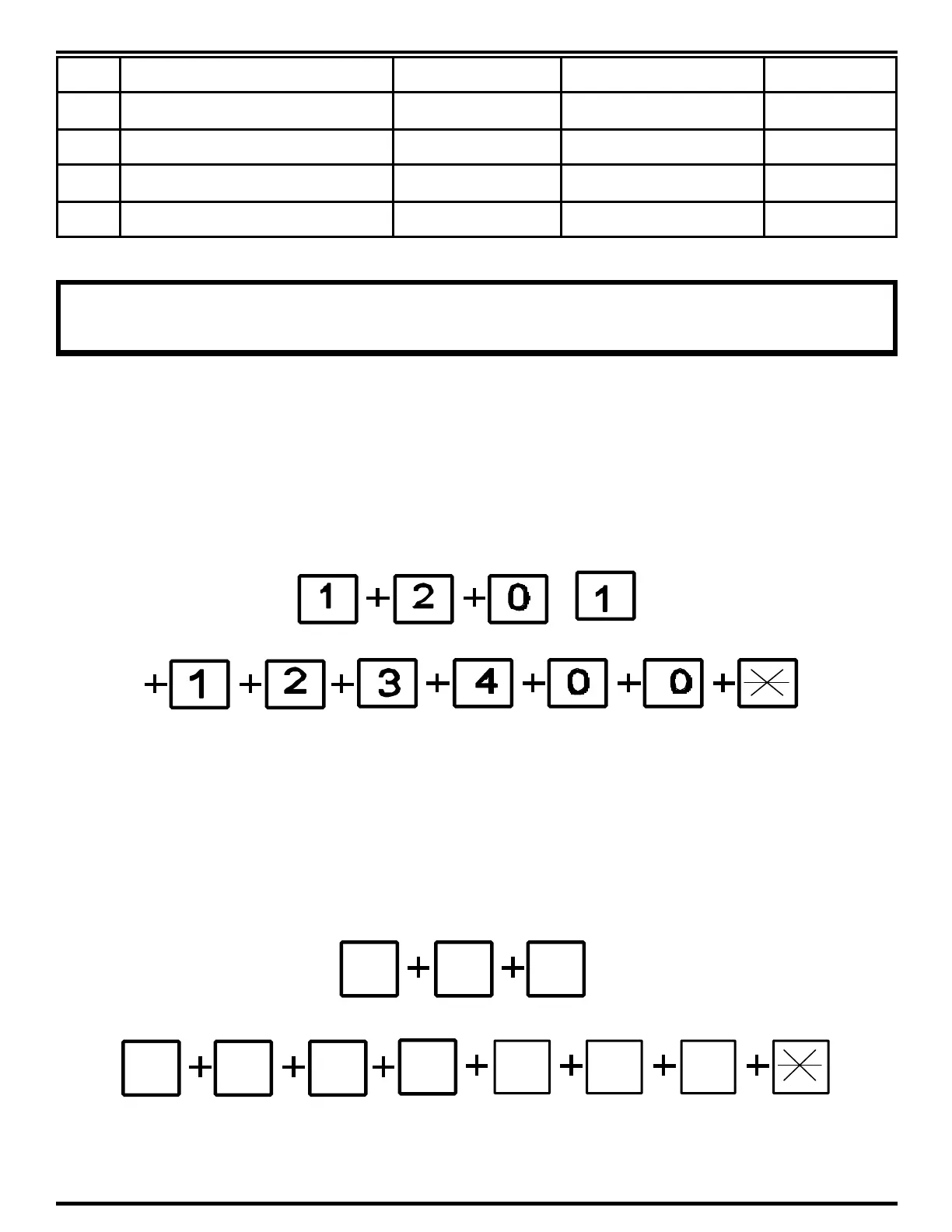
Example: To set a pin code to 1234, from Programming mode, key in 12 01 1234 0 0. This puts the PIN
number 1234 in location 01 and will always open relay 1.
To remove a PIN number: Press 12 01 0000 00 *. 1234 is no longer valid.
4.2.2 PHONE CODES (Function 11)
The Select Gate can dial up to 10 phone numbers that can be up to 16 digits in length including
pauses. Each 2 second pause counts as a digit. To set a phone from Programming mode, key in 11, a
number from 0 - 9 (the phone code), and the phone number itself. To program a pause, use the # key. A
pause is approximately 2 seconds long.
Here is an example of programming a phone number 765-4321 into location 0:
To remove a phone code: Press 110 # *. 7654321 is no longer valid.



 To Next Page