SELECT GATE SG-1A V1.X INSTALLATION AND USER GUIDE
28
4.2.28 CLEAR ALL CALL FORWARD PARAMETERS (Function 96)
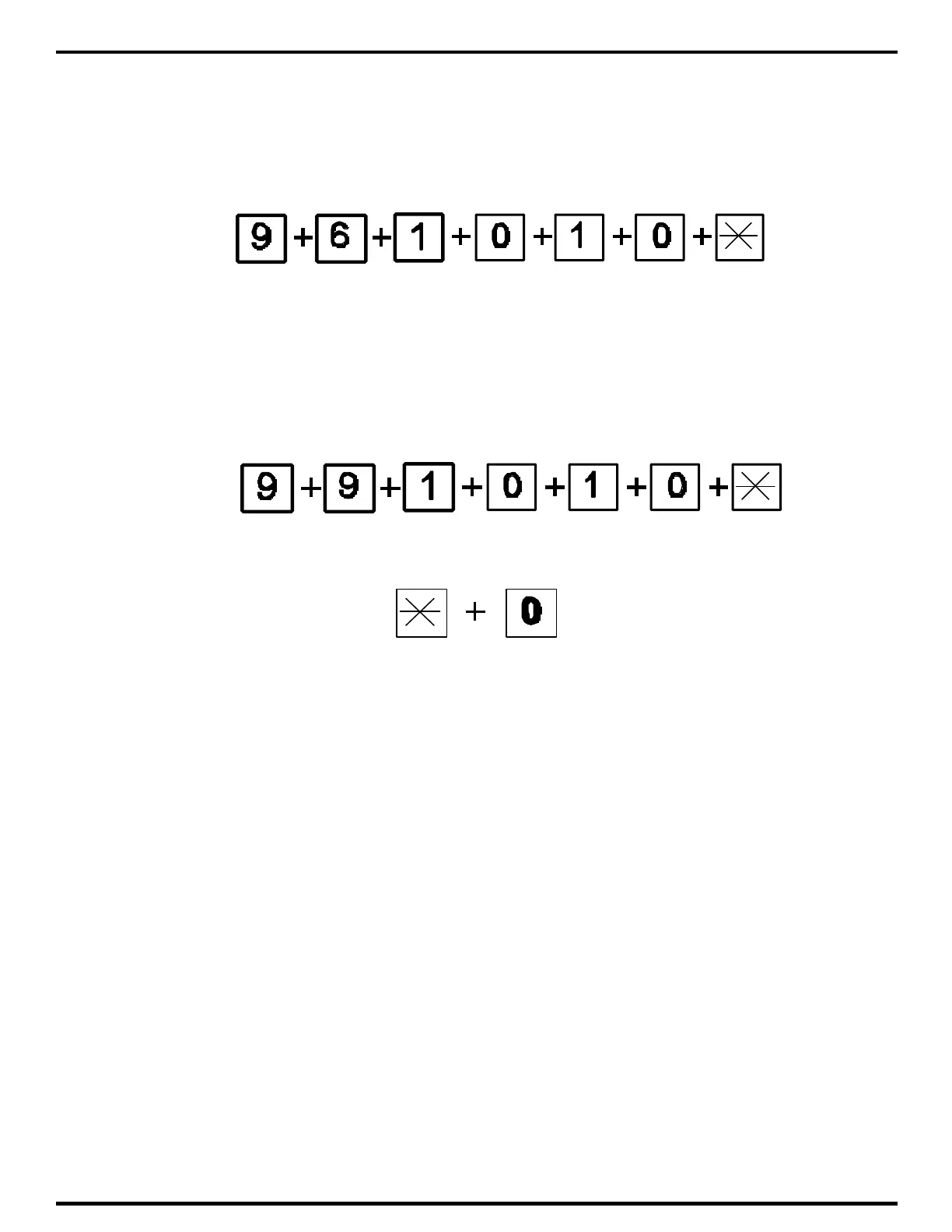
To clear all programmed call forward phone numbers from the Select Gate, press the sequence
96 followed by 1010 and *. The 1010 is to keep from inadvertently erasing any functions by
accident.
4.2.29 PRESET ALL MEMORY (Function 99)
To clear EVERYTHING ever programmed into the Select Gate, press the sequence 99 followed
by 1010 and *. The 1010 is to keep from inadvertently erasing any functions by accident. This will
set ALL operating parameters back to the factory default. Select this function with care.
4.3 EXITING PROGRAM MODE
To exit program mode from the keypad on the front of the Select Gate, press the "*" and
the "0" keys simultaneously. If you do not press any key for 60 seconds, the Select Gate will
automatically exit program mode.



 To Next Page