EasyManua.ls Logo

Sena 30K - Page 57

Sena 30K
91 pages
Print Icon
To Next Page IconTo Next Page
To Previous Page IconTo Previous Page
Loading...
Intercom
Pairing
Two-Way
Intercom
Multi-Way
Intercom
Three-Way
Conference
Phone Call
with Intercom
Users
Group
Intercom
Universal
Intercom
Audio
Multitasking
(Always On)
Intercom-
Audio Overlay
Sensitivity
Audio Overlay
Volume
Management
VOX Intercom
Intercom VOX
Sensitivity
HD Intercom
Advanced
Noise
Control™
30K Motorcycle Bluetooth Communication System | 57
7. Bluetooth
Intercom Setup
MENU
1x
TAP
10s
HOLD
ROTATE
R
P
“Universal intercom”
“Confi guration menu”
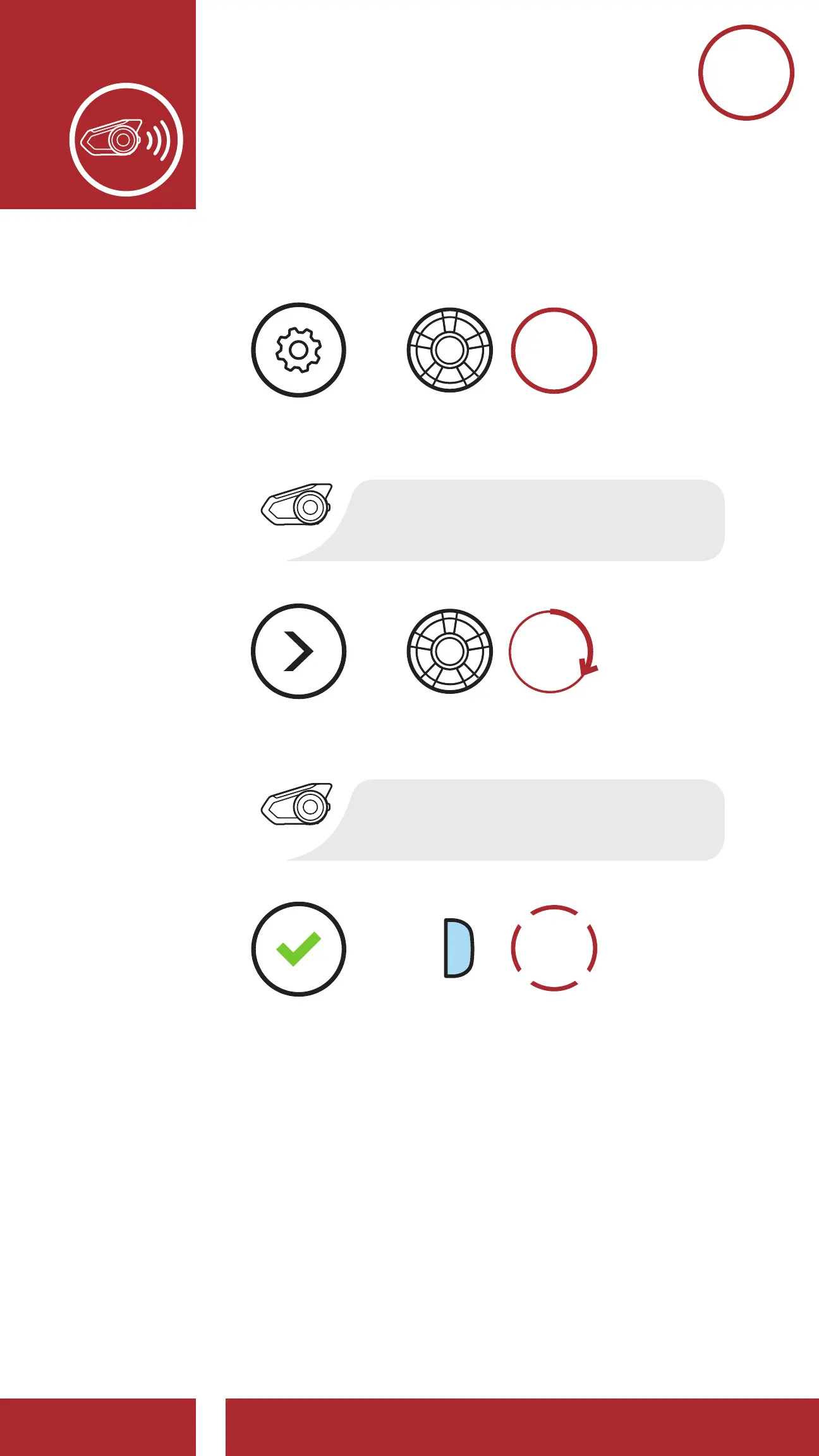
Access Universal Intercom in the Confi guration Menu
EXECUTE
=
=
=
ACCESS
CONFIG.
MENU
NAVIGATE
FORWARD
2. Put the non-Sena Bluetooth headset in Pairing
Mode. The headset will automatically pair with a
non-Sena Bluetooth headset.

Other manuals for Sena 30K

Related product manuals