Button
Functions
Powering
On and Off
Charging
Checking the
Bluetooth
Battery
Level
Volume
Adjustment
Downloadable
Sena Software
Configuration
Menu
Sena Cavalry Lite Bluetooth
®
Half Helmet | 15
2. GettinG started:
built-in bluetooth
system
MENU
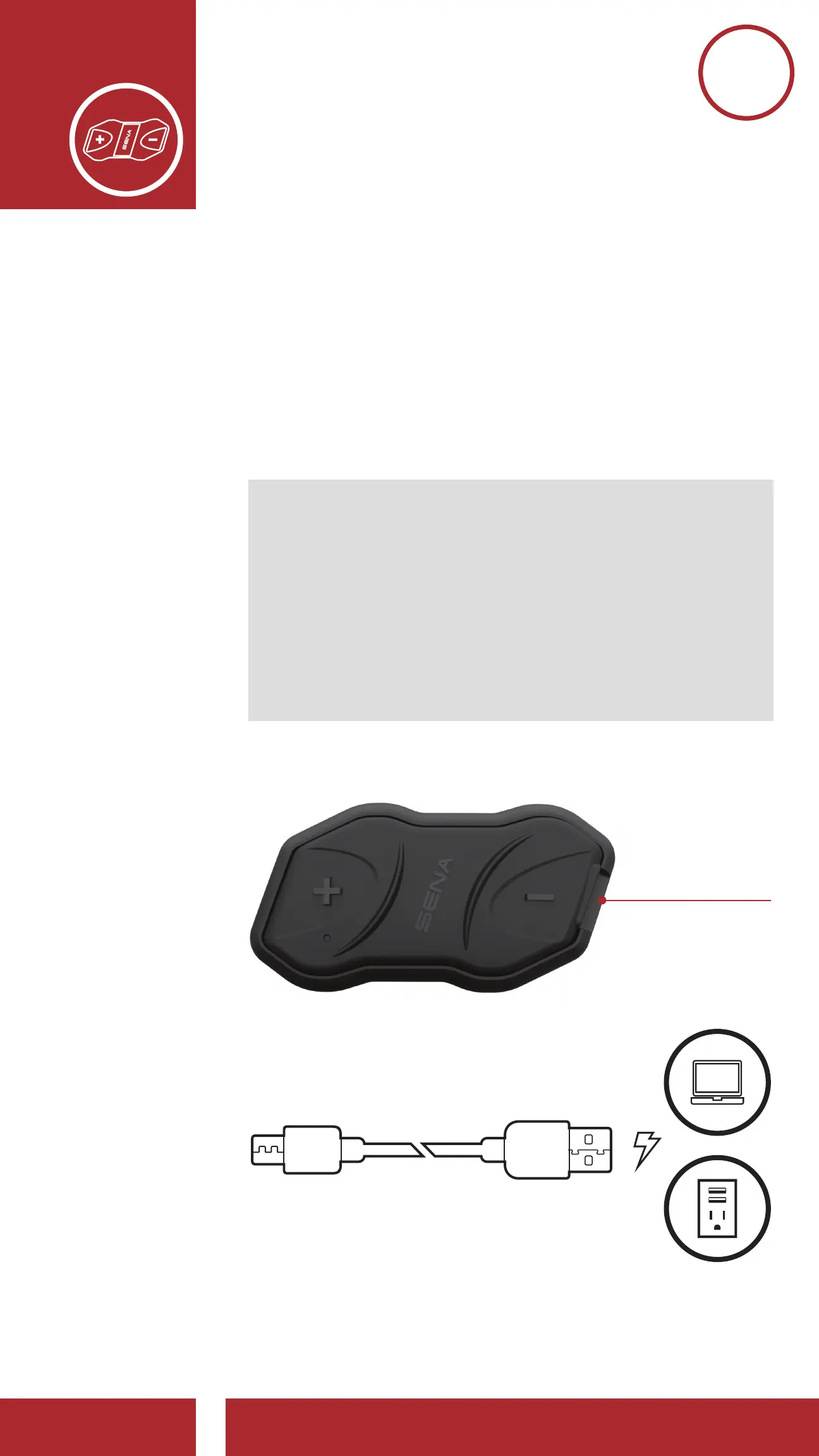
2.3 Charging
The Bluetooth Communication Module can be
charged using many common methods via the
supplied USB power & data cable:
1. Plugged into a computer’s USB port
2. With a USB-equipped AC adapter via
a wall-outlet charger
Note:
• Please make sure to take off your helmet while
charging. The headset automatically turns off
during charging.
• Any 3rd party USB charger can be used with
Sena products if the charger is approved
by either the FCC, CE, IC or other locally
approved agencies that Sena accepts.
Charging the Bluetooth Communication Module
DC Power
Charging &
Firmware
Upgrade Port
Depending upon the charging method, the
Bluetooth Module will be fully charged in about
2.5 hours.



 To Next Page