Playing
Music with
Bluetooth
Devices
Music
Sharing
Audio Boost
Sena Cavalry Lite Bluetooth
®
Half Helmet | 35
5. Stereo muSic
MENU
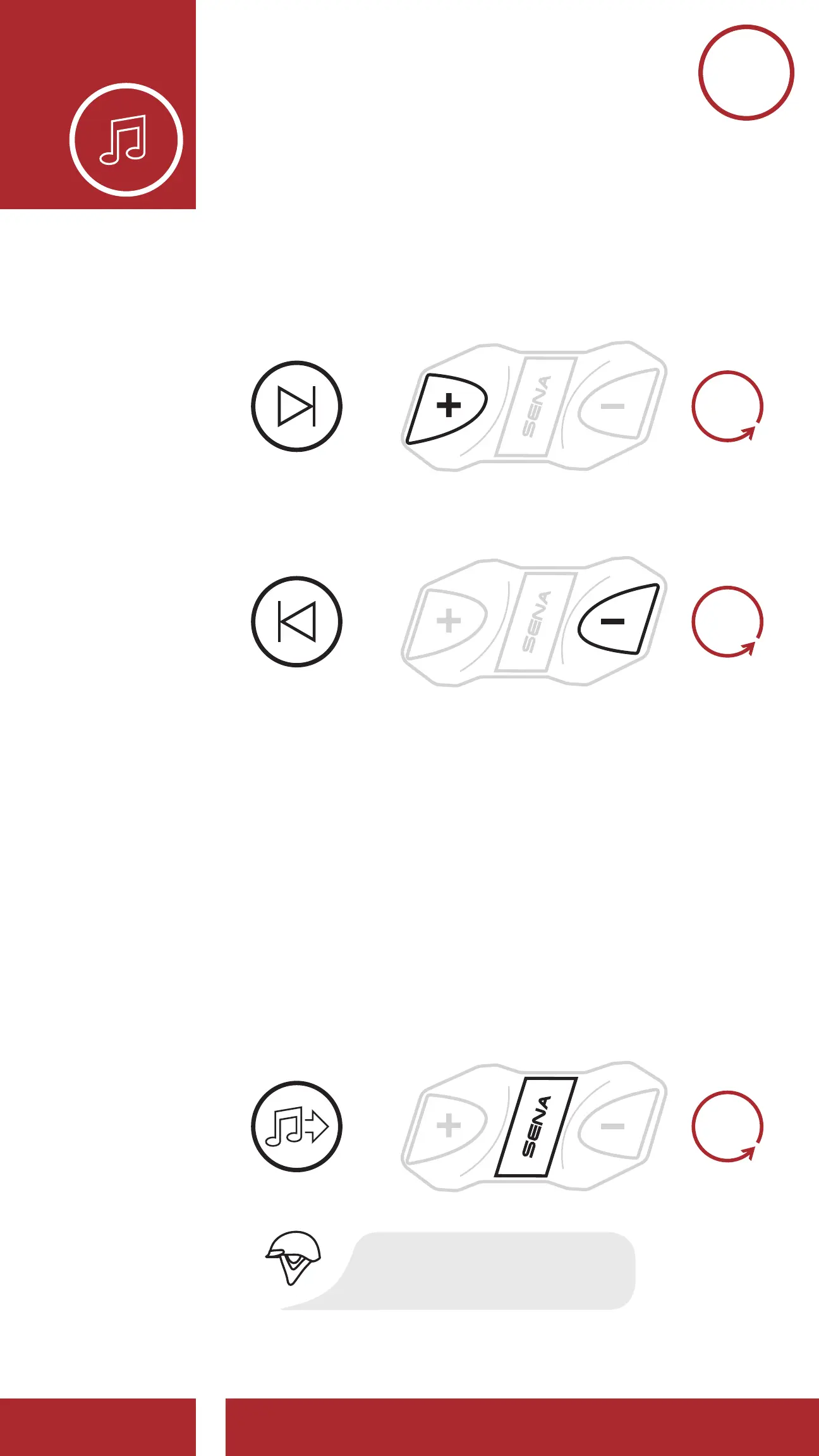
3. To track forward or back, press and hold the
(+) Button or the (-) Button for 1 second.
Next Track
Previous Track
=
=
SKIP TRACK
FORWARD
SKIP TRACK
BACKWARD
1s
HOLD
1s
HOLD
5.2 Music Sharing
You can share the music you’re listening to with an
Intercom Friend during an intercom conversation.
To start or terminate sharing music, press the
Center Button for 1 second during an intercom
conversation until you hear a double beep. Both
you and your Intercom Friend can control music
playback.
Sharing Music with an Intercom Friend
during Intercom Conversation
SHARE
MUSIC
=
“[Beep, Beep]”
1s
HOLD



 To Next Page