FM Radio
On/Off
Seek and
Save Radio
Stations
Scan and
Save Radio
Stations
Temporary
Station
Preset
Navigating
Preset
Stations
Region
Selection
Radio Data
System (RDS)
Alternative
Frequency
(AF)
Sena Cavalry Lite Bluetooth
®
Half Helmet | 42
7. USING THE FM RADIO
MENU
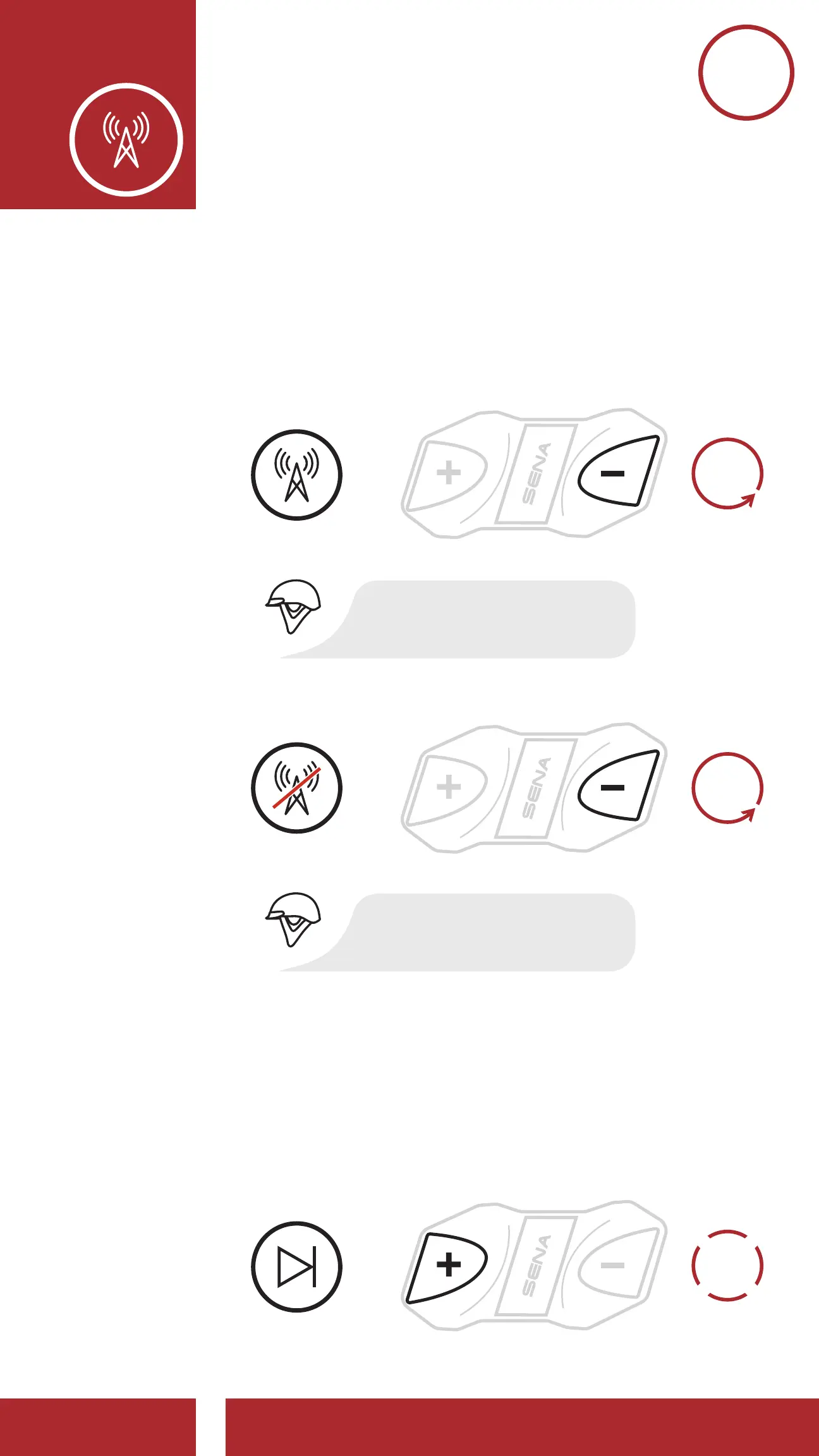
7.1 FM Radio On/Off
To turn on or shut off the FM radio, press the
(-) Button for 1 second until you hear a double
beep.
FM Radio Off
FM RADIO
OFF
FM RADIO
ON
=
=
“[Beep, Beep]”
“[Beep, Beep]”
1s
HOLD
1s
HOLD
7.2 Seek and Save Radio Stations
The “Seek” feature searches for radio stations.
1. Double tap the (+) Button or the (-) Button to
search for radio stations.
Seek Stations Forward
Seek Stations Backward
Enter Preset Selection Mode
Navigate Forward through Preset Stations
Navigate Backward through Preset Stations
Save Station to the Preset Number
Delete Station from Memory
DELETE
STATION
SAVE TO
PRESET #
NAVIGATE
BACKWARD
NAVIGATE
FORWARD
ENTER
PRESET
MODE
SEEK
FORWARD
SEEK
BACKWARD
1x
TAP
1x
TAP
3s
HOLD
1s
HOLD
1s
HOLD
=
2x
TAP



 To Next Page