FM Radio
On/Off
Seek and
Save Radio
Stations
Scan and
Save Radio
Stations
Temporary
Station
Preset
Navigating
Preset
Stations
Region
Selection
Radio Data
System (RDS)
Alternative
Frequency
(AF)
Sena Cavalry Lite Bluetooth
®
Half Helmet | 46
7. USING THE FM RADIO
MENU
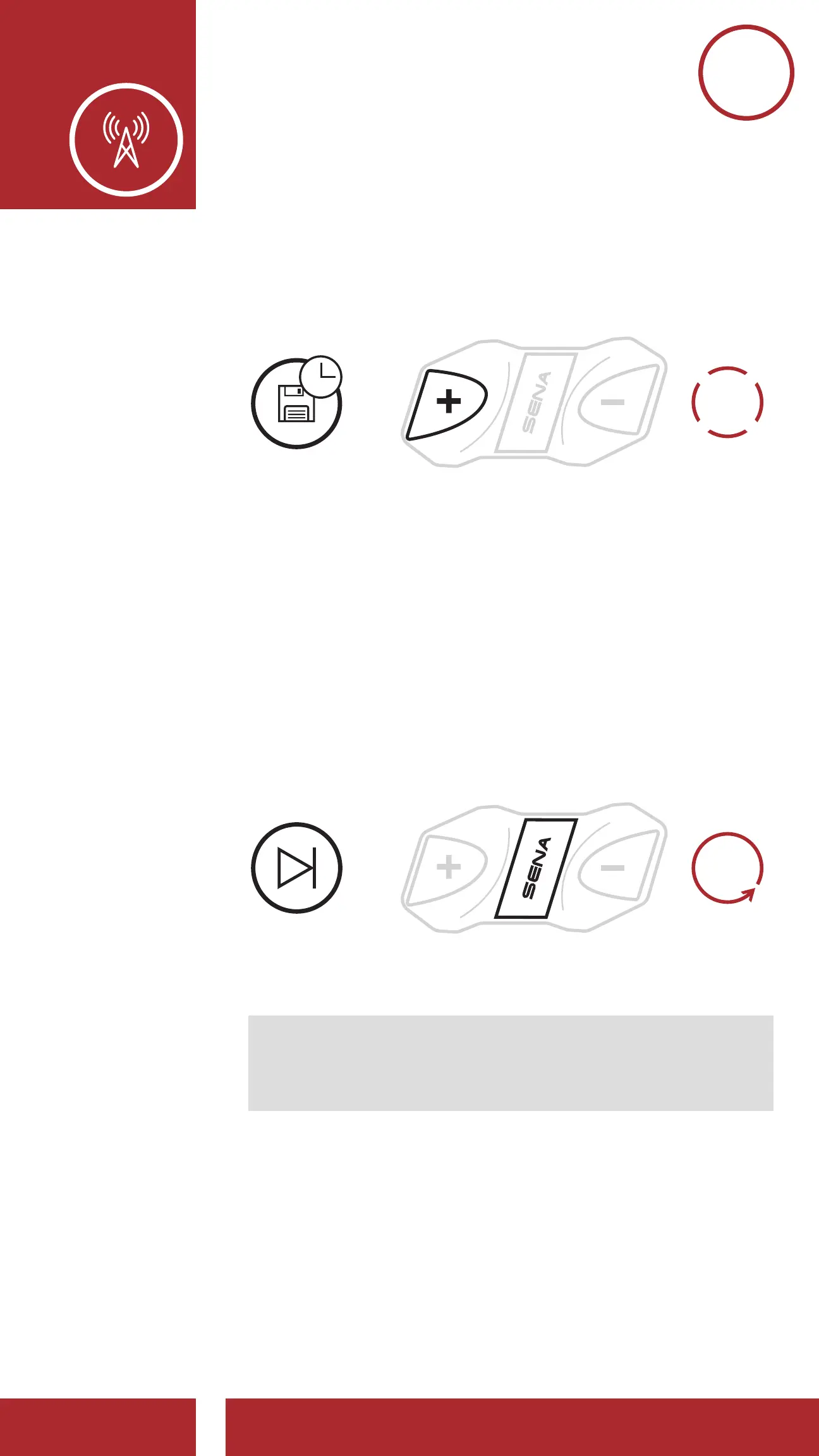
1. Tap the (+) Button three times to automatically
find and save 10 stations.
TEMPORARY
STATIONS
=
3x
TAP
2. The temporary preset stations will be cleared
when the Bluetooth Module reboots.
7.5 Navigating Preset Stations
Using the methods above, up to 10 radio stations
can be stored. Press and hold the Center Button
for 1 second to navigate through the saved
stations.
Navigate through Preset Stations
NAVIGATE
FORWARD
1s
HOLD
=
Note: You can use the Sena Device Manager or
the Sena Smartphone App to save the preset
stations.



 To Next Page